Kitsmith / Utilities / LinearMouse

A free, open-source mouse and trackpad utility for Mac — per-app scrolling, pointer-speed, and button-remap profiles that switch automatically by device, app, or display.
Our take
The scroll/pointer-tuning app for people who want Windows- or Linux-style linear pointer acceleration (or none at all) on a Mac, plus independent settings per device: reverse scroll direction on a mouse while keeping natural scrolling on the trackpad, remap buttons to shortcuts and Mission Control gestures, and have it all switch automatically by app or connected display. Free and open source under the MIT license, maintained on GitHub by a developer using the handle "lujjjh," funded through GitHub Sponsors, Ko-fi, and Open Collective rather than sold.
- Price
- Free
- License
- Open source
- Requires
- macOS 10.15 or later, per the project’s Xcode build configuration.
- Get it via
- Homebrew · Direct · GitHub
- Developer
- lujjjh (open source, linearmouse.app)
Do you use LinearMouse?
Who made this
Are you lujjjh (open source, linearmouse.app)? Claim this profile to add a photo, a bio, and links — or ask us to remove it.
What it does
Per-device, per-app profiles
Different scrolling, speed, and button settings for each mouse or trackpad, switching automatically by app or connected display.
Independent scroll direction
Keep natural scrolling on the trackpad while reversing it on a mouse, or tune each direction separately.
Pointer acceleration control
Fine-tune or fully disable pointer acceleration for steady, predictable tracking.
Button remapping
Remap buttons and scroll actions to shortcuts, media controls, and Mission Control gestures.
The deal
- Free, open source (MIT license)
- Funded through voluntary sponsorship (GitHub Sponsors, Ko-fi, Open Collective), not sold
LinearMouse — questions people ask
Is LinearMouse free?
Yes — free and open source under the MIT license, funded by voluntary sponsorship rather than sold.
Does LinearMouse support per-app settings?
Yes — profiles can switch automatically based on the active app, the connected display, or the specific mouse or trackpad in use.
Is LinearMouse free?
Yes — LinearMouse is free.
Does LinearMouse work alongside a notch app like Alcove?
Yes — LinearMouse lives in the menu bar, so it runs happily alongside any Dynamic Island hub or notch app.
Where can I download LinearMouse?
LinearMouse is available via Homebrew, Direct, GitHub.
Is LinearMouse open source?
Yes — LinearMouse is open source.
Reviews
No public ratings yet. Reader reviews are coming to Kitsmith soon.
Listing hand-verified September 18, 2026 from the developer's site and public sources.
Also in tweaks & customization
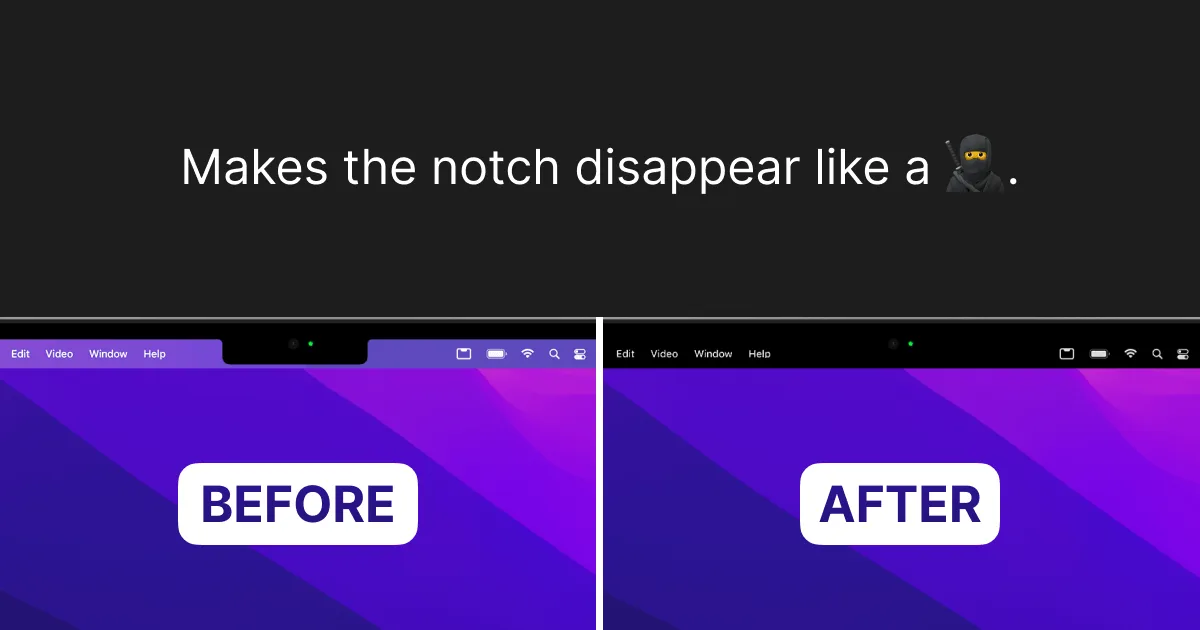

TopNotch
FreeMakes the notch disappear by blending the menu bar to black — wallpapers, multi-display, done.

iWallpaper - Live Wallpaper
Free to browse and preview; $6.99 per wallpaper to remove the watermarkA live/animated wallpaper engine for Mac with independent multi-monitor control — free to browse, $6.99 to remove the watermark per wallpaper.

Scroll Reverser
FreeA free, open-source Mac utility that reverses scroll direction, with independent settings for trackpads and mice (including Magic Mouse).

Mac Mouse Fix
Free 30-day trial (based on usage, not calendar days), then $2.99 one-timeBrings Trackpad-style gestures — Mission Control, App Exposé, Launchpad, smooth momentum scrolling — to a plain third-party mouse, with a 30-day free trial then a $2.99 one-time purchase.