Kitsmith / Focus & Pomodoro
MacFocus Timer Apps
These stack alongside your notch app.
Focus tools that use the always-visible strip at the top of your screen to keep you on task — pomodoro timers, session trackers, and single-task anchors. The glanceable location is the feature, and they run happily beside any island hub.
Focus timer apps use the one strip of screen that’s always visible to keep your current commitment in front of you — a pomodoro countdown, a session tracker, or literally a single line of text naming the task you’re supposed to be doing.
Session is the polished, measured end: intentions, breathing intros, and analytics on where your deep-work hours go. Flow is the low-ceremony minimal timer. One Thing, from indie developer Sindre Sorhus, is the purest idea in the category — one task in the menu bar until it’s done, free.
All three live in the menu bar, so they pair with any notch hub — and several hubs bundle their own basic timers if you want fewer apps.
All 5 apps
No apps match those filters.
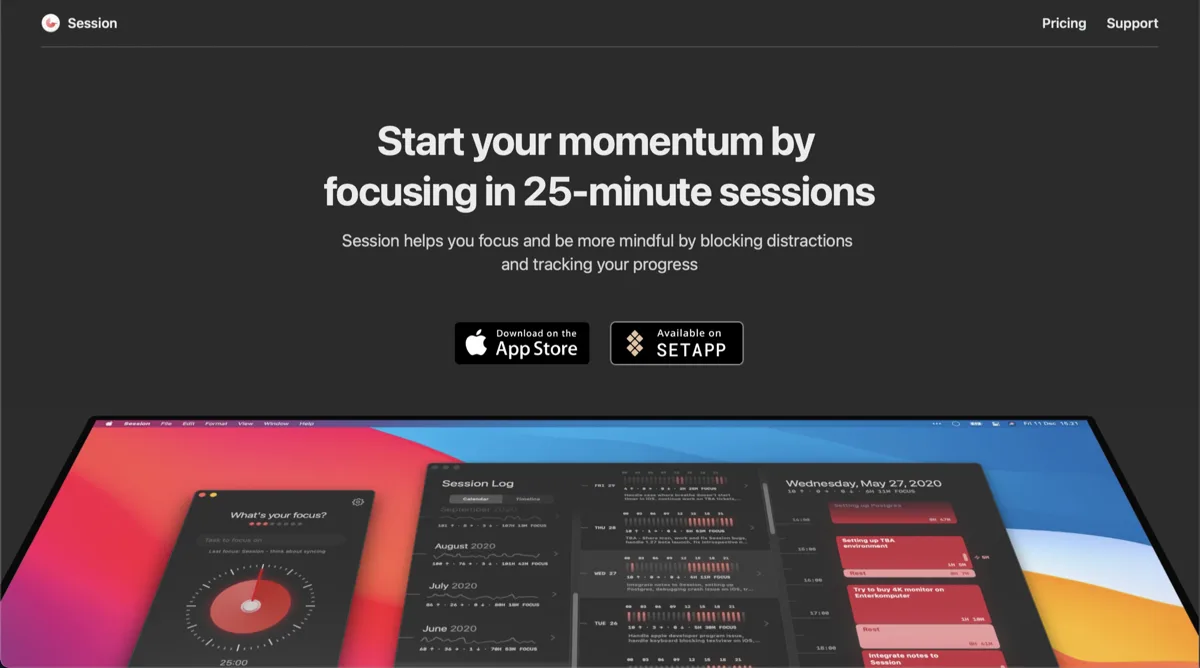
Session
Free, Pro $4.99/mo or $39.99/yrA pomodoro-style focus timer in the menu bar, with analytics on where your deep-work hours go.

Flow
Free, Pro $1.49/moA minimal pomodoro timer that lives quietly in the menu bar.
One Thing
FreePut a single task in your menu bar and keep it in view until it is done.
FocusNotch
Free, Pro $5.99/mo or $29.99/yrA focus timer and distraction blocker that lives in the notch, with website blocking that works across every browser.
iPromise
Price unverifiedBody doubling for one task at a time — an AI buddy that watches your screen context and nudges you back when you drift.
The verdict
We haven't singled out a top pick here yet — every one of the 5 is hand-verified, so start wherever your job description points you. 1 of the 5 is free.
Compare directly
Mac focus timer apps — questions people ask
What’s a good pomodoro timer for the Mac menu bar?
Session if you want analytics and structure, Flow if you want a clean minimal timer, One Thing if a visible task name is enough.
Do focus timers work alongside notch apps?
Yes — they live in the menu bar and stack with any Dynamic Island hub.
Are any focus timers free?
One Thing is free on the Mac App Store; Flow has a free tier.