Kitsmith / Clipboard Managers
MacClipboard Managers
6 hand-verified clipboard managers for Mac.
Supaste and Cliptop are the two that put clipboard history at the notch itself, though they’re built for different jobs past that. Supaste, from prolific indie developer Solt Wagner, is the more designed of the two — everything you copy or capture lands in one searchable visual timeline, reachable from a notch shelf or a menu bar quick search, with screenshot history folded into the same timeline (quietly replacing a separate screenshot manager). It’s local-first and a flat $15 one-time launch price (regular $29), no subscription. Cliptop, from Depomo Ltd, makes the cross-device case instead — the same history that opens from the notch on your Mac also syncs to iPhone and iPad, and the developer states it doesn’t upload clipboard contents to its own servers to do that. It’s also the one notch-accessible option that explicitly works without a notch too, via a menu bar hover or a Shift+Cmd+V shortcut, priced in tiers rather than flat: $9.99/yr (promo) or a $19.99 lifetime license (promo) covering up to 3 devices.
Maccy and Clipy are the free, fully open-source pair, and neither touches the notch at all — both are menu-bar-only, by design. Maccy, from Alex Rodionov, is the deliberately minimal pick: no cloud sync, no snippets, just fast keyboard-driven search over clipboard history, and it specifically respects password-manager clipboard clearing rather than hoarding a copied password after a password manager removes it. Clipy is the actively maintained continuation of an older tool, naotaka’s ClipMenu — 8.8k GitHub stars and commits within days of any given check-in, per its repository — and adds registered text snippets on top of clipboard history. Unlike Maccy, which is on the Mac App Store alongside a direct download, Clipy is distributed only as a direct DMG or via Homebrew, not through the App Store.
PastePal splits the difference between those two pairs: menu-bar-only like Maccy and Clipy, but a paid one-time purchase like Supaste and Cliptop. Rare for this category, its $14.99 price is a straight one-time purchase with no subscription — free to download and try, with the paid unlock required only to actually paste from history. Past the basics, it has two tricks nothing else here does: a Paste Stack that collects several clipboard items to paste all at once, and a Peer Share mode that moves clips between devices over the local network without needing iCloud. Full cross-device sync to iPhone and iPad via iCloud is exclusive to its Mac App Store version, though — a separate standalone Mac-only license is sold apart from that, for people who don’t want the phone and tablet apps.
All 6 apps
No apps match those filters.
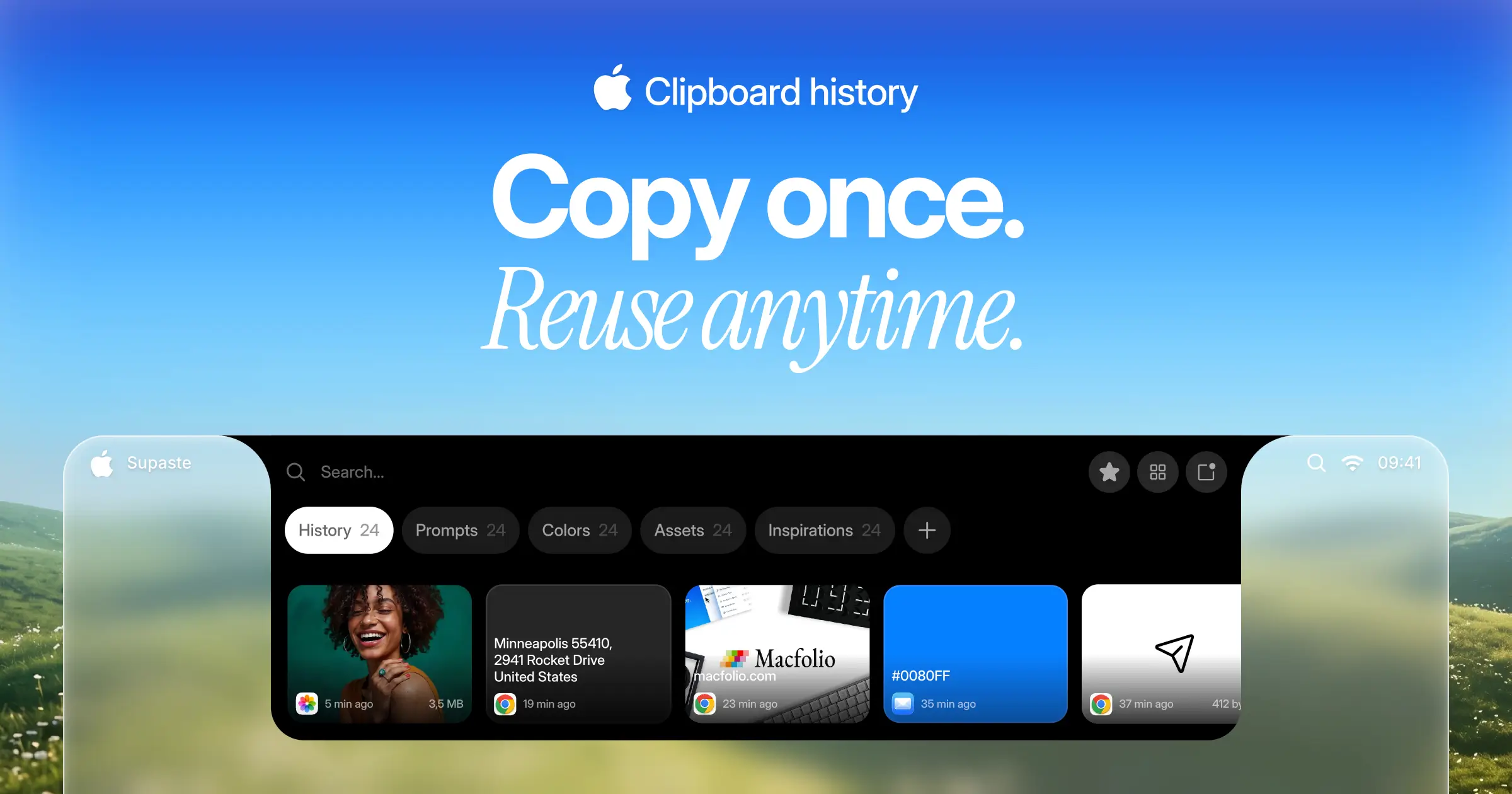

Supaste
$15 one-timeClipboard and screenshot history in a visual timeline, with a shelf that lives at the notch.
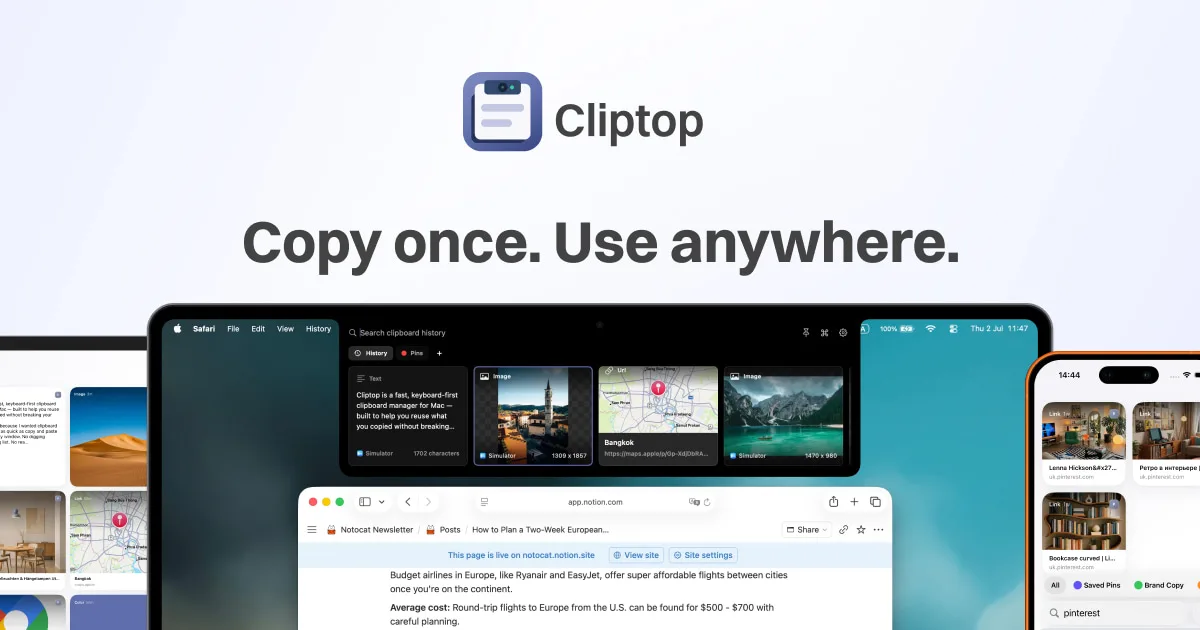

Cliptop
$9.99/yr (from $14.99) or $19.99 one-time (from $29.99)A keyboard-first clipboard manager that opens from the notch, with sync to iPhone and iPad.

Maccy
FreeA free, open-source clipboard manager that does one job — searchable clipboard history, keyboard-first, with nothing else bolted on.

PastePal
$14.99 one-time (App Store or standalone Mac license) — free to download and tryA universal clipboard manager for Mac, iPhone, and iPad — one-time purchase with no subscription, syncing history across devices via iCloud.

Clipy
FreeA free, open-source clipboard and snippet manager for Mac — a maintained continuation of the classic ClipMenu, distributed outside the App Store.
uPaste - Clipboard Manager
Free (VIP upgrade optional)A free clipboard manager with type-based grouping, tagging, and an app blacklist for privacy, from Oka Apps.
The verdict
Start with Supaste — the picks we'd point a friend to first. The most designed app in this corner of the category — the site and the app both look like Apple made them internally. Everything you copy or capture lands in a searchable visual timeline, local-first, reachable from the notch shelf or a menu bar quick search. One-time price, no subscription. 2 of the 6 are free, and 2 are open source. Paid options range $10–$15, one-time or subscription depending on the app.
Compare directly
Mac clipboard managers — questions people ask
Which clipboard managers here actually use the Mac notch?
Just two of the five — Supaste and Cliptop both put a clip shelf at the notch. Maccy, PastePal, and Clipy are menu-bar-only, with no notch UI at all.
Is there a free clipboard manager for Mac?
Maccy and Clipy are both free and fully open source (MIT license), with no paid tier. PastePal is free to download and try, but pasting from history needs a $14.99 one-time unlock.
Which clipboard manager syncs to iPhone or iPad?
Cliptop syncs history to iPhone and iPad and states it doesn’t upload clipboard contents to its own servers to do it. PastePal’s Mac App Store version also syncs across Mac, iPhone, and iPad via iCloud — its separate standalone Mac license doesn’t include that.
Do any of these cost a recurring subscription?
No. Supaste, PastePal, Maccy, and Clipy are all one-time purchases or free; Cliptop’s cheapest plan is a $9.99/yr license rather than a flat one-time price, but none of the five bill month-to-month.