Kitsmith / Compare / Maccy vs Supaste
MacMaccy vs Supaste
Maccy vs Supaste: verdict, pricing, and specs compared, so you can pick the right one for your Mac.
At a glance

Maccy
FreeA free, open-source clipboard manager that does one job — searchable clipboard history, keyboard-first, with nothing else bolted on.

Supaste
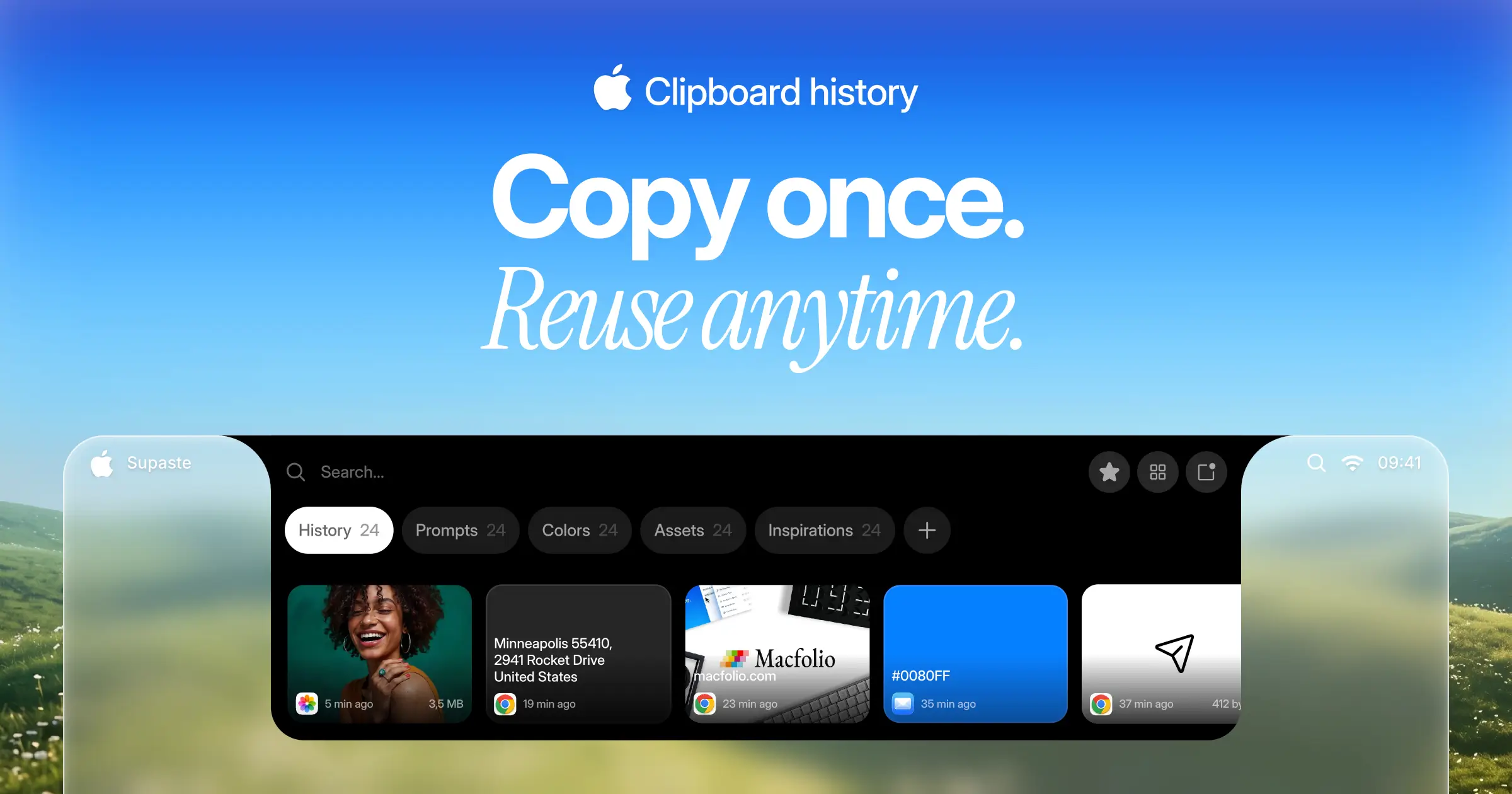
$15 one-timeClipboard and screenshot history in a visual timeline, with a shelf that lives at the notch.
Spec comparison
Maccy
- Price
- Free
- Pricing model
- Free
- License
- Open source
- Placement
- Menu bar
- Channels
- Homebrew · Direct · Mac App Store
- Category
- Utilities
Supaste
- Price
- $15 one-time
- Pricing model
- Paid
- License
- Proprietary
- Placement
- Notch · Menu bar
- Channels
- Direct
- Category
- Utilities
The verdict
Maccy is free, open source, and deliberately minimal — keyboard-driven search over clipboard history and nothing else, with no cloud sync or notch UI to think about. Supaste costs $15 one-time (launch price, regular $29) and goes the opposite direction: a visual timeline of everything you copy or capture, a shelf that lives at the notch, and screenshot history that quietly replaces a separate screenshot manager. Pick Maccy if you want the fastest, free, no-frills tool; pick Supaste if you want a designed visual history and are willing to pay once for it.
Which one should you pick?
Pick Maccy if…
- Pick Maccy if you want free, open-source software (MIT license) with no cost at all
- Pick Maccy if keyboard-first search — type and hit Enter to paste — is exactly the workflow you want
- Pick Maccy if you’d rather have a lightweight menu bar tool than a notch-based shelf
- Pick Maccy if you want it available on the Mac App Store as well as a direct download
Pick Supaste if…
- Pick Supaste if a visual, scrollable timeline of clips and screenshots beats a plain searchable list
- Pick Supaste if you want a notch shelf for recent clips, not just a menu bar dropdown
- Pick Supaste if replacing a separate screenshot manager with the same history is useful to you
- Pick Supaste if a one-time $15 launch price (regular $29) with a 14-day money-back guarantee is an easy yes
Maccy vs Supaste — questions people ask
Is Maccy really free?
Yes — free and open source (MIT license), with no paid tier, available via Homebrew, a direct download, or the Mac App Store.
Is Supaste a subscription?
No — it’s a one-time purchase, launch price $15 (regular $29), with a 14-day money-back guarantee.
Which one handles screenshots?
Supaste does — screenshots land in the same visual timeline as clips, which quietly replaces a separate screenshot manager. Maccy is scoped to clipboard history only.