Kitsmith / Dev & Agents
MacAI Agent Monitor Apps
These draw at the notch — pick one agent monitor at a time.
Apps that surface coding-agent activity — Claude Code, Codex, and others — at the notch: live session status, blocked prompts you can answer without switching windows, and usage tracking across providers. A brand-new category that exists because watching a terminal for an agent to finish is a habit worth breaking.
Coding agents like Claude Code and Codex run for minutes at a stretch, and most of that time is spent watching a terminal for the moment it asks a question or finishes a task. This category exists because that habit is expensive — apps here pull the agent’s live status out of the terminal and put it at the notch, so you can glance instead of babysit.
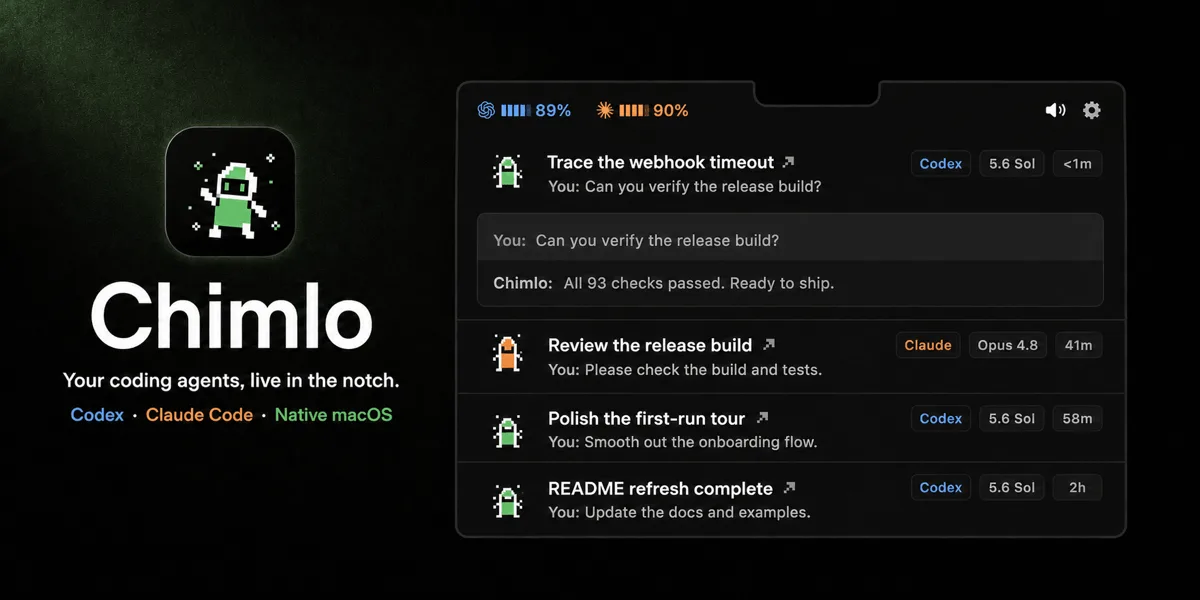
The jobs split a few ways. Some apps are pure activity mirrors — Whirr and X Island show what an agent is doing right now, nothing more. Others go further: AgentPeek and Chimlo let you answer a blocked prompt or approve a tool call directly from the notch, without switching back to the terminal. TrackNotch takes a different angle entirely — it tracks usage and rate limits across providers rather than session activity, so you see a limit coming before you hit it.
This is the fastest-moving category on the site because the underlying behavior — coding agents running unattended — is itself brand new. Expect names and features to shift quickly; every listing here is checked against the developer’s own site or repo, not a roundup.
All 5 apps
No apps match those filters.

AgentPeek
$15 one-timeA kanban board for every coding-agent session, answered and monitored from the Mac notch.
Whirr
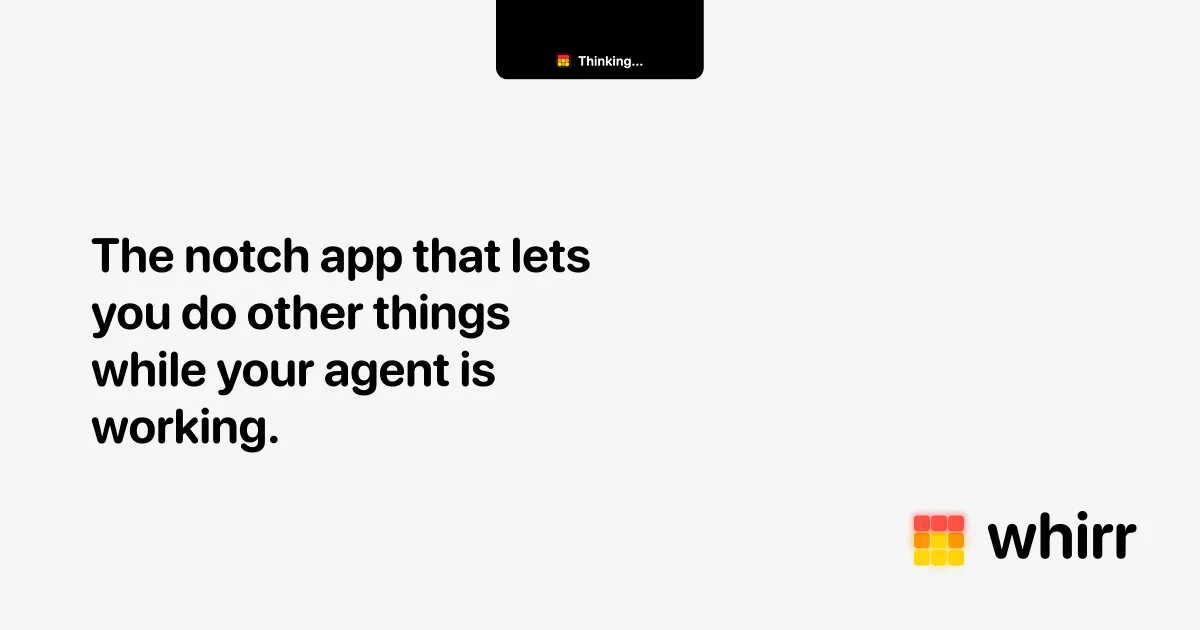
$4.99 one-timeAmbient agent activity in your notch — watch Claude Code work without watching it.

TrackNotch
FreeReal-time LLM usage and rate-limit tracking across Claude, OpenAI, Cursor, and Codex, right in the notch.

Chimlo
FreeA native activity island for Codex and Claude Code — read questions, approve tool calls, and reopen finished work.

X Island
FreeA free Dynamic Island for AI coding agents — monitor, approve, and jump back into Claude Code, Codex, Gemini CLI, or OpenCode.
The verdict
We haven't singled out a top pick here yet — every one of the 5 is hand-verified, so start wherever your job description points you. 3 of the 5 are free, and 2 are open source. Paid options range $4.99–$15, one-time or subscription depending on the app.
Compare directly
Mac ai agent monitor apps — questions people ask
What is a notch app for coding agents?
An app that mirrors what a coding agent like Claude Code or Codex is doing — active, waiting, done, or failed — at the Mac notch, so you don’t have to keep a terminal window in view to know when it needs you.
Can these apps answer an agent’s questions for me?
Some can. AgentPeek and Chimlo let you read a blocked prompt or permission request and respond from the notch; pure activity mirrors like Whirr and X Island are read-only.
Do agent monitors work with more than Claude Code?
Coverage varies by app — check each listing’s supported-agent list. AgentPeek recognizes the most (25 agents at last check); others focus specifically on Claude Code and Codex.
Can I run an agent monitor next to a notch hub like Alcove?
No — agent monitors draw at the notch like hubs do, so you run one at a time. Pick whichever job matters more while you’re coding.