The Mac apps worth keeping.
Build a Mac kit you'd show people.
Every listing checked by hand, every price checked at the source, every maker named — so you can follow the people whose work you already trust. When we don't know something, we say so.
260 apps · 9 categories · every listing hand-verified · updated July 2026
260 apps, every one checked by hand against the developer's own site or the Mac App Store — prices, requirements, and claims verified at the source.
No paid placement, no affiliate-driven rankings. When we can't verify something, we leave it out and say so. How the list is made →
Top charts
Ranked the App Store way — by editors, not algorithms.
Editor’s Top 5
If you only try five, try these.


Top Free
Zero dollars, zero excuses.

Top Paid
Worth the money, verified prices.
Utilities mixed
All 174 apps →Hide the notch, restyle it, or make it do one clever thing.
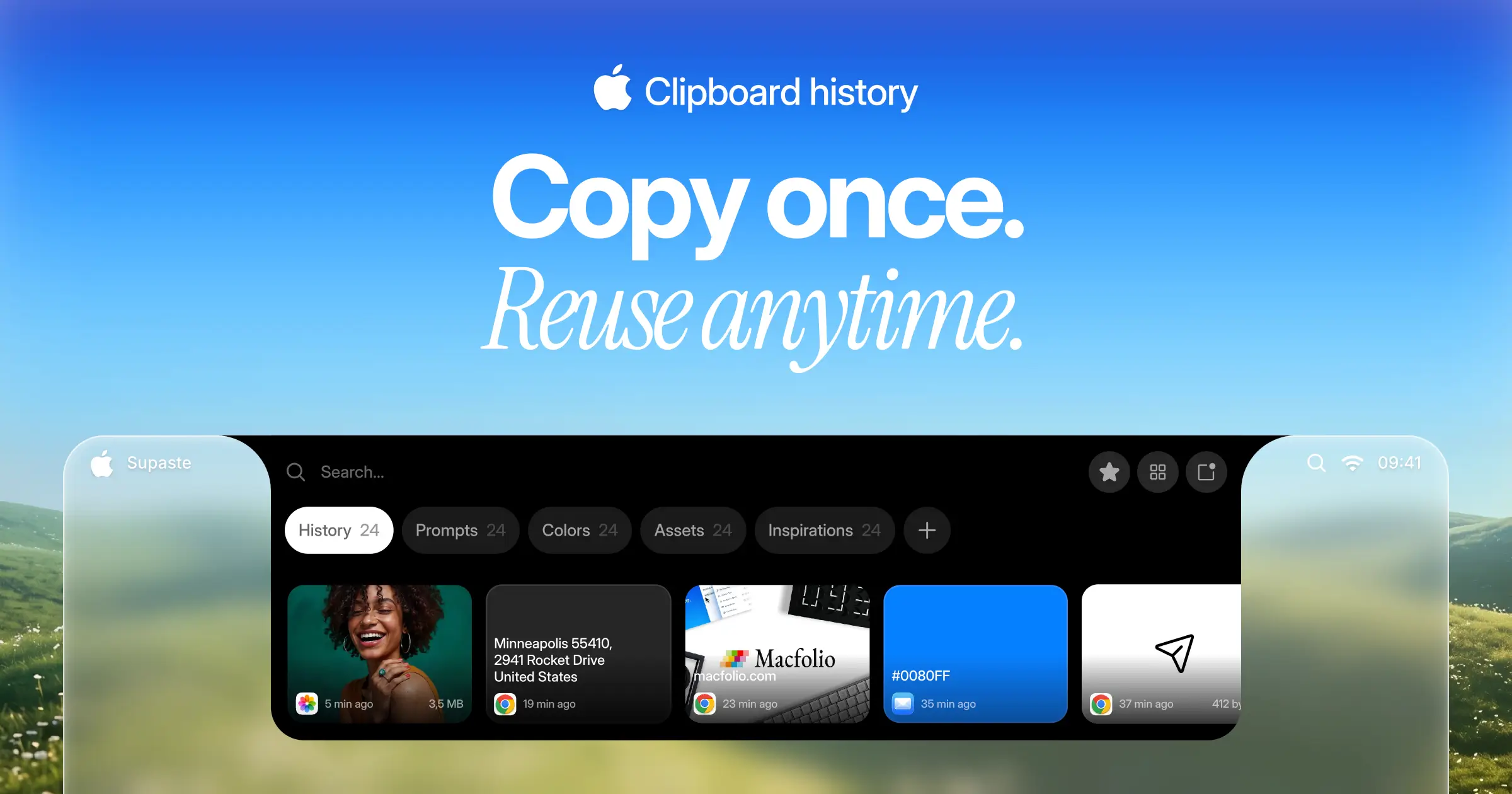
Supaste
$15 one-timeClipboard and screenshot history in a visual timeline, with a shelf that lives at the notch.
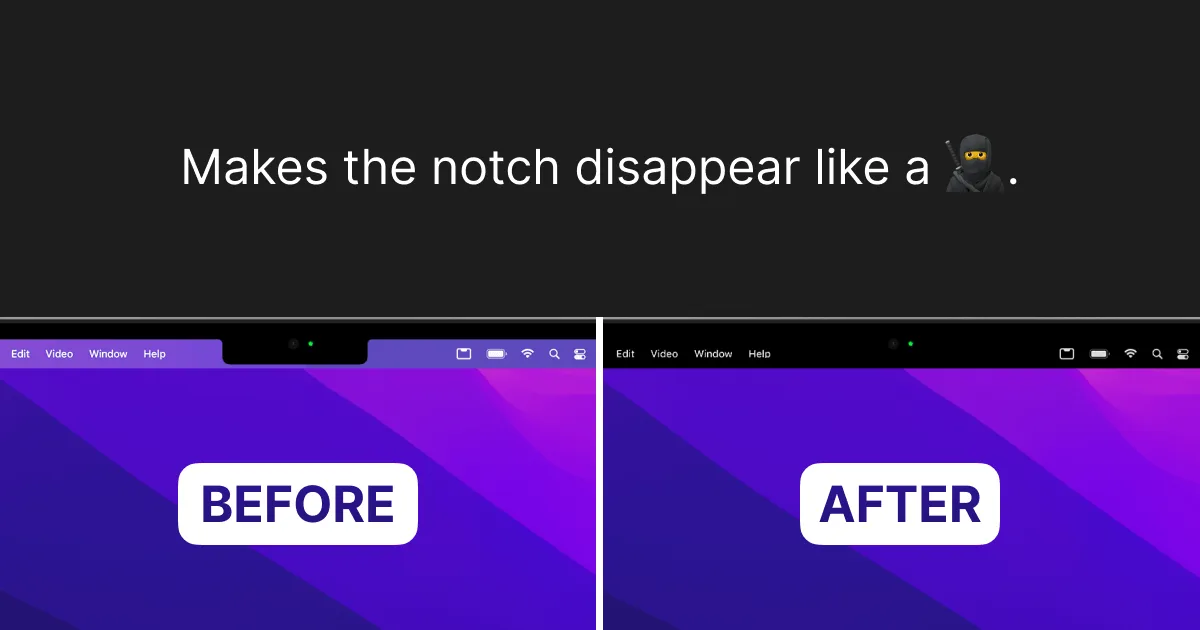

TopNotch
FreeMakes the notch disappear by blending the menu bar to black — wallpapers, multi-display, done.
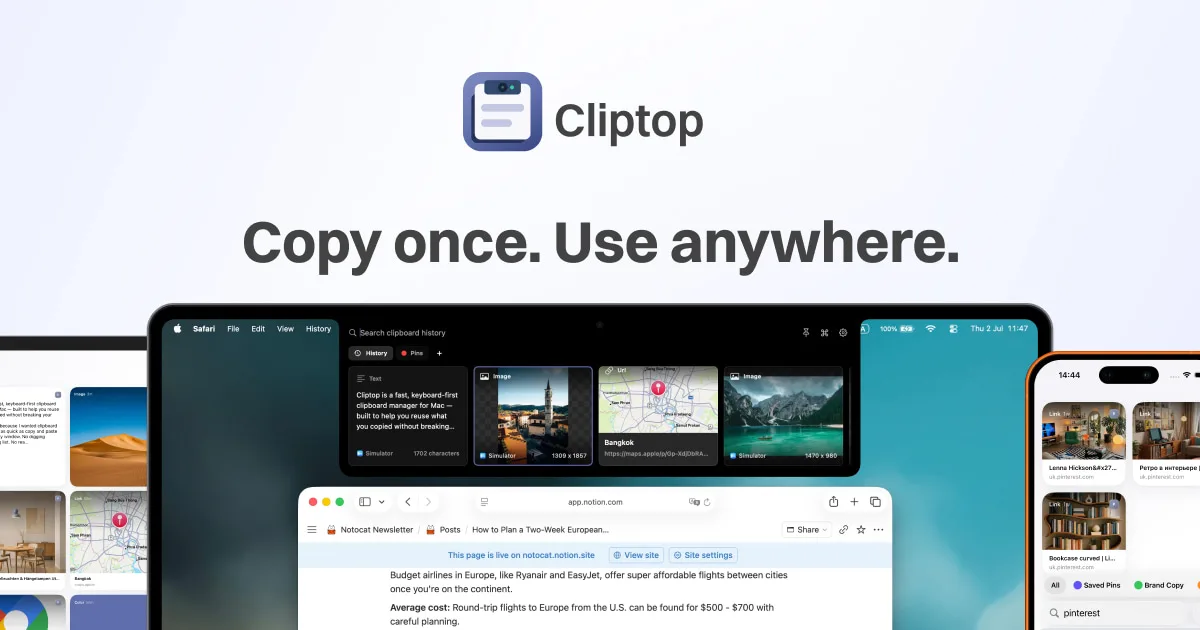
Cliptop
$9.99/yr (from $14.99) or $19.99 one-time (from $29.99)A keyboard-first clipboard manager that opens from the notch, with sync to iPhone and iPad.
Health stacks
All 13 apps →Posture and break nudges you’ll actually notice — no stiff-neck days.

HealthyNotch
$11.99 one-time (regular $19.99)Health-focused nudges — posture and break reminders living at the notch.
Time Out
FreemiumThe long-running break reminder — gentle full-screen pauses on your schedule.

Stretchly
FreeOpen-source break reminders — micro-pauses and long breaks, cross-platform.
Hubs pick one
All 19 apps →Music, files, timers, and alerts in one calm island. Your notch fits one hub — choose well.

Alcove
$14.99 one-timeLive activities and widgets around the notch, with the most polished animations in the category.

NotchNook
$25 one-time (or $3/mo)The feature-maximal island: file shelf, widgets, live activities, and deep customization.

boring.notch
FreeFree, open-source island with media controls and small utilities — the no-commitment entry point.
Creator Tools pick one
All 25 apps →Teleprompters and recording aids your audience never sees.

Notchie
$29.99 one-timeA teleprompter that hides in the notch — scrolls automatically as you speak, and stays out of screen shares in supported apps.
NotchPrompt
Free (Beta Tester) / $49 one-time (Lifetime Pro)A macOS teleprompter that stays hidden in your notch — invisible to your audience, crystal clear to you.
DaVinci Resolve
Free; DaVinci Resolve Studio $295 one-time (adds the AI Neural Engine, more Resolve FX, noise reduction, text-based editing, 10-bit/120fps and beyond-4K support)Hollywood’s color-grading tool grew into a full free NLE — editing, color, VFX (Fusion), and audio post (Fairlight) in one app, with a $295 Studio upgrade for the AI and HDR extras.
Menu Bar stacks
All 5 apps →Every status item organized, hidden, or one glance away.


Music pick one
All 3 apps →Skip, scrub, and see what’s playing without leaving what you’re doing.
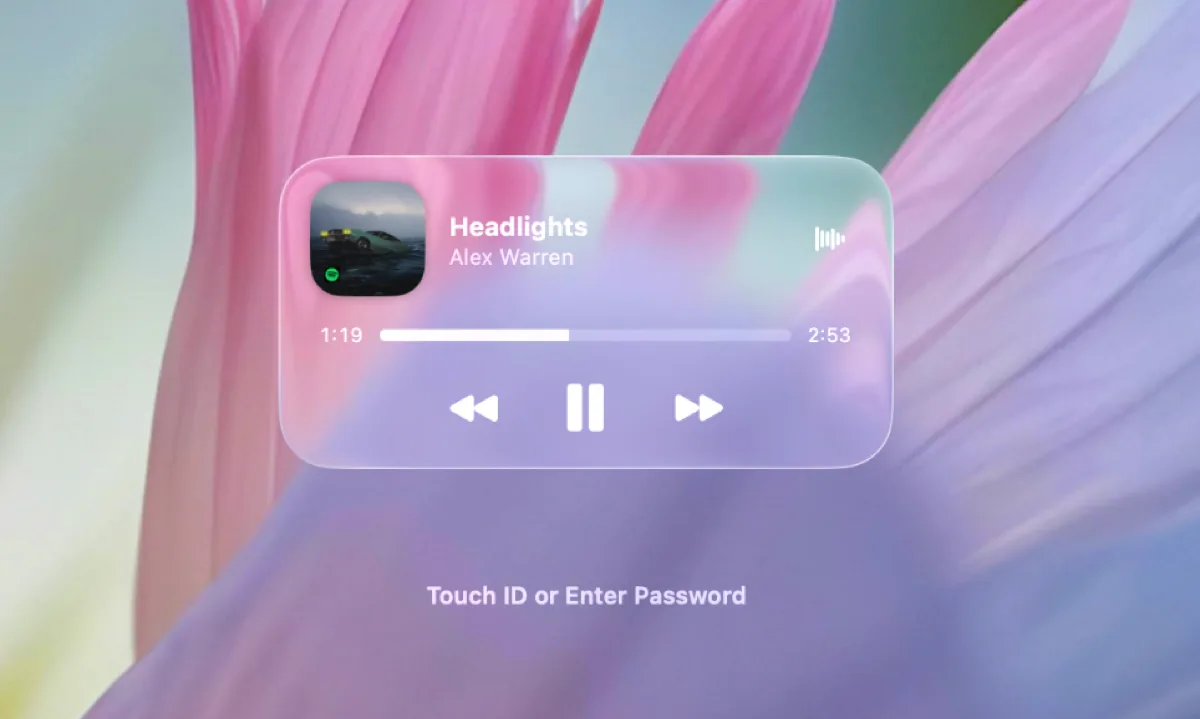

Liqoria
$11.90 one-time · lifetimeA music player with an island-style now-playing surface, marketing Liquid Glass design as a headline feature.

MediaMate
€6.99 one-timeClean, responsive media controls at the notch — no kitchen sink attached.
Tuneful
Price unverifiedNative Spotify and Apple Music control for the notch, menu bar, and a mini player — built to feel like part of macOS.
Focus stacks
All 5 apps →Your current task and timer always in view, quietly holding you accountable.
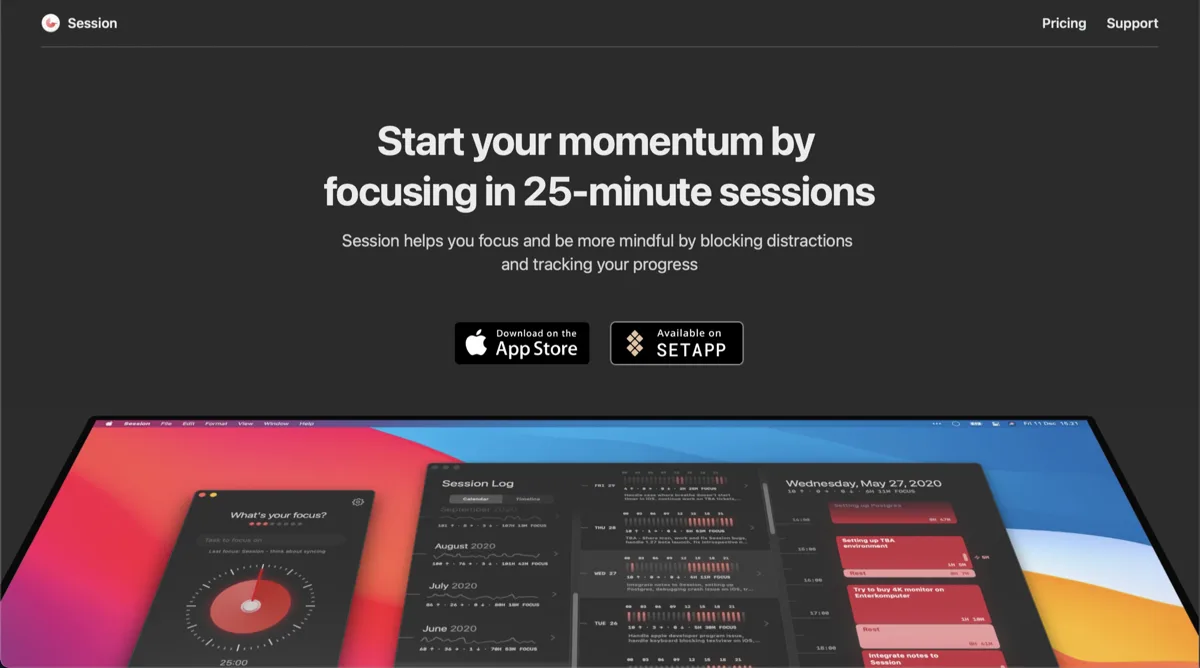
Session
Free, Pro $4.99/mo or $39.99/yrA pomodoro-style focus timer in the menu bar, with analytics on where your deep-work hours go.

Flow
Free, Pro $1.49/moA minimal pomodoro timer that lives quietly in the menu bar.
One Thing
FreePut a single task in your menu bar and keep it in view until it is done.
Dev & Agents pick one
All 5 apps →Watch Claude Code and Codex work from the notch — no terminal babysitting.

AgentPeek
$15 one-timeA kanban board for every coding-agent session, answered and monitored from the Mac notch.
Whirr
$4.99 one-timeAmbient agent activity in your notch — watch Claude Code work without watching it.

TrackNotch
FreeReal-time LLM usage and rate-limit tracking across Claude, OpenAI, Cursor, and Codex, right in the notch.
Meetings stacks
All 6 apps →Countdowns and one-click joins you can’t miss — walk in on time, every time.

In Your Face
$69 one-time (or $3.99/mo, $24.99/yr)Full-screen meeting alerts you physically cannot miss.

Meeter
FreeA free menu-bar countdown and one-click meeting join — currently unreachable; its site and App Store listing are both down.

MeetingMenu
Price unverifiedA menu bar countdown so the next meeting is always in view.
Mac apps — questions people ask
What is a Mac notch app?
An app that uses the area around the MacBook camera notch as a functional surface — live activities, media controls, file shelves, timers, and alerts, in the style of the iPhone Dynamic Island.
Can I run more than one notch app at once?
You run one app that draws at the notch (a hub, music app, or notch utility) — they occupy the same pixels. Menu bar, meeting, focus, and health apps stack freely alongside it.
Do notch apps work on Macs without a notch?
Many do — several hubs offer a pill or simulated-notch mode for older Macs and external displays. Requirements are on each listing.
Are notch apps safe to install?
They are mostly small native utilities from indie developers. Some rely on private macOS APIs that Apple could change — where a developer says so openly, we note it on the listing.
How does Kitsmith verify listings?
Every listing is checked by hand against the developer’s site, the Mac App Store, or dated public sources. Prices we can’t confirm are omitted rather than guessed, and detail pages carry a last-verified date.
New in the category, weekly.
One email, Thursday mornings — what we added, what changed price, and which makers shipped changes. No noise.
The digest isn't live yet. Check back soon — we're not going to show you a signup form that doesn't actually go anywhere.