Kitsmith / Menu Bar / Bartender

The long-running standard for organizing, hiding, and styling menu bar items.
Our take
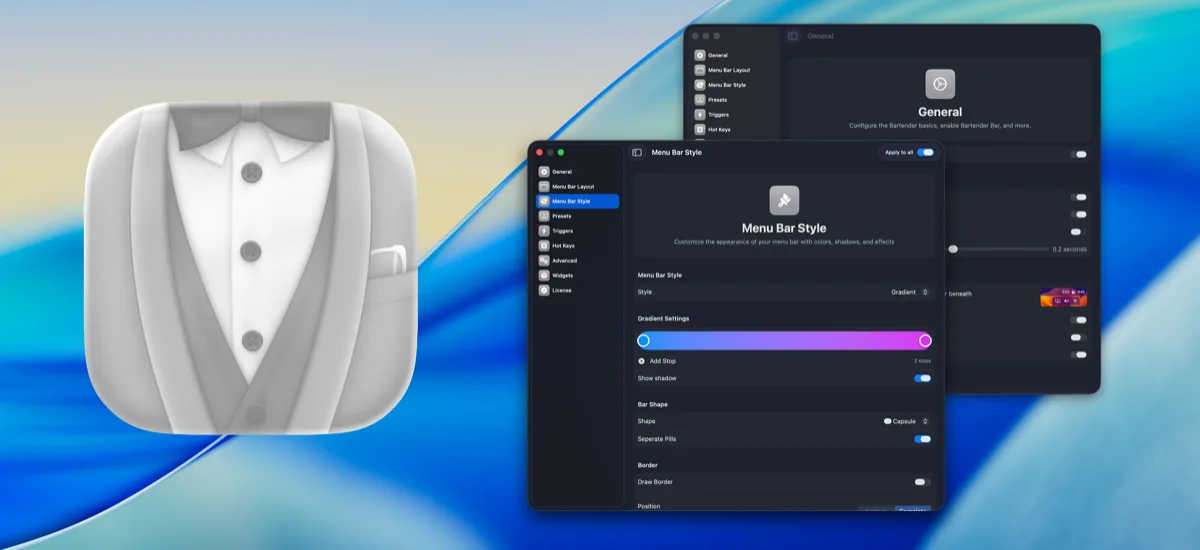
The incumbent. Notched MacBooks made menu bar space scarce, which made Bartender near-essential for anyone with more than a handful of status items.
- Price
- One-time
- License
- Proprietary
- Version
- 6
- Requires
- macOS Sequoia or Tahoe (a Bartender 6 license also covers Bartender 5 on older macOS)
- Get it via
- Direct · Setapp
- Developer
- Applause Group, Inc.
Do you use Bartender?
Who made this
Applause Group makes Bartender, a well-known Mac menu bar app that's been covered by Forbes, MacStories, and Macworld.
What it does
Item visibility control
Show, hide, or auto-hide any menu bar item, revealed by swipe, scroll, click, or hover.
Bartender Bar
A dedicated drawer for hidden items, including one placed at the notch on MacBook Air/Pro.
Custom styling
Tints, gradients, borders, and shadows restyle the menu bar itself.
Trigger automation
Show or hide items automatically based on battery level, Wi-Fi network, location, time, or date.
Quick Search
Search across menu bar items instead of hunting visually.
The deal
- 4-week unlimited free trial, no card required
- Bartender Pro has a separate 7-day free trial
- Free upgrade to 6 for anyone who bought Bartender 5 in 2025; discounted upgrade for earlier purchases
- Exact current price isn’t published in static page content — the buy page loads it via a checkout script — check the site before buying
Bartender — questions people ask
Is Bartender free?
Bartender costs One-time.
Does Bartender work alongside a notch app like Alcove?
Yes — Bartender lives in the menu bar, so it runs happily alongside any Dynamic Island hub or notch app.
Where can I download Bartender?
Bartender is available via Direct, Setapp.
Reviews
No public ratings yet. Reader reviews are coming to Kitsmith soon.
Listing hand-verified July 27, 2026 from the developer's site and public sources.
How Bartender compares
Also in menu bar managers
ChocolateBar
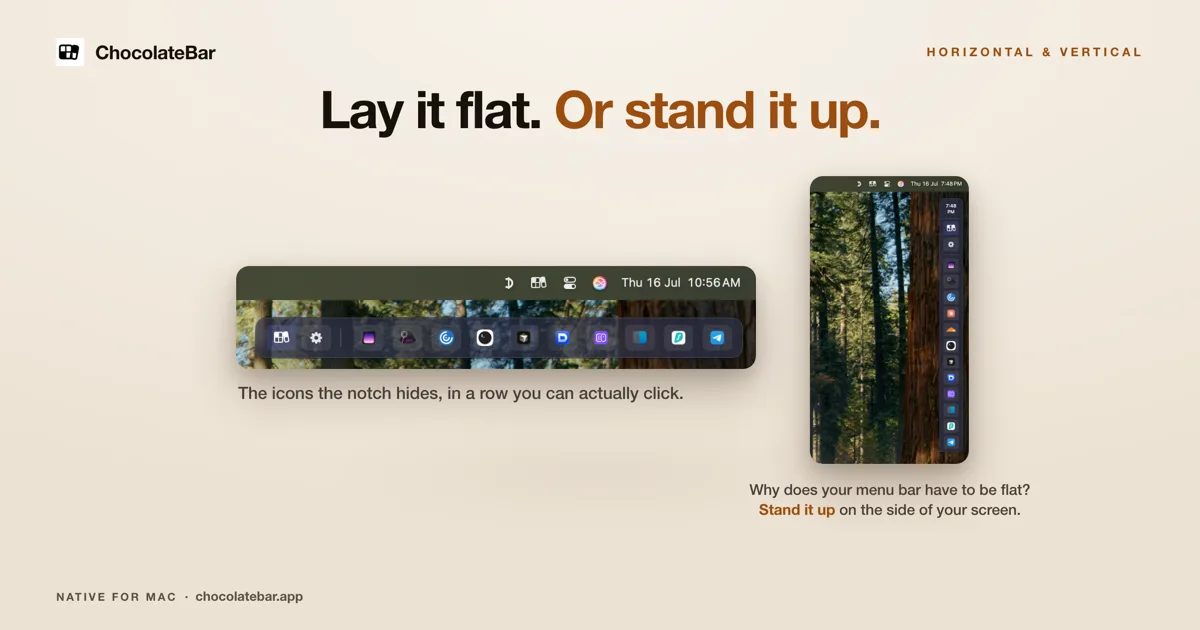
$10 one-time (launch, regular $15)A second row for the icons your notch hides — laid out flat, or stood up vertically on the side of the screen.

Ice
FreeFree, open-source menu bar management — the community’s answer to Bartender.

Hidden Bar
FreeA tiny open-source toggle that tucks menu bar icons out of sight.

Dozer
Free, open sourceA free, open-source menu bar icon hider — drag icons behind a Dozer arrow to tuck them out of sight, with an optional second hidden group.