
A free, open-source menu bar icon hider — drag icons behind a Dozer arrow to tuck them out of sight, with an optional second hidden group.
Our take
The bare-bones alternative to Bartender or Ice: no scheduling, no search, no paid tier — just one or two collapsible groups you build by command-dragging icons behind a Dozer marker. 8.7k GitHub stars and a Homebrew cask make it an easy, no-cost first thing to try before paying for something heavier. The project’s last commit was in 2022, so treat it as stable-but-unmaintained rather than actively developed — it still installs and runs on current macOS via Homebrew, but don’t expect new features or fast bug fixes.
- Price
- Free, open source
- License
- Open source
- Requires
- macOS 10.13 (High Sierra) or later, per the GitHub README.
- Get it via
- Homebrew · GitHub
- Developer
- Morten Nielsen
Do you use Dozer?
Who made this
Are you Morten Nielsen? Claim this profile to add a photo, a bio, and links — or ask us to remove it.
What it does
One-click hide group
Command-drag icons to the left of a Dozer marker; clicking the marker hides or shows all of them at once.
Optional second group
A second, option-click-triggered group for icons you want hidden even more aggressively.
Right-click settings
Right-click a Dozer icon to open its preferences.
The deal
- Free and open source, MPL-2.0 license
- Donations accepted via Buy Me a Coffee
Worth knowing: No commits since November 2022 — the project appears unmaintained, though the released build still works on current macOS. No built-in scheduling or search; strictly a manual hide/show tool. Install via `brew install --cask dozer` or a direct GitHub release download.
Dozer — questions people ask
Is Dozer free?
Yes — free and open source under the MPL-2.0 license.
Is Dozer still maintained?
No new commits since November 2022, but the existing release continues to work on current macOS via Homebrew.
Is Dozer free?
Yes — Dozer is free.
Does Dozer work alongside a notch app like Alcove?
Yes — Dozer lives in the menu bar, so it runs happily alongside any Dynamic Island hub or notch app.
Where can I download Dozer?
Dozer is available via Homebrew, GitHub.
Is Dozer open source?
Yes — Dozer is open source.
Reviews
No public ratings yet. Reader reviews are coming to Kitsmith soon.
Listing hand-verified September 18, 2026 from the developer's site and public sources.
Also in menu bar managers
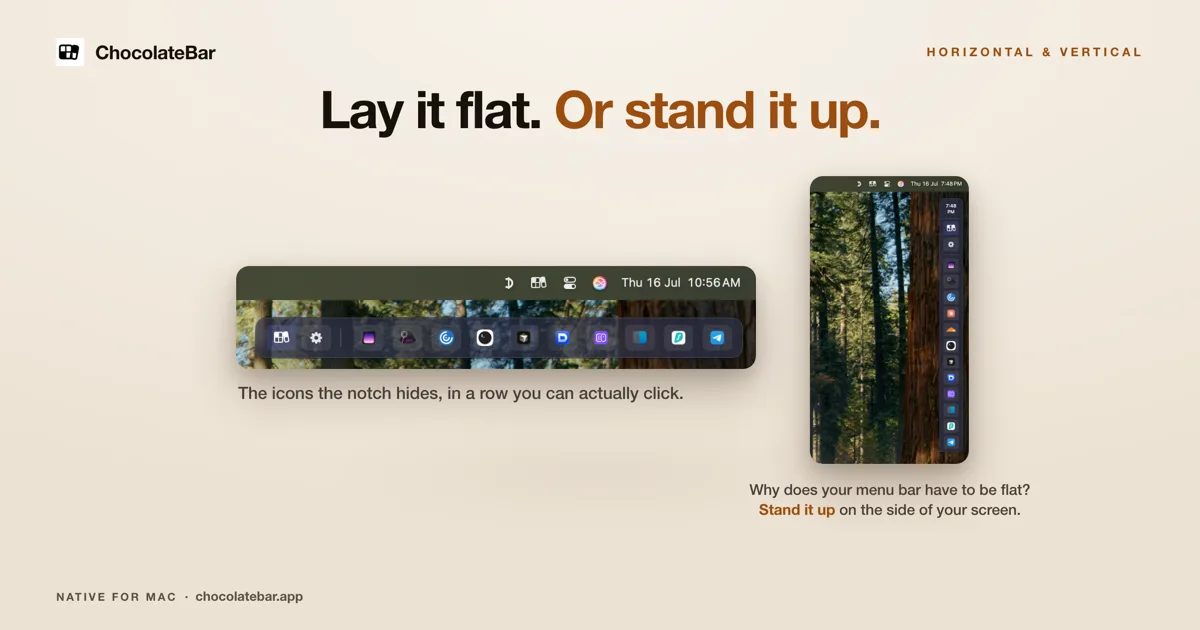

ChocolateBar
$10 one-time (launch, regular $15)A second row for the icons your notch hides — laid out flat, or stood up vertically on the side of the screen.
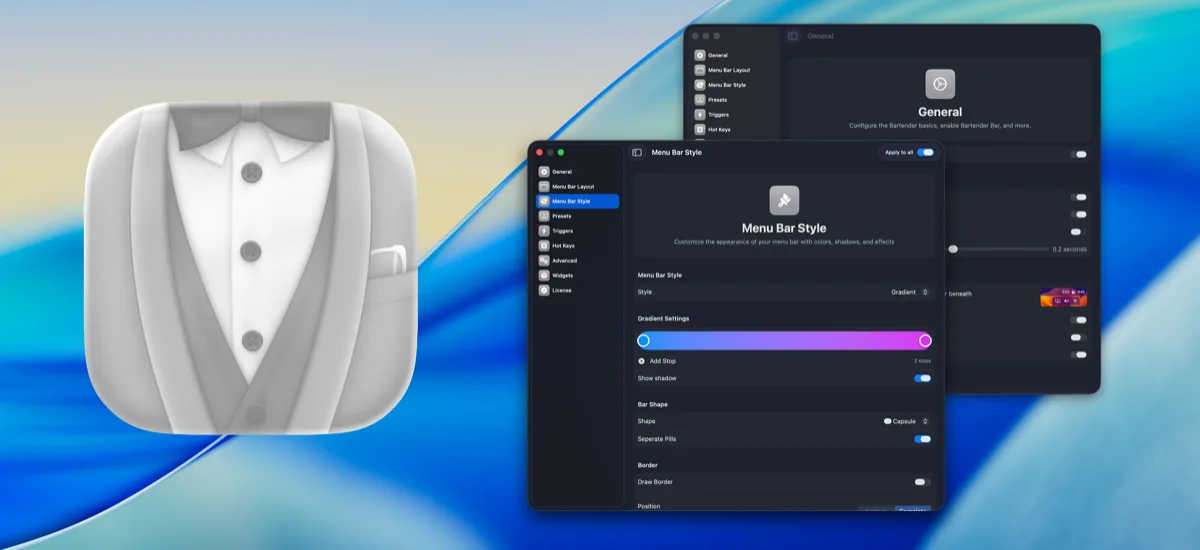

Bartender
One-timeThe long-running standard for organizing, hiding, and styling menu bar items.

Ice
FreeFree, open-source menu bar management — the community’s answer to Bartender.

Hidden Bar
FreeA tiny open-source toggle that tucks menu bar icons out of sight.