
Free, open-source menu bar management — the community’s answer to Bartender.
Our take
Rapidly became the default recommendation for menu bar organization when you’d rather not pay. Actively developed and genuinely good.
- Price
- Free
- License
- Open source
- Version
- 0.11.12
- Requires
- macOS 14 or later
- Get it via
- GitHub · Homebrew
- Developer
- Jordan Baird
Do you use Ice?
Who made this
Solo developer of Ice (29k+ GitHub stars). Also builds ColorWellKit, SwiftKeys, and createicns — all self-published on his GitHub and personal site.
GitHub (opens in new tab) Site (opens in new tab) X (opens in new tab)
What it does
Hide and reveal
Hide menu bar items into an “always-hidden” section, revealed by hover, click, or scroll.
Ice Bar
Shows hidden items in a separate bar below the menu bar — built with the notch in mind.
Drag-and-drop layout
Rearrange individual menu bar items directly.
Menu bar appearance
Tint, shadow, border, and custom shapes for the menu bar itself.
Search
Search menu bar items by name instead of scanning visually.
The deal
- Free and open source (GPL-3.0)
- Installable via Homebrew: `brew install --cask jordanbaird-ice`
Worth knowing: Actively developed — newer dev/beta builds ship on GitHub between tagged stable releases, and some roadmap items (menu bar widgets, per-app rules) are still unbuilt.
Ice — questions people ask
Is Ice free?
Yes — Ice is free.
Does Ice work alongside a notch app like Alcove?
Yes — Ice lives in the menu bar, so it runs happily alongside any Dynamic Island hub or notch app.
Where can I download Ice?
Ice is available via GitHub, Homebrew.
Is Ice open source?
Yes — Ice is open source.
Reviews
No public ratings yet. Reader reviews are coming to Kitsmith soon.
Listing hand-verified July 27, 2026 from the developer's site and public sources.
How Ice compares
Also in menu bar managers
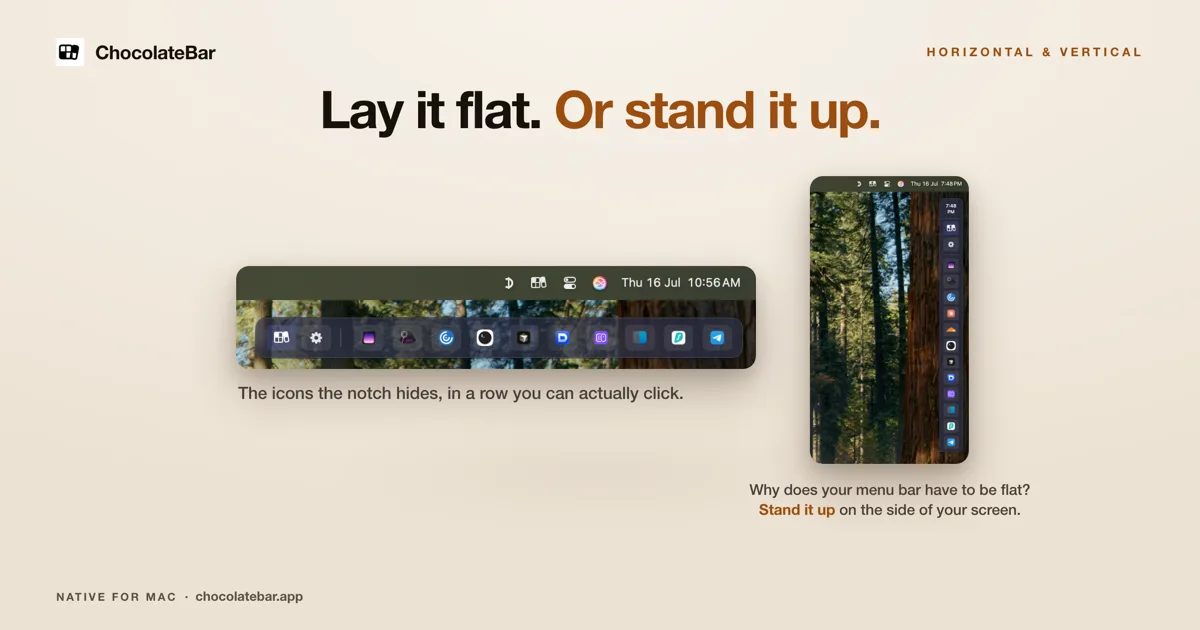

ChocolateBar
$10 one-time (launch, regular $15)A second row for the icons your notch hides — laid out flat, or stood up vertically on the side of the screen.
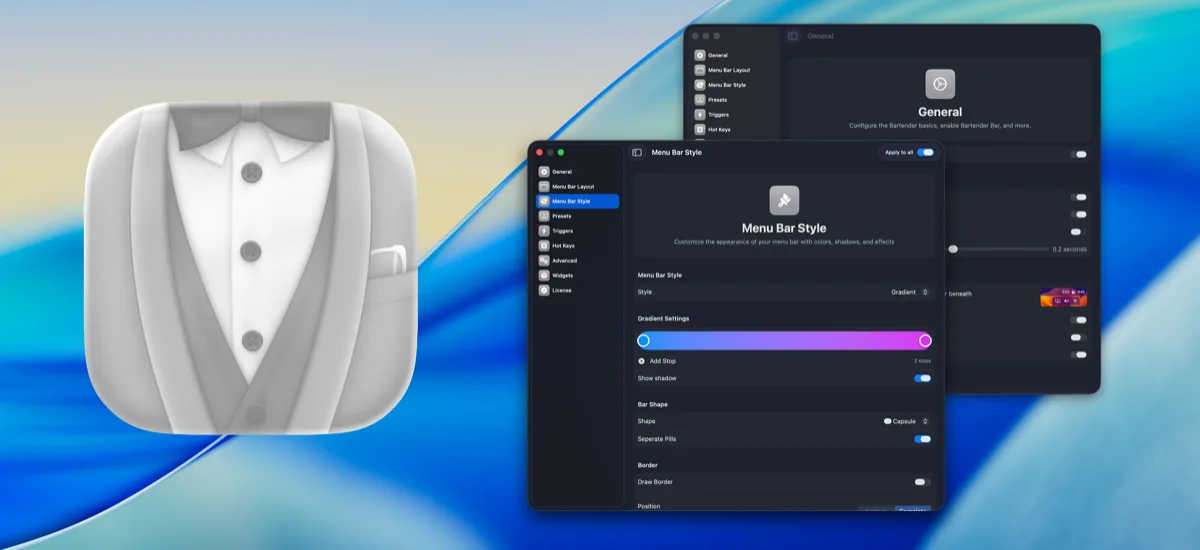

Bartender
One-timeThe long-running standard for organizing, hiding, and styling menu bar items.

Hidden Bar
FreeA tiny open-source toggle that tucks menu bar icons out of sight.

Dozer
Free, open sourceA free, open-source menu bar icon hider — drag icons behind a Dozer arrow to tuck them out of sight, with an optional second hidden group.