Kitsmith / Compare / Bartender vs Hidden Bar
MacBartender vs Hidden Bar
Bartender vs Hidden Bar: verdict, pricing, and specs compared, so you can pick the right one for your Mac.
At a glance
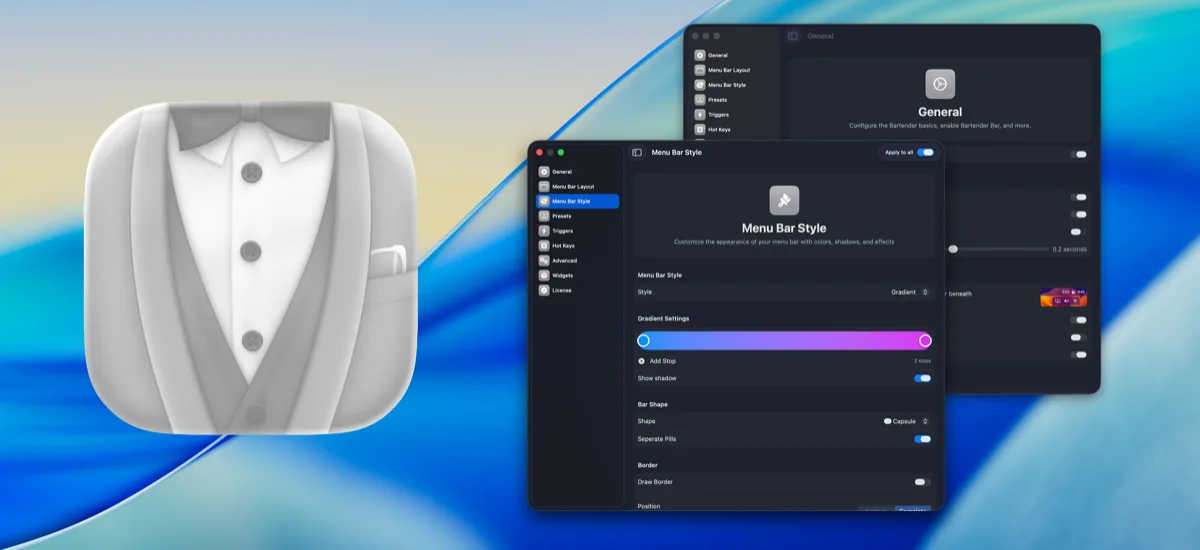

Bartender
One-timeThe long-running standard for organizing, hiding, and styling menu bar items.

Hidden Bar
FreeA tiny open-source toggle that tucks menu bar icons out of sight.
Spec comparison
Bartender
- Price
- One-time
- Pricing model
- Paid
- License
- Proprietary
- Placement
- Menu bar
- Channels
- Direct · Setapp
- Category
- Menu Bar
Hidden Bar
- Price
- Free
- Pricing model
- Free
- License
- Open source
- Placement
- Menu bar
- Channels
- GitHub · Mac App Store
- Category
- Menu Bar
The verdict
Bartender is the long-running standard for organizing, hiding, and styling menu bar items, sold directly or through Setapp. Hidden Bar is free, open source, and deliberately the simplest possible version of the same job: a tiny toggle, nothing more. If you want the fullest feature set and don’t mind paying, Bartender remains the incumbent; if you want the free, no-frills option, Hidden Bar is hard to beat on simplicity.
Which one should you pick?
Pick Bartender if…
- Pick Bartender if you want the longest-running, most established menu bar manager
- Pick Bartender if you already have a Setapp subscription and want it bundled in
- Pick Bartender if you want more styling and organization control than a simple toggle offers
Pick Hidden Bar if…
- Pick Hidden Bar if you want free, open-source software
- Pick Hidden Bar if a simple toggle that tucks icons away is all you need
- Pick Hidden Bar if you’d rather not pay for menu bar organization at all
Bartender vs Hidden Bar — questions people ask
Is Hidden Bar a real alternative to Bartender?
For simple needs, yes — Hidden Bar is free and does the simplest version of the job. Bartender does more (organizing, hiding, and styling) but isn’t free.
How is Bartender distributed?
Directly from its own site, or through Setapp.
Is Hidden Bar open source?
Yes — it’s free and open source, available via GitHub and the Mac App Store.