Kitsmith / Hubs / boring.notch

Free, open-source island with media controls and small utilities — the no-commitment entry point.
Our take
The community answer to paid hubs. Minimalist on purpose, occasionally rough at the edges, and the right first install if you want to find out whether the island idea fits your workflow before spending money.
- Price
- Free
- License
- Open source
- Version
- 2.7.3
- Requires
- macOS 14 Sonoma or later · Apple Silicon or Intel
- Download
- ≈9.3 MB DMG
- Get it via
- Direct · GitHub · Homebrew
- Developer
- The Boring Team
Do you use boring.notch?
Who made this
The open-source team behind boring.notch, published on GitHub under the org login TheBoredTeam — "The Boring Team" is their own display name.
Discord (opens in new tab) GitHub (opens in new tab) Site (opens in new tab)
What it does
Music controls
Album art blends into the notch with color effects; skip and play without leaving what you’re doing.
Calendar and reminders
Upcoming meetings and events surface right in the notch.
Camera preview
A quick camera check before a call, like a small mirror in the notch.
Battery indicator
Charge level at a glance so a shutdown never surprises you.
File shelf
Drop files onto the notch for fast drag-and-drop sharing, AirDrop included.
Custom HUDs
Volume and brightness get redesigned sliders that blend into the notch instead of the stock macOS overlay.
Music visualizer
Notch colors shift to match whatever’s playing, with smooth animated blur effects.
The deal
- Free, open source (GPL-3.0)
- No Apple Developer account yet — first launch needs a manual Gatekeeper approval in Privacy & Security
boring.notch — questions people ask
Is boring.notch really free?
Yes — it’s free and open source under the GPL-3.0 license.
Why does macOS warn me when I install it?
The team doesn’t have an Apple Developer account yet, so you need to approve it once in System Settings → Privacy & Security → Open Anyway.
How do I install it besides the direct download?
Homebrew: `brew install --cask TheBoredTeam/boring-notch/boring-notch`.
Does it have known bugs?
The GitHub tracker lists open issues including occasional AirDrop and fullscreen-detection glitches — worth a check before filing a duplicate.
Is boring.notch free?
Yes — boring.notch is free.
Can I run boring.notch together with another notch app?
No — boring.notch draws at the notch, so it takes the place of any other notch app (hubs included). Apps that live in the menu bar or on screen stack alongside it fine.
Where can I download boring.notch?
boring.notch is available via Direct, GitHub, Homebrew.
Is boring.notch open source?
Yes — boring.notch is open source.
Reviews
No public ratings yet. Reader reviews are coming to Kitsmith soon.
Listing hand-verified July 27, 2026 from the developer's site and public sources.
How boring.notch compares
Not sold on boring.notch? These swap in
Notch apps run one at a time — pick one of these instead, not as well.

Alcove
$14.99 one-timeLive activities and widgets around the notch, with the most polished animations in the category.
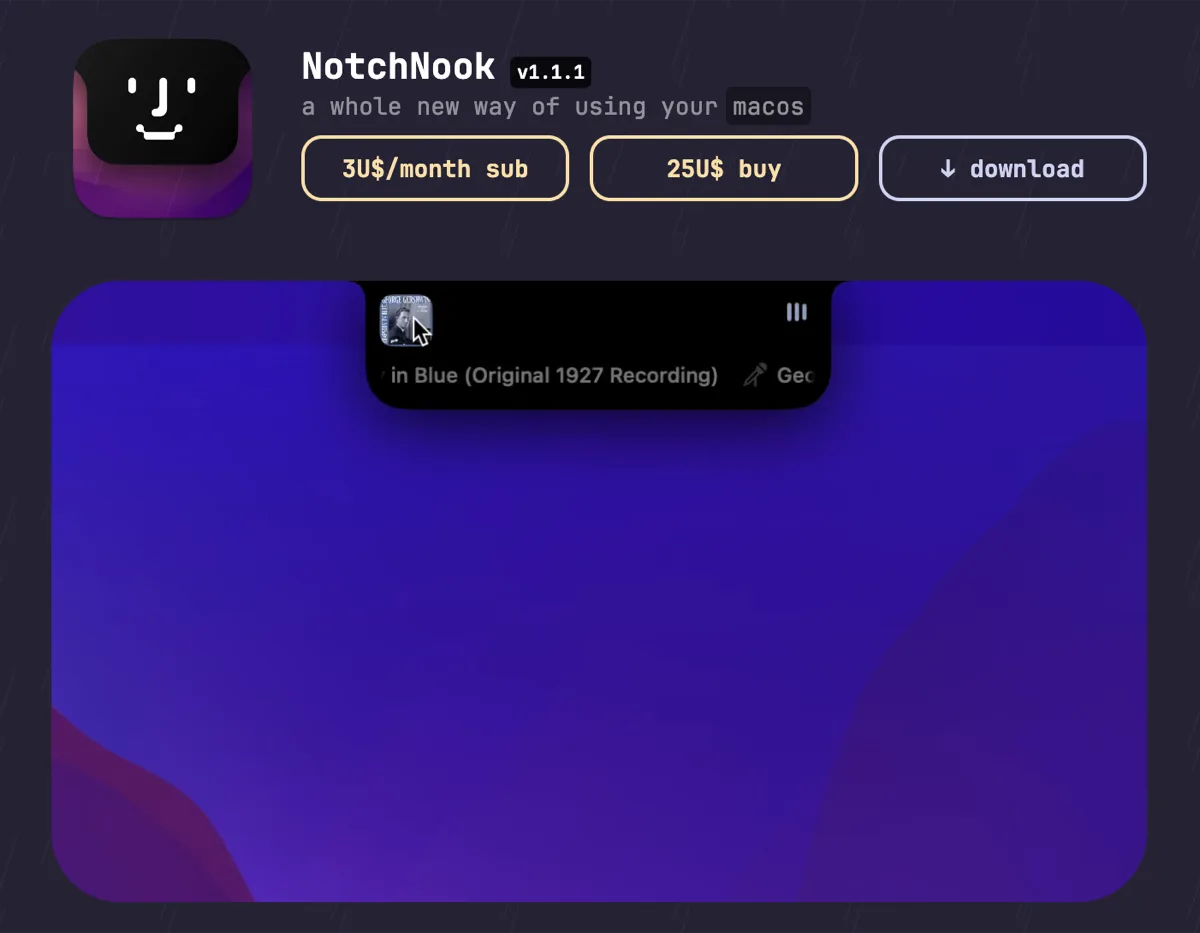

NotchNook
$25 one-time (or $3/mo)The feature-maximal island: file shelf, widgets, live activities, and deep customization.
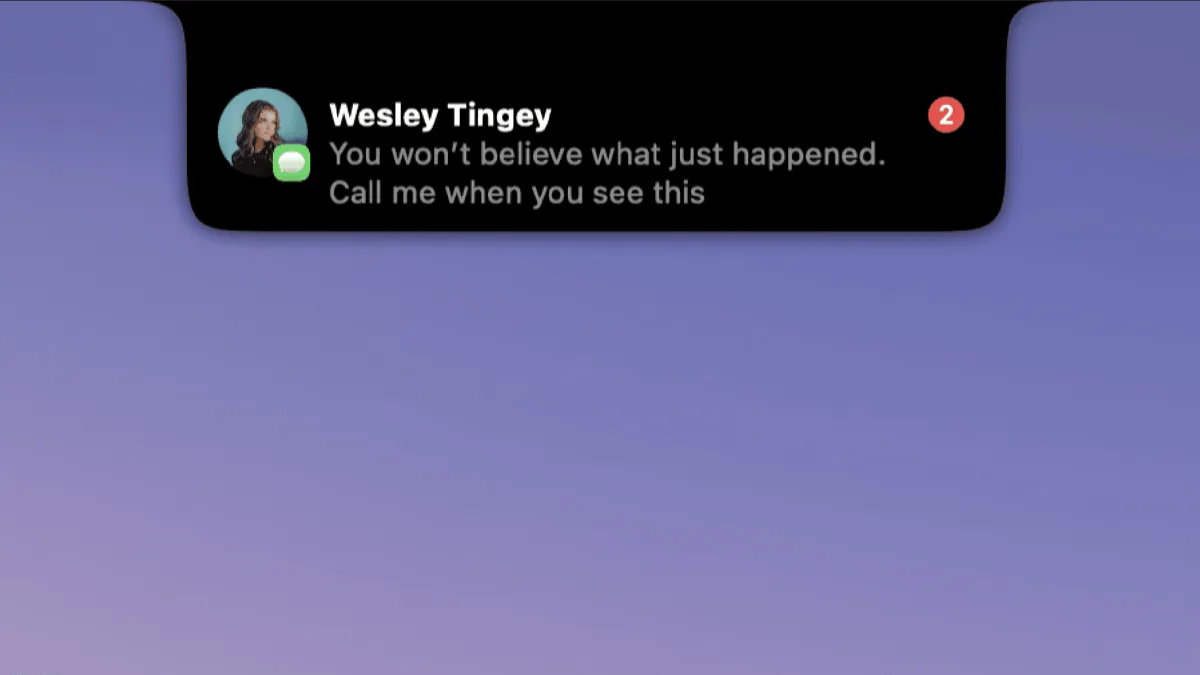

DynamicLake
$13.99 one-timeIsland platform covering music, notifications, calendar, and utilities — with an explicit Liquid Glass design option.
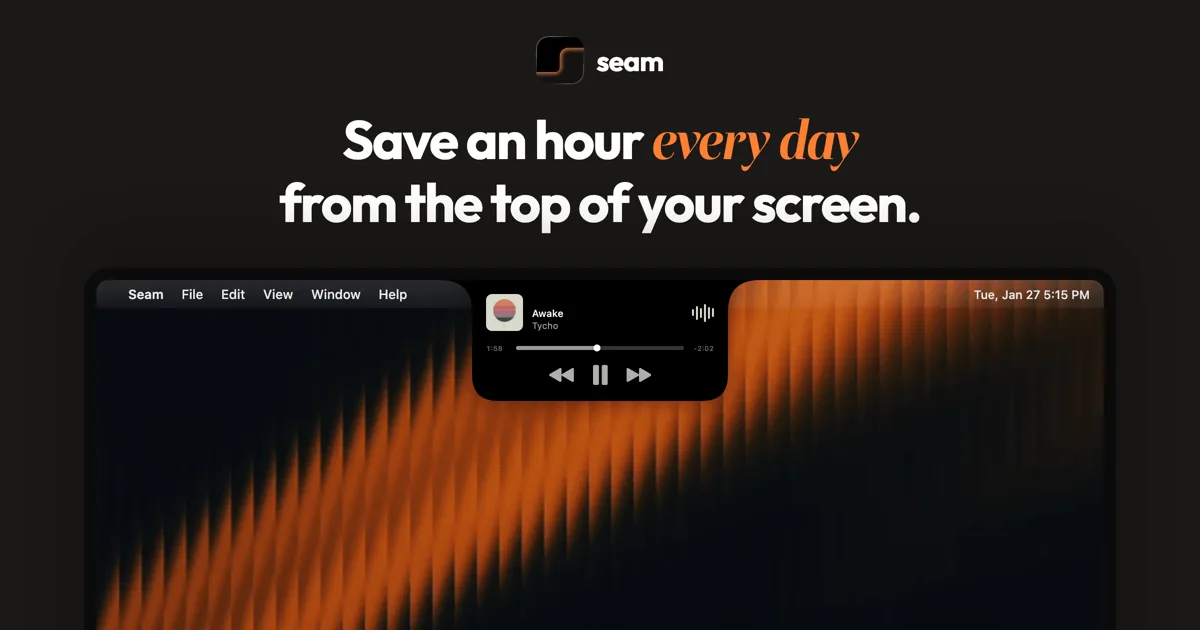

Seam
$19.90 one-timeA middle-path island: polished information display without the file-shelf kitchen sink.
Keep boring.notch — stack these next to it
These live in the menu bar or on screen, so they run happily alongside any notch app.