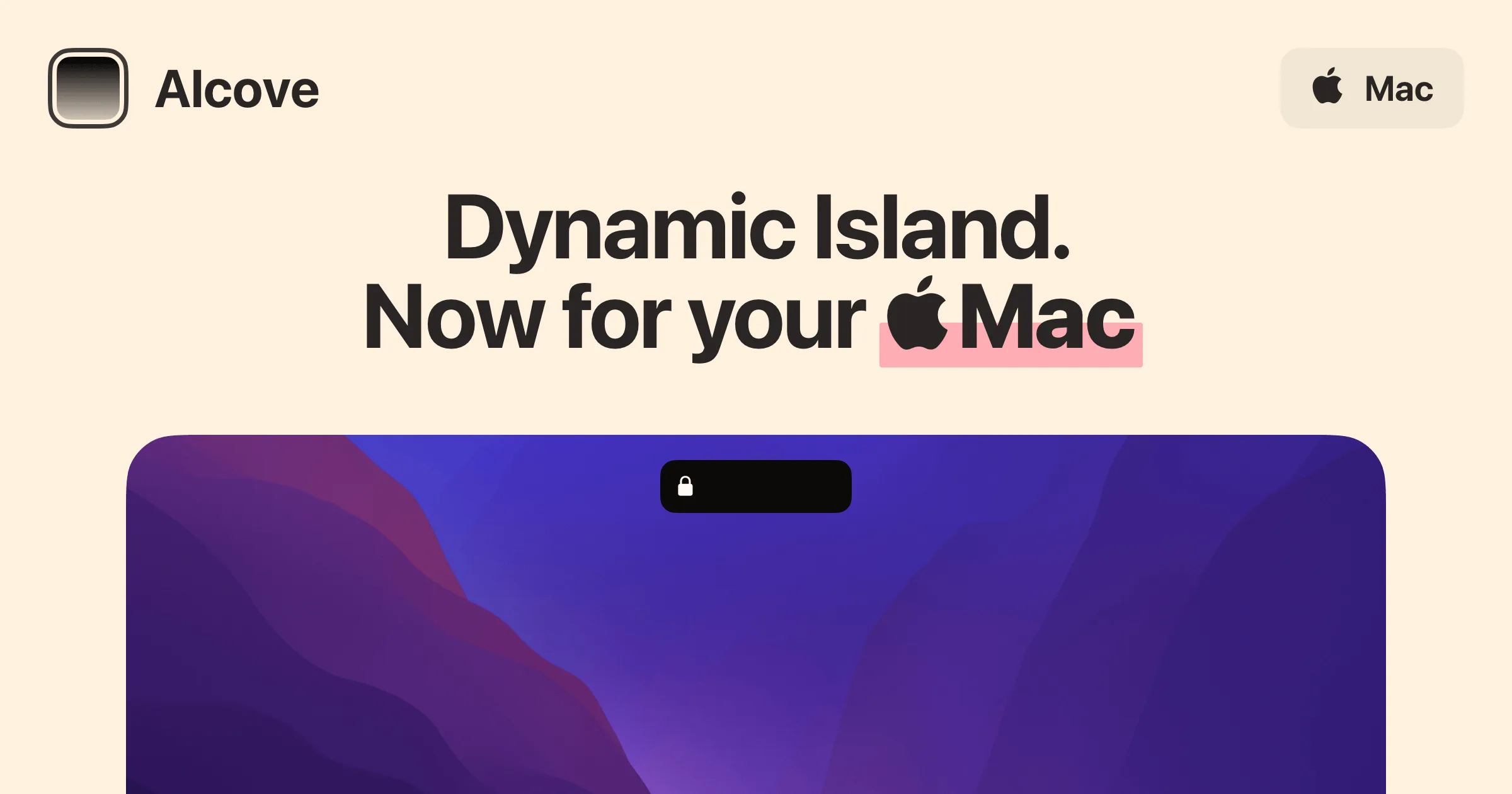
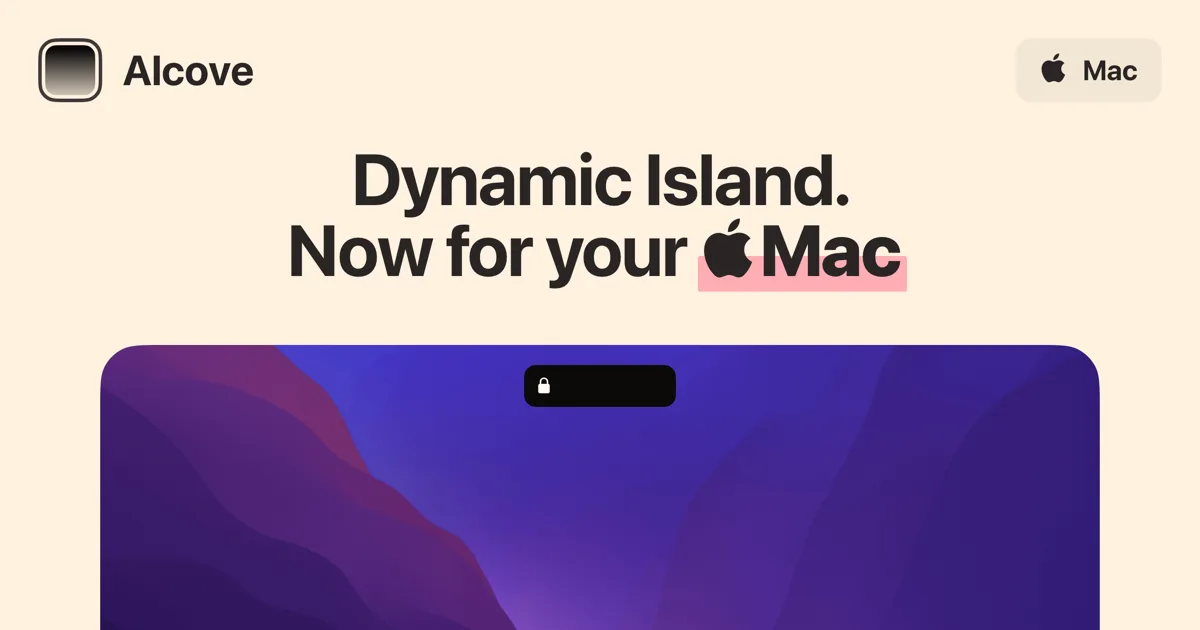
Live activities and widgets around the notch, with the most polished animations in the category.
Our take
The one to show someone who has never seen a Mac island app. Battery, AirDrop, music, and timers surface as live activities with real attention to motion design. If you buy one hub, start your comparison here.
Henrik Ruscon started building Alcove in Swift in early 2024 and shipped it that November, citing the iOS Dynamic Island as the design brief. He also makes Klack, the mechanical-keyboard-sound app — the same taste for tactile, native-feeling details shows up in both. Development is fast-moving: point releases have shipped days apart, and the community coordinates through an official Discord.
- 5.0 / 5 editor rating Softpedia
- "The best notch app, hands down" — community review AlternativeTo
- "A truly native-looking Mac app" MacSources
- Price
- $14.99 one-time
- License
- Proprietary
- Version
- 1.7.7
- Requires
- macOS 15 Sequoia or later
- Download
- 15 MB DMG
- Get it via
- Direct
- Developer
- Henrik Ruscon
Do you use Alcove?
Who made this
Solo developer of Alcove, who also makes Klack (a mechanical-keyboard sound app) — both linked from the same site footer.
X (opens in new tab) Discord (opens in new tab) GitHub (opens in new tab) Site (opens in new tab)
What it does
Fluid transitions
The island expands, collapses, and morphs between states with motion design that reviewers consistently single out as the best in the category.
Live activities
Battery, AirDrop, charging, timers, and calendar events surface around the notch as live activities — the iOS mental model, on the Mac.
Now-playing island
Album art, waveform visuals, and playback controls appear at the notch when music plays, including Lossless and Dolby Atmos format badges.
Instant notifications
System events appear as compact heads-up displays at the notch instead of sliding in from the corner.
Customizable HUDs
Volume and brightness get redesigned, repositionable HUDs to replace the stock macOS overlays.
Lock screen widgets
Alcove extends to the lock screen with widgets and a media player — territory almost no competitor touches.
Swipe gestures
Trackpad swipes on the island switch tracks and dismiss activities, so interaction stays fast and physical.
Native and light
100% Swift, a 15 MB download, and no Electron. It behaves like part of macOS because it is built like one.
The deal
- One-time purchase — all future updates included
- Use on up to 3 devices simultaneously
- 72-hour free trial before buying
- Full refund within 14 days, no reason required
Privacy: Collects no data or personal information, per its published privacy policy.
Worth knowing: Alcove relies on private macOS APIs that have been stable for years, but Apple could change or remove them. The developer sells it "as is" and says so openly on the site — a level of honesty most utilities in this category skip.
What others say
5.0 / 5 editor rating
Softpedia
"The best notch app, hands down" — community review
AlternativeTo
"A truly native-looking Mac app"
MacSources
Alcove — questions people ask
Is there a trial?
Yes — a 72-hour trial is available from the download page, and there is a 14-day no-questions refund window after purchase.
How many Macs can I use it on?
One license covers up to 3 devices simultaneously, and you can deactivate devices yourself from settings.
Does it collect data?
No. The developer states no data or personal information is collected, corroborated in the privacy policy.
Will it keep working with future macOS releases?
It depends on private APIs Apple could change. They have been stable for years and the app updates quickly, but the developer is explicit that it is sold as-is.
Do I need a notch?
No — since v1.7 Alcove offers a pill shape for notchless displays and a simulated-notch toggle, so it works on external monitors and older Macs too.
Is Alcove free?
Alcove costs $14.99 one-time.
Can I run Alcove together with another notch app?
No — Alcove draws at the notch, so it takes the place of any other notch app (hubs included). Apps that live in the menu bar or on screen stack alongside it fine.
Where can I download Alcove?
Alcove is available via Direct.
Reviews
No public ratings yet. Reader reviews are coming to Kitsmith soon.
Listing hand-verified July 25, 2026 from the developer's site and public sources.
How Alcove compares
Not sold on Alcove? These swap in
Notch apps run one at a time — pick one of these instead, not as well.
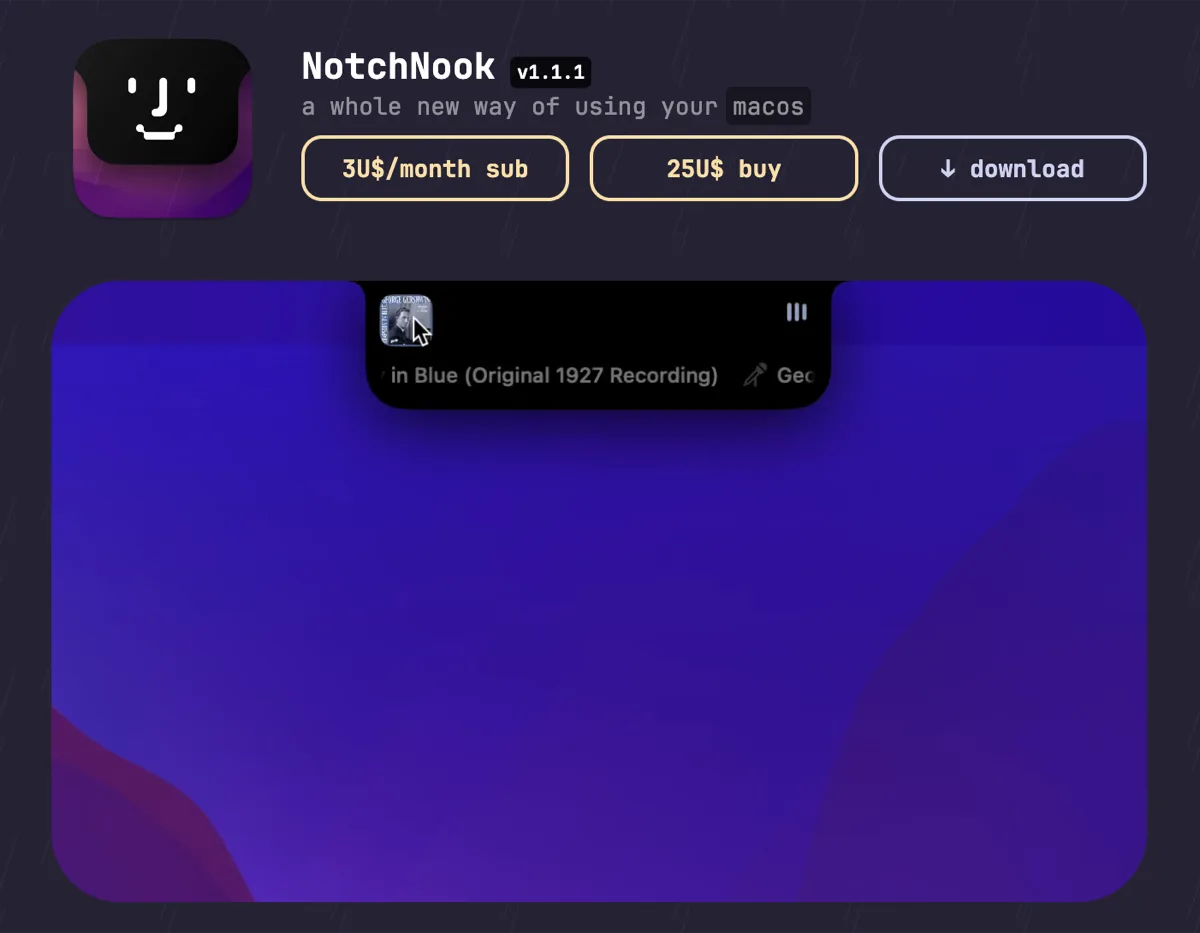

NotchNook
$25 one-time (or $3/mo)The feature-maximal island: file shelf, widgets, live activities, and deep customization.

boring.notch
FreeFree, open-source island with media controls and small utilities — the no-commitment entry point.
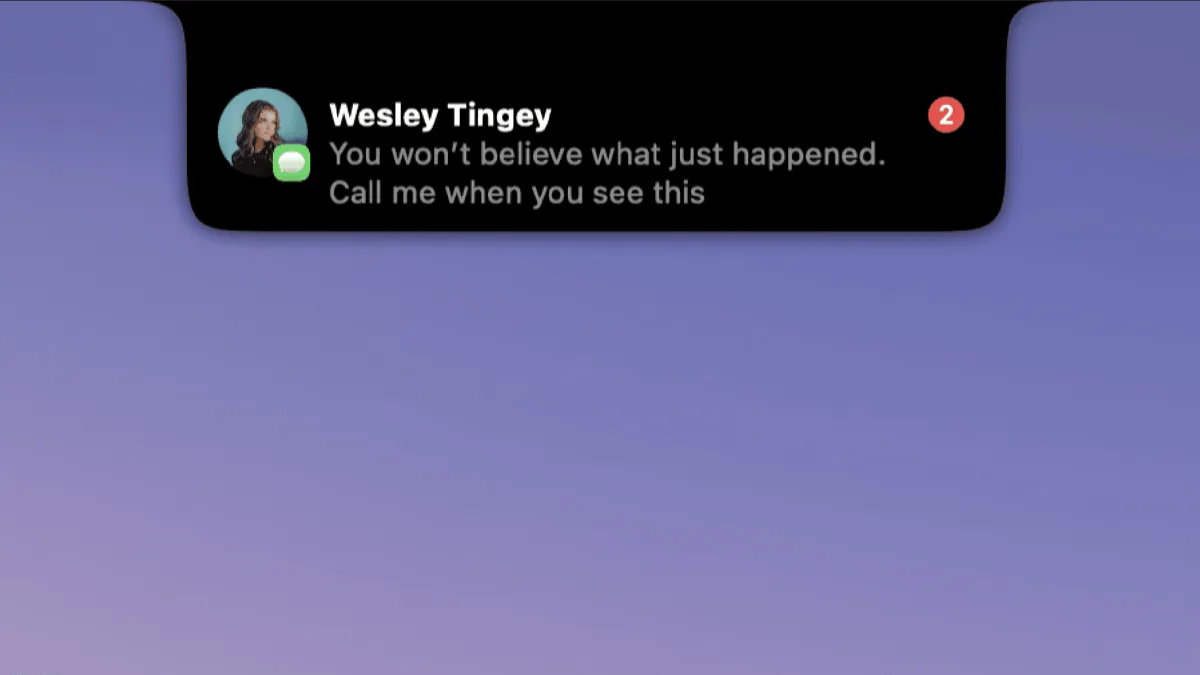

DynamicLake
$13.99 one-timeIsland platform covering music, notifications, calendar, and utilities — with an explicit Liquid Glass design option.
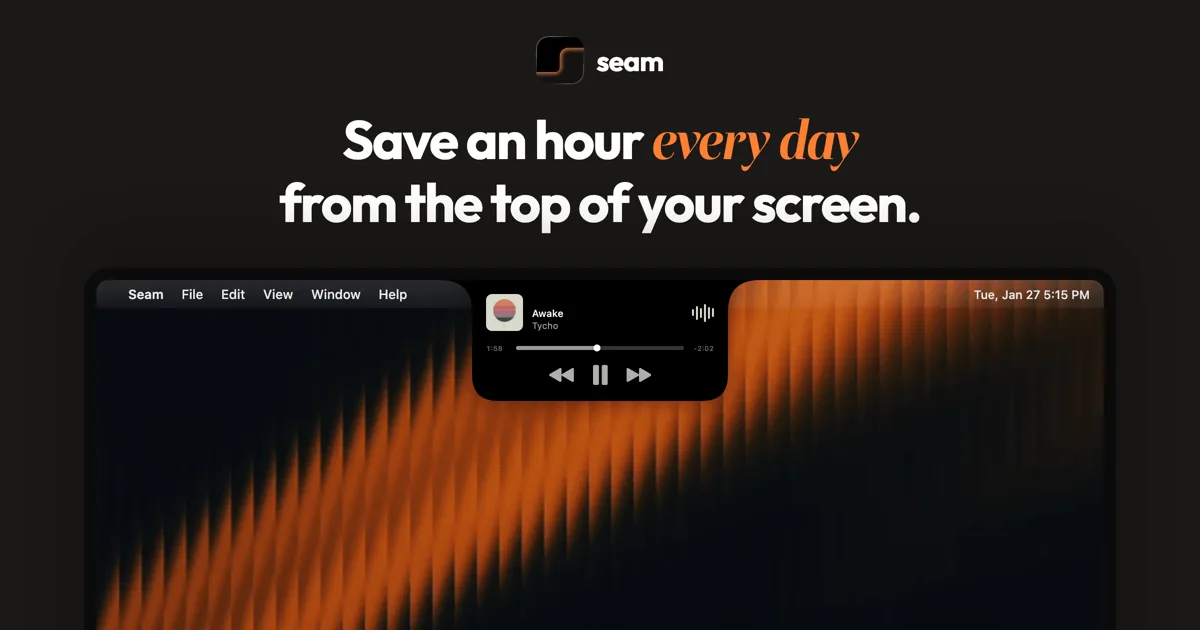

Seam
$19.90 one-timeA middle-path island: polished information display without the file-shelf kitchen sink.
Keep Alcove — stack these next to it
These live in the menu bar or on screen, so they run happily alongside any notch app.