Kitsmith / Compare / Supaste vs Cliptop
MacSupaste vs Cliptop
Supaste vs Cliptop: verdict, pricing, and specs compared, so you can pick the right one for your Mac.
At a glance
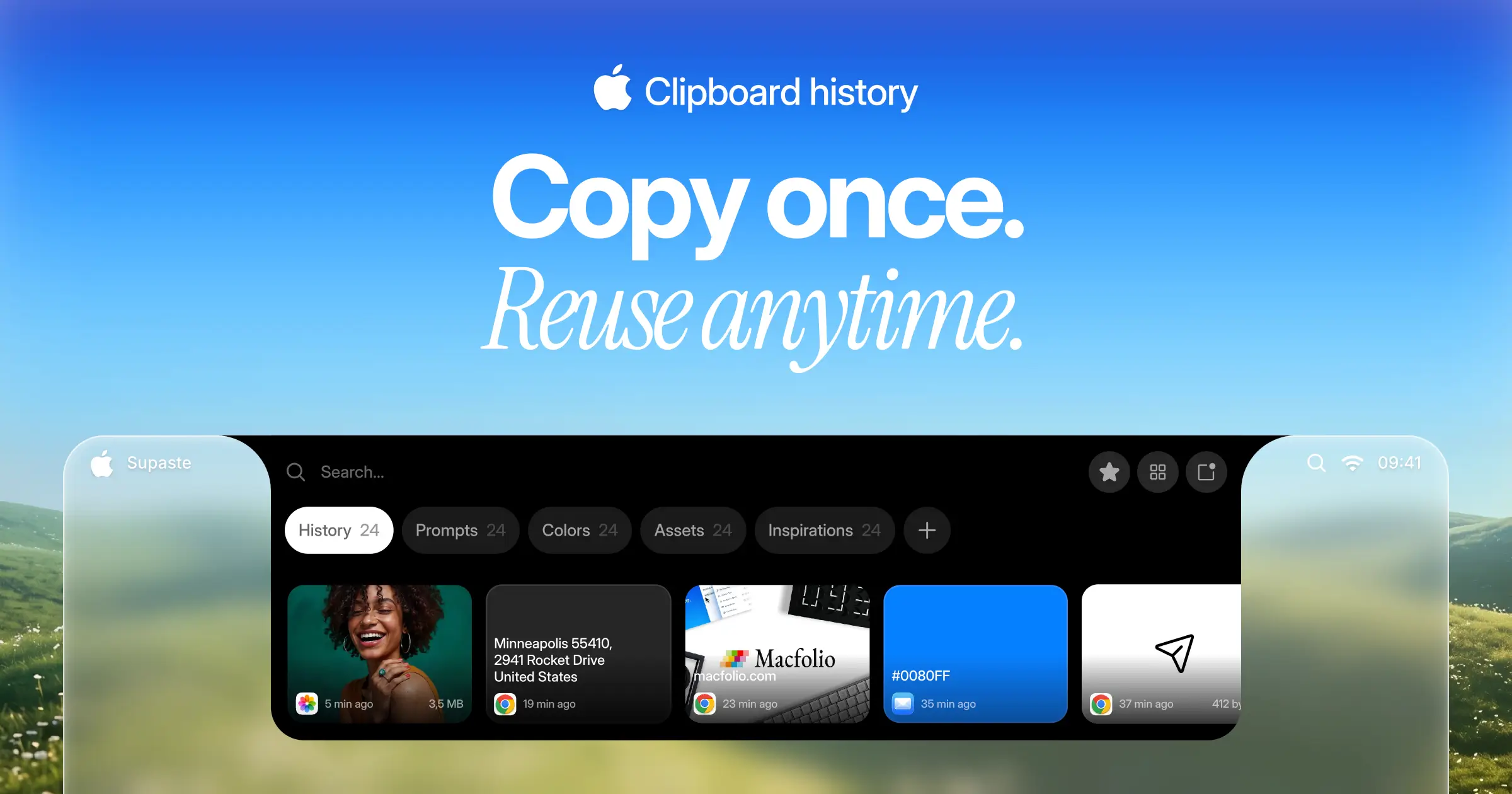

Supaste
$15 one-timeClipboard and screenshot history in a visual timeline, with a shelf that lives at the notch.
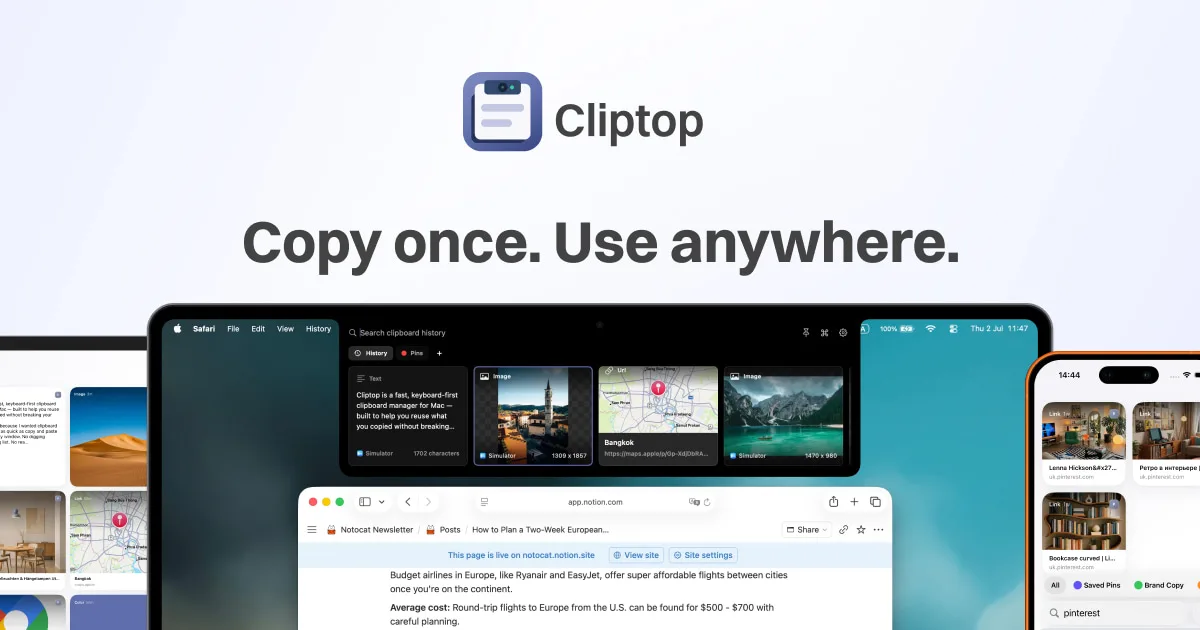

Cliptop
$9.99/yr (from $14.99) or $19.99 one-time (from $29.99)A keyboard-first clipboard manager that opens from the notch, with sync to iPhone and iPad.
Spec comparison
Supaste
- Price
- $15 one-time
- Pricing model
- Paid
- License
- Proprietary
- Placement
- Notch · Menu bar
- Channels
- Direct
- Category
- Utilities
Cliptop
- Price
- $9.99/yr (from $14.99) or $19.99 one-time (from $29.99)
- Pricing model
- Paid
- License
- Proprietary
- Placement
- Notch · Menu bar
- Channels
- Direct · Mac App Store
- Category
- Utilities
The verdict
Supaste is the flat one-time buy — launch price $15, no subscription, ever — built around a visual timeline of everything you copy or capture. Cliptop costs less upfront on its annual plan ($9.99/yr) or roughly the same on its lifetime tier ($19.99, covering up to 3 devices), but syncs your clipboard to iPhone and iPad too, and still works on a Mac without a notch. Pick Supaste if you want a single price and the most designed history view; pick Cliptop if cross-device sync is worth an annual fee or a bit more upfront.
Which one should you pick?
Pick Supaste if…
- Pick Supaste if you want one flat one-time price with no subscription option to worry about
- Pick Supaste if a visual timeline of clips and screenshots, not just a list, is the draw
- Pick Supaste if replacing a separate screenshot manager with the same history matters to you
- Pick Supaste if you only need it on one Mac, not synced to your phone
Pick Cliptop if…
- Pick Cliptop if you want your clipboard history synced to iPhone and iPad, not just your Mac
- Pick Cliptop if you’d rather pay $9.99/yr than $15+ upfront, or want a lifetime tier that covers up to 3 devices
- Pick Cliptop if you’re on a Mac without a notch — it still works from the menu bar or a keyboard shortcut
- Pick Cliptop if handling colors and files, not just text and images, matters to your workflow
Supaste vs Cliptop — questions people ask
Is Supaste a subscription?
No — it’s a one-time purchase, launch price $15 (regular $29), with no subscription.
Does Cliptop sync across devices?
Yes — the same history syncs to iPhone and iPad, not just your Mac.
Which is cheaper?
Supaste’s one-time $15 launch price is cheaper upfront than Cliptop’s $19.99 lifetime tier, but Cliptop’s $9.99/yr plan can cost less if you don’t keep it for more than a couple of years.