Kitsmith / Utilities / PastePal

PastePal
$14.99 one-time (App Store or standalone Mac license) — free to download and try
Price checked at source August 28, 2026.
A universal clipboard manager for Mac, iPhone, and iPad — one-time purchase with no subscription, syncing history across devices via iCloud.
Our take
Rare in this category for being a straight one-time purchase ($14.99) rather than a subscription, with a standalone Mac-only license also sold separately for people who don’t want the iPhone/iPad apps. Native AppKit and Swift rather than a Catalyst port, with real depth once you’re past the basics — content-aware previews (hex colors, rich text, PDFs, links), a Paste Stack for collecting multiple items before pasting them all at once, and a Peer Share mode that moves clips between devices over the local network without needing iCloud at all. It’s free to download and try, but pasting from history requires the paid unlock.
- Price
- $14.99 one-time (App Store or standalone Mac license) — free to download and try
- License
- Proprietary
- Requires
- macOS 16 or newer per the live Mac App Store listing — the developer’s own marketing page states macOS 12.0+, so the two may have diverged since launch; check the current listing before relying on an older Mac.
- Get it via
- Mac App Store · Direct
- Developer
- Khoa Pham (Indie Goodies)
Do you use PastePal?
Who made this
PastePal is one of a wide portfolio of Mac/iOS utility apps from Indie Goodies, Khoa Pham’s own small studio — a two-person team with Kenny, per the studio’s own site — also behind Almighty, Coolbar, and Codelime.
Site (opens in new tab) X (opens in new tab) GitHub (opens in new tab)
What it does
Paste Stack
Collect multiple clipboard items into a temporary stack, then paste them all at once.
Peer Share
Move clips between PastePal on other devices over the local network, without iCloud or Handoff.
Smart content previews
Recognizes and previews text, rich text, hex colors, emoji, links, images, PDFs, and files differently rather than showing everything as plain text.
The deal
- One-time purchase, no subscription — $14.99 for either the App Store or standalone Mac license
- Free to download and try; pasting from history requires the paid upgrade
Worth knowing: The Mac App Store version and the standalone direct-purchase version are separate: only the App Store version includes the iPhone/iPad apps and iCloud sync. This app is a universal purchase spanning iPhone, iPad, and Mac, so its App Store rating figures likely blend reviews across all three platforms rather than reflecting Mac use specifically — no star rating is shown here for that reason.
PastePal — questions people ask
Is PastePal a subscription?
No — it’s a one-time purchase ($14.99), per the developer’s own pricing page. It’s free to download and try; pasting requires the paid upgrade.
What’s the difference between the App Store and standalone versions?
The App Store version includes the iPhone and iPad apps with iCloud sync; the standalone version is Mac-only, activated on one Mac, and doesn’t require an App Store account.
Is PastePal free?
PastePal is free to use with optional paid unlocks.
Does PastePal work alongside a notch app like Alcove?
Yes — PastePal lives in the menu bar, so it runs happily alongside any Dynamic Island hub or notch app.
Where can I download PastePal?
PastePal is available via Mac App Store, Direct.
Reviews
No public ratings yet. Reader reviews are coming to Kitsmith soon.
Listing hand-verified August 28, 2026 from the developer's site and public sources.
How PastePal compares
Also in clipboard managers
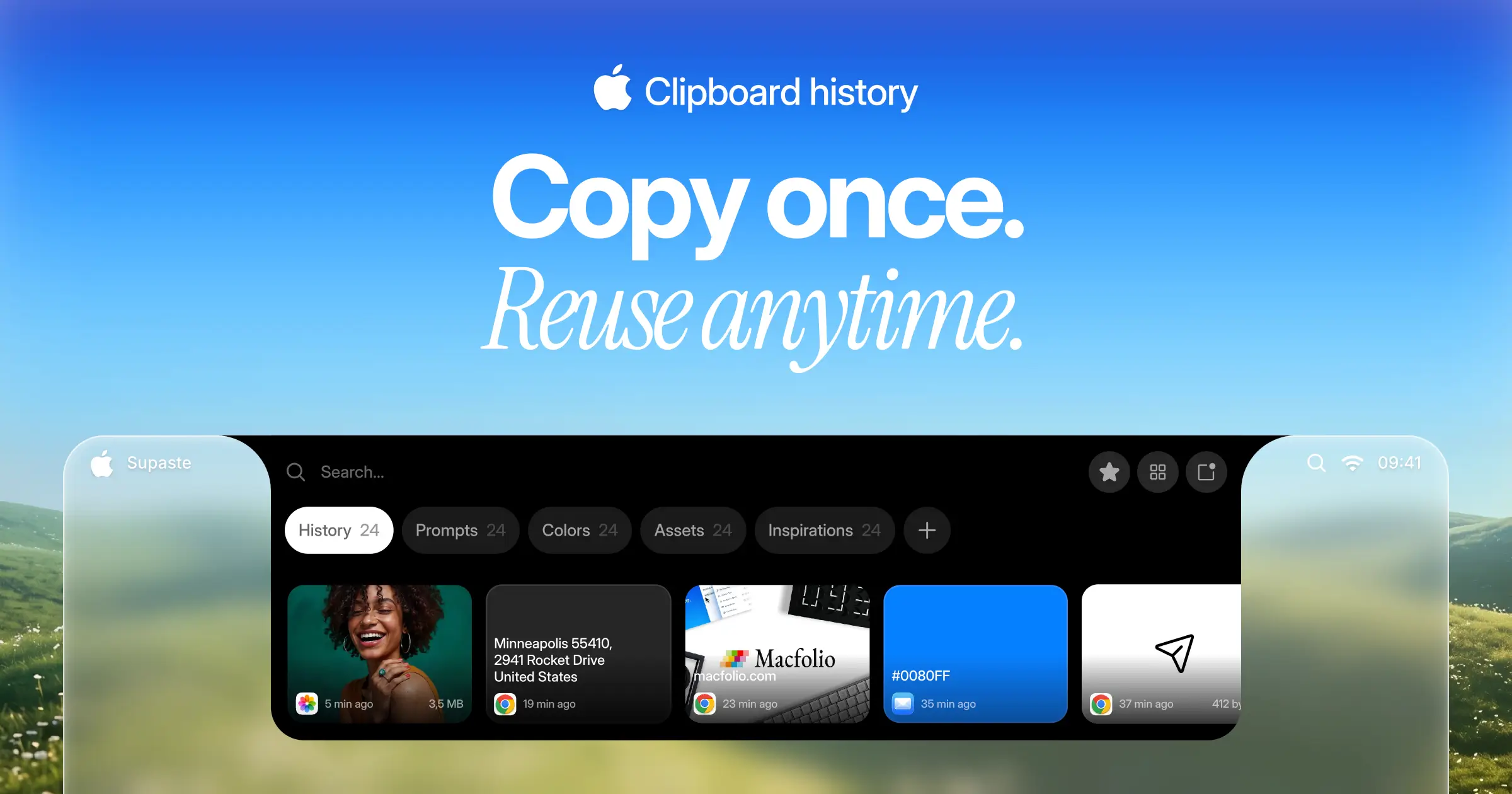

Supaste
$15 one-timeClipboard and screenshot history in a visual timeline, with a shelf that lives at the notch.
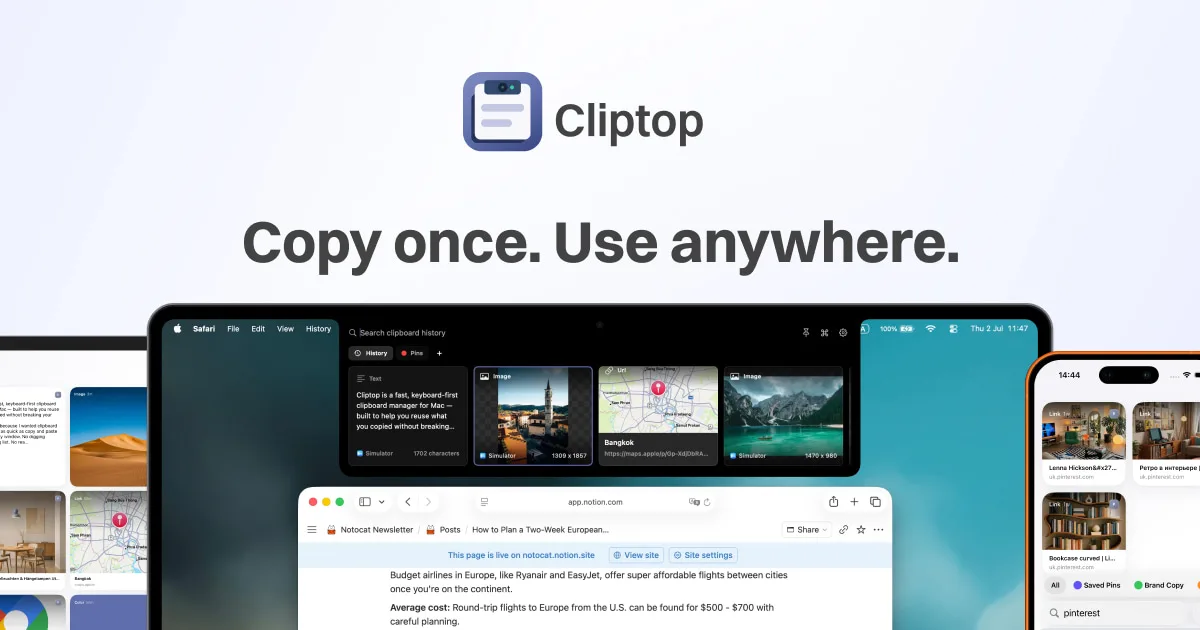

Cliptop
$9.99/yr (from $14.99) or $19.99 one-time (from $29.99)A keyboard-first clipboard manager that opens from the notch, with sync to iPhone and iPad.

Maccy
FreeA free, open-source clipboard manager that does one job — searchable clipboard history, keyboard-first, with nothing else bolted on.

Clipy
FreeA free, open-source clipboard and snippet manager for Mac — a maintained continuation of the classic ClipMenu, distributed outside the App Store.