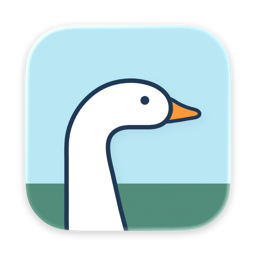
Body doubling for one task at a time — an AI buddy that watches your screen context and nudges you back when you drift.
Our take
A different mechanism than a timer: it analyzes on-screen context to detect distraction and intervenes, rather than just counting down. Screenshots are processed locally and sent only to your own chosen AI provider — iPromise itself states it never sees or stores them.
- Price
- See site
- License
- Proprietary
- Requires
- macOS 14.2 or later
- Get it via
- Mac App Store · Direct
- Developer
- Odd Lab
Do you use iPromise?
Who made this
Odd Lab ✓
Odd Lab is the developer name Apple's own developer page uses for iPromise; the studio behind it, Zenbox, credits itself in the app's own site footer.
What it does
Focus sessions
Commit to one task, set a duration, and start with one tap or a keyboard shortcut. Optional ambient sound.
AI Focus Buddy
A character (goose, turtle, comet, and others) that reacts to your session and steps in when it detects drift.
Session Inspector
A segment-by-segment focus bar, timeline, and overall evaluation after each session.
Streaks and overview
Daily sessions, focus time, current and longest streaks, and a focus-time distribution view.
Bring your own model
Use your own API key with a supported provider, or a local/Ollama-compatible endpoint instead of a cloud service.
The deal
- 14-day free trial, then an auto-renewable annual subscription
- Renews automatically unless canceled at least 24 hours before the period ends, managed via App Store Settings
- Bring your own AI provider API key, or use a local/Ollama-compatible endpoint
Privacy: Screen recording is used only to understand on-screen context during a session; screenshots are processed locally and sent only to your chosen AI provider — iPromise states it never sees or stores them.
iPromise — questions people ask
Does iPromise upload my screenshots?
No — screenshots are processed locally and sent only to the AI provider you configure; the developer states iPromise itself never sees or stores them.
Is iPromise a subscription?
Yes — a 14-day free trial followed by an auto-renewable annual subscription, managed through Mac App Store settings.
Can I use my own AI model instead of a cloud provider?
Yes — it supports local servers like Ollama or LM Studio, or any OpenAI-compatible endpoint.
Is iPromise free?
iPromise is free to use with optional paid unlocks.
Can I run iPromise together with another notch app?
No — iPromise draws at the notch, so it takes the place of any other notch app (hubs included). Apps that live in the menu bar or on screen stack alongside it fine.
Where can I download iPromise?
iPromise is available via Mac App Store, Direct.
Reviews
No public ratings yet. Reader reviews are coming to Kitsmith soon.
Listing hand-verified July 27, 2026 from the developer's site and public sources.
Not sold on iPromise? These swap in
Notch apps run one at a time — pick one of these instead, not as well.
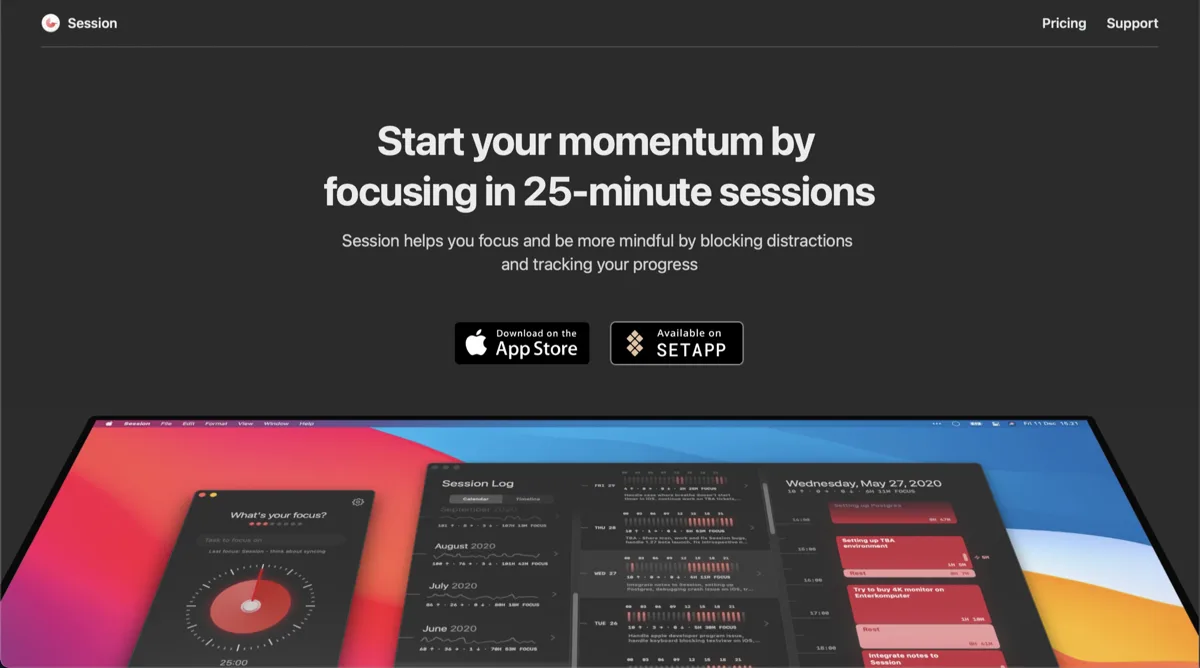
Session
Free, Pro $4.99/mo or $39.99/yrA pomodoro-style focus timer in the menu bar, with analytics on where your deep-work hours go.

Flow
Free, Pro $1.49/moA minimal pomodoro timer that lives quietly in the menu bar.
One Thing
FreePut a single task in your menu bar and keep it in view until it is done.
FocusNotch
Free, Pro $5.99/mo or $29.99/yrA focus timer and distraction blocker that lives in the notch, with website blocking that works across every browser.
Keep iPromise — stack these next to it
These live in the menu bar or on screen, so they run happily alongside any notch app.