A focus timer and distraction blocker that lives in the notch, with website blocking that works across every browser.
Our take
The free tier is a real focus timer, not just a demo — website blocking, the feature people actually pay for, is gated to Pro. Blocking runs at the network level rather than as browser extensions, so it covers Safari, Chrome, and everything else at once.
- Price
- Free, Pro $5.99/mo or $29.99/yr
- License
- Proprietary
- Requires
- macOS 13 Ventura or later
- Get it via
- Mac App Store · Direct
- Developer
- Daniel Bratt
Do you use FocusNotch?
Who made this
Solo developer of FocusNotch, who also publishes Bloxie, cross-promoted from the same site navigation.
What it does
Focus Timer
A built-in Pomodoro timer with customizable intervals, free on every tier.
Universal Distraction Blocking
Blocks distracting websites across every browser and app without needing browser extensions (Pro).
Dynamic island capability
The active timer and blocking status surface at the notch rather than a separate window.
Disable stop button
A Pro option that removes the easy way out of a session mid-focus.
The deal
- Free tier: basic focus timer
- Pro Monthly $5.99 or Pro Yearly $29.99 (save 60% annually) — both include a 3-day free trial
- Subscriptions handled through the Mac App Store
Privacy: All data stays on-device; the developer states no tracking or cloud storage.
FocusNotch — questions people ask
Is FocusNotch free?
The focus timer is free forever; website blocking and the notch-integrated Pro features require a subscription with a 3-day free trial.
How does the website blocker work?
It blocks at the system level via a network extension (System Settings → General → Login Items & Extensions → Network Extensions), so it covers every browser without installing an extension in each one.
Which macOS versions does it support?
macOS 13 (Ventura) or later, on Apple Silicon and Intel.
Is FocusNotch free?
FocusNotch is free to use with optional paid unlocks.
Can I run FocusNotch together with another notch app?
No — FocusNotch draws at the notch, so it takes the place of any other notch app (hubs included). Apps that live in the menu bar or on screen stack alongside it fine.
Where can I download FocusNotch?
FocusNotch is available via Mac App Store, Direct.
Reviews
No public ratings yet. Reader reviews are coming to Kitsmith soon.
Listing hand-verified July 27, 2026 from the developer's site and public sources.
Not sold on FocusNotch? These swap in
Notch apps run one at a time — pick one of these instead, not as well.
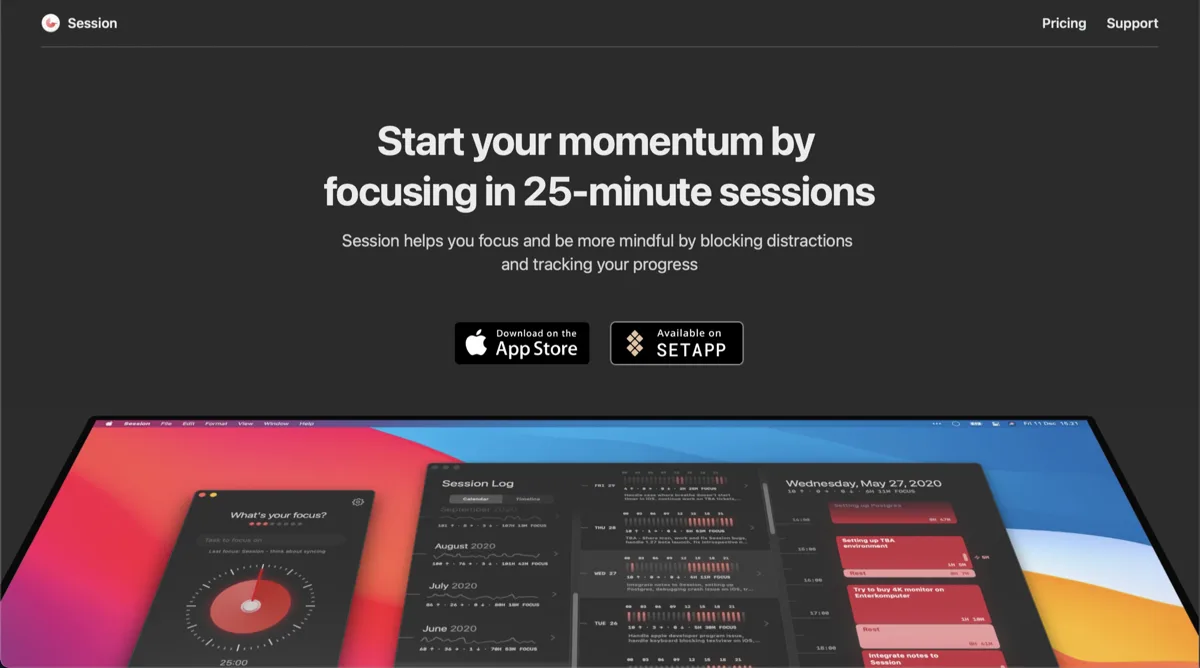
Session
Free, Pro $4.99/mo or $39.99/yrA pomodoro-style focus timer in the menu bar, with analytics on where your deep-work hours go.

Flow
Free, Pro $1.49/moA minimal pomodoro timer that lives quietly in the menu bar.
One Thing
FreePut a single task in your menu bar and keep it in view until it is done.
iPromise
Price unverifiedBody doubling for one task at a time — an AI buddy that watches your screen context and nudges you back when you drift.
Keep FocusNotch — stack these next to it
These live in the menu bar or on screen, so they run happily alongside any notch app.