Kitsmith / Hubs / Aurora Notch

A private, local-first control center at the notch — notes, clipboard, calendar, focus timers, and an AI writing helper.
Our take
Leans hard on privacy messaging (local-first notes and clipboard) and adds a genuinely different feature for the category: an AI writing-help panel that summarizes a note or extracts actions from it, run locally where possible.
- Price
- €24.99 one-time (or €2.99/mo)
- License
- Proprietary
- Version
- 1.1.6
- Requires
- macOS 13.5 or later · Apple Silicon
- Get it via
- Direct
- Developer
- Aurora Notch
Do you use Aurora Notch?
Who made this
Aurora Notch is a studio brand — no individual maker is named anywhere on the site or listing.
What it does
Media and calendar
Control music and see your next event without leaving the app you’re using.
Clipboard and Quick Notes
Save a clip or capture a thought before it turns into another open window.
Writing help
A local AI panel summarizes notes and extracts action items from captured text.
Focus timers
Start and track focus sessions from the same top-of-screen surface.
Widget shelf
Audio, camera, notes, and files collected in one expandable shelf.
The deal
- Aurora Pro Lifetime: €24.99 one-time
- Aurora Pro Monthly: €2.99/mo, cancel anytime
- 72-hour free trial, no account or payment required
- Payment processed by Lemon Squeezy as merchant of record
Privacy: Notes, clipboard, calendar, and actions stay on the Mac wherever possible, per the developer’s site.
Aurora Notch — questions people ask
Is there a free trial?
Yes — 72 hours with every Pro tool and widget unlocked, no account or payment required.
What’s the difference between Aurora Pro Monthly and Lifetime?
Same features — billing is the only difference. Lifetime (€24.99) pays for itself in under 9 months versus the €2.99/mo plan.
Does Aurora Notch work without a notch?
Yes — it’s native for macOS 13.5+ on Apple Silicon, with or without a physical notch.
Is Aurora Notch free?
Aurora Notch costs €24.99 one-time (or €2.99/mo).
Can I run Aurora Notch together with another notch app?
No — Aurora Notch draws at the notch, so it takes the place of any other notch app (hubs included). Apps that live in the menu bar or on screen stack alongside it fine.
Where can I download Aurora Notch?
Aurora Notch is available via Direct.
Reviews
No public ratings yet. Reader reviews are coming to Kitsmith soon.
Listing hand-verified July 27, 2026 from the developer's site and public sources.
How Aurora Notch compares
Not sold on Aurora Notch? These swap in
Notch apps run one at a time — pick one of these instead, not as well.

Alcove
$14.99 one-timeLive activities and widgets around the notch, with the most polished animations in the category.
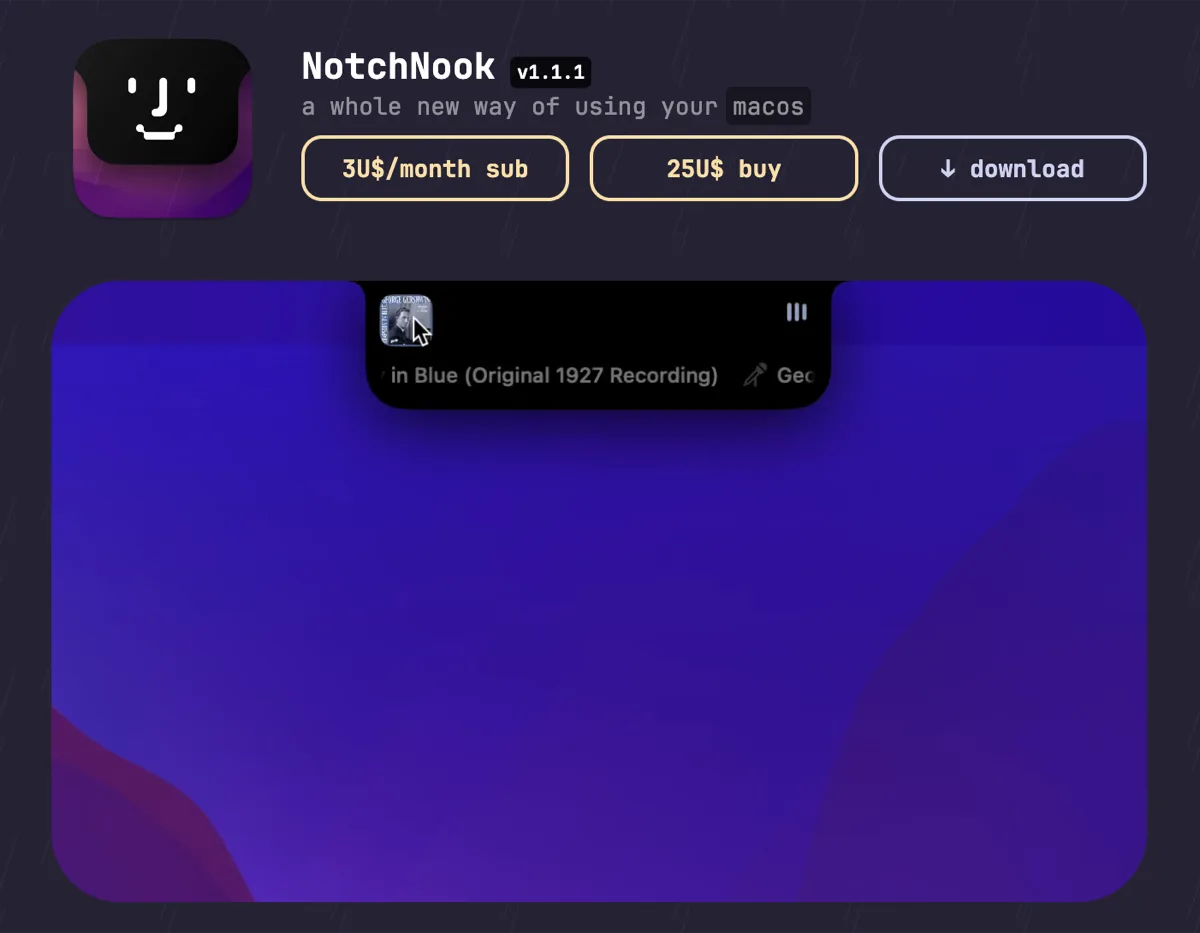

NotchNook
$25 one-time (or $3/mo)The feature-maximal island: file shelf, widgets, live activities, and deep customization.

boring.notch
FreeFree, open-source island with media controls and small utilities — the no-commitment entry point.

DynamicLake
$13.99 one-timeIsland platform covering music, notifications, calendar, and utilities — with an explicit Liquid Glass design option.
Keep Aurora Notch — stack these next to it
These live in the menu bar or on screen, so they run happily alongside any notch app.