A free, open-source screen recorder that exports straight to GIF, MP4, WebM, or APNG from a simple menu bar dropdown.
Our take
The GIF-first workflow is the differentiator — record and export a shareable GIF in a couple of clicks, no separate conversion step. Free and open source, built by Wulkano and community contributors on GitHub.
- Price
- Free
- License
- Open source
- Requires
- macOS 12 or later
- Get it via
- Homebrew · GitHub · Direct
- Developer
- Wulkano
Do you use Kap?
Who made this
Wulkano ✓
Wulkano is a small design/dev studio; Kap's own site credits "Wulkano & friends" in its footer, linking out to the studio's own write-up of how Kap was built.
What it does
Multi-format export
Exports recordings as GIF, MP4, WebM, or APNG.
Click highlighting
Optionally highlights mouse clicks during a recording, useful for tutorials.
Trimming
Trim a recording’s start and end without leaving the app.
The deal
- Free and open source
Kap — questions people ask
Is Kap free?
Yes, free and open source.
Can Kap export GIFs?
Yes — GIF is one of its native export formats, alongside MP4, WebM, and APNG.
Is Kap free?
Yes — Kap is free.
Does Kap work alongside a notch app like Alcove?
Yes — Kap lives in the menu bar, so it runs happily alongside any Dynamic Island hub or notch app.
Where can I download Kap?
Kap is available via Homebrew, GitHub, Direct.
Is Kap open source?
Yes — Kap is open source.
Reviews
No public ratings yet. Reader reviews are coming to Kitsmith soon.
Listing hand-verified August 20, 2026 from the developer's site and public sources.
How Kap compares
Also in screen recorders
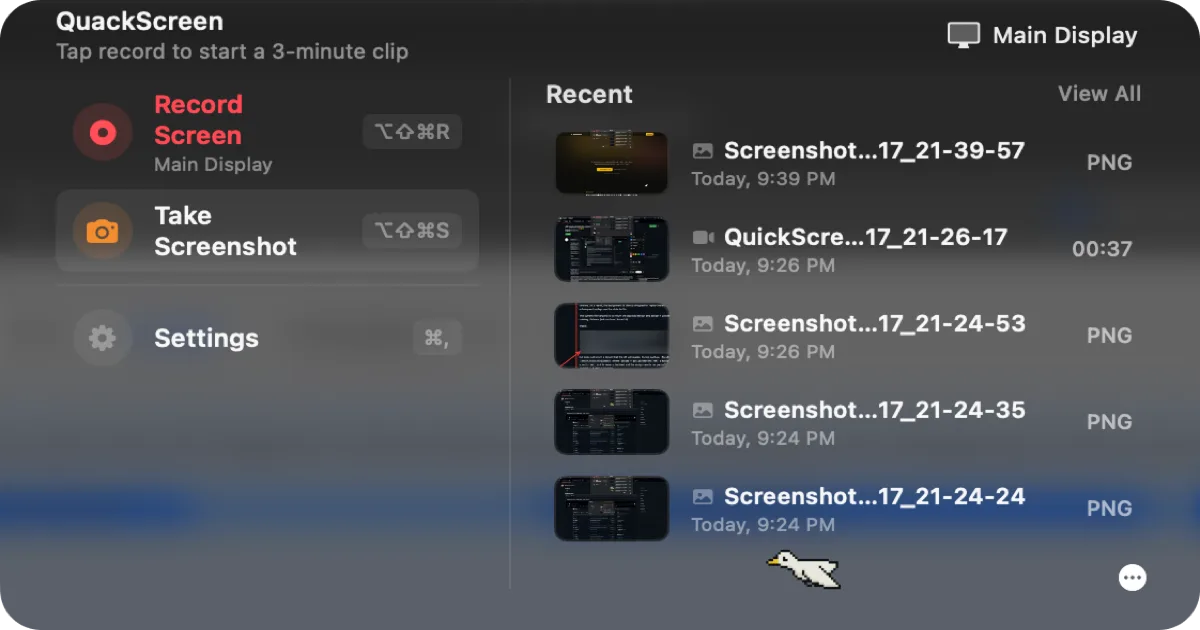

QuackScreen
Free / €20 one-time lifetime licenseA native notch screen recorder and screenshot tool — record, drag the clip out, drop it into Slack or Finder.

OBS Studio
FreeFree, open-source recording and live-streaming software — the standard the paid screen recorders in this list get compared against.

CleanShot X
$29 one-time (app + 1 year of updates + 1 GB cloud); Cloud Pro from $8/mo billed annuallyA screenshot and screen recording app with a built-in annotation tool, from the makers of PixelSnap — a one-time license, not a subscription for the base app.
Capto
7-day free trial, then paid (standalone price not listed on site); also included in Setapp from $14.99/moA screen recording and screenshot app with a built-in video and image editor, from Global Delight — also captures your connected iPhone or iPad’s screen.