A free file-drop notch hub with a Pro tier adding AI chat, screen recording, and cross-platform file sharing.
Our take
The free tier alone — file drop, clipboard history, basic settings — is a legitimate no-cost starting point; Pro layers on AI chat and notes (bring your own API key), which is an unusual combination for this category.
- Price
- Free / ≈$15 one-time Pro
- License
- Proprietary
- Requires
- macOS 15.0 or later · Apple Silicon
- Get it via
- Direct
- Developer
- Muhammad Saddam Nur
Do you use NotchDrop?
Who made this
Solo developer of NotchDrop — support and bug reports route to his own inbox and Threads handle (@saddamnur), and the issue tracker lives on his own GitHub account.
What it does
File Drop Zone
Drag files to the notch for instant access, free on every tier.
AI Chat and AI Notes
Chat with AI or transcribe voice notes from the notch using your own API key for privacy.
Screen Recording
Records with smart zoom that follows your cursor (Pro).
Local File Sharing
Share files between devices on your network with no internet required — cross-platform to Windows, iOS, and Android.
Command shortcut
Run terminal commands or scripts straight from the notch without opening Terminal.
Notch Pet
A small pet that reacts to activity and sleeps when idle.
The deal
- Free tier: file drop zone, clipboard history, basic settings
- Pro (≈$15 one-time, price shown approximate on the developer’s own site): adds music controls, screen recording, face cam overlay, local file sharing, quick todo, AI Chat, and AI Notes
- One-time purchase — no subscription, per the developer
- Pro license is valid for one Mac at a time
NotchDrop — questions people ask
Does NotchDrop work on Macs without a notch?
Yes — it creates a virtual notch area at the top of the screen with the same functionality.
Is NotchDrop Pro a subscription?
No — it’s a one-time purchase for lifetime access and updates, per the developer.
What’s free?
The file drop zone, clipboard history, and basic settings. Music controls, screen recording, file sharing, and AI features require Pro.
Is NotchDrop free?
NotchDrop is free to use with optional paid unlocks.
Can I run NotchDrop together with another notch app?
No — NotchDrop draws at the notch, so it takes the place of any other notch app (hubs included). Apps that live in the menu bar or on screen stack alongside it fine.
Where can I download NotchDrop?
NotchDrop is available via Direct.
Reviews
No public ratings yet. Reader reviews are coming to Kitsmith soon.
Listing hand-verified July 27, 2026 from the developer's site and public sources.
How NotchDrop compares
Not sold on NotchDrop? These swap in
Notch apps run one at a time — pick one of these instead, not as well.

Alcove
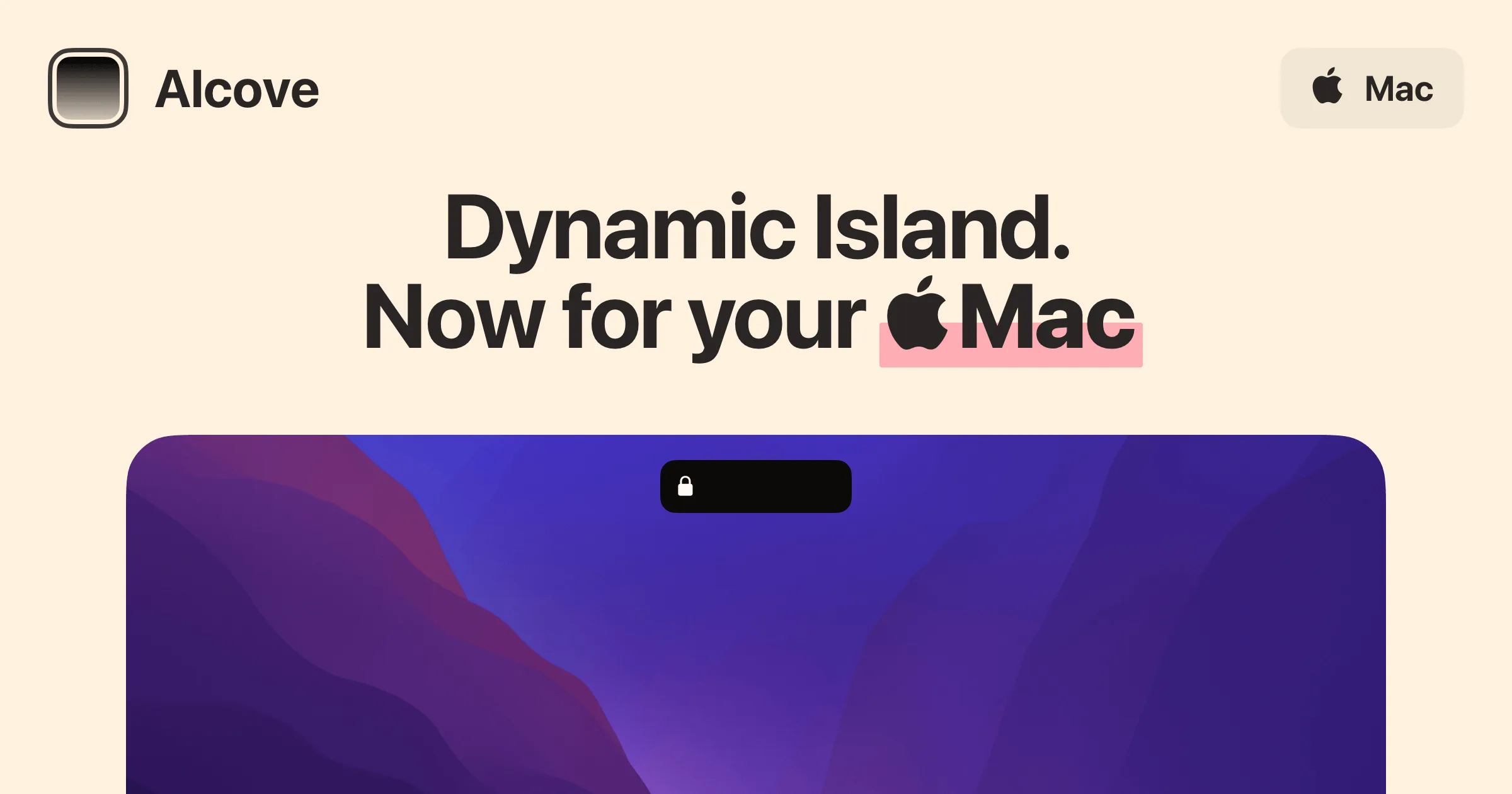
$14.99 one-timeLive activities and widgets around the notch, with the most polished animations in the category.
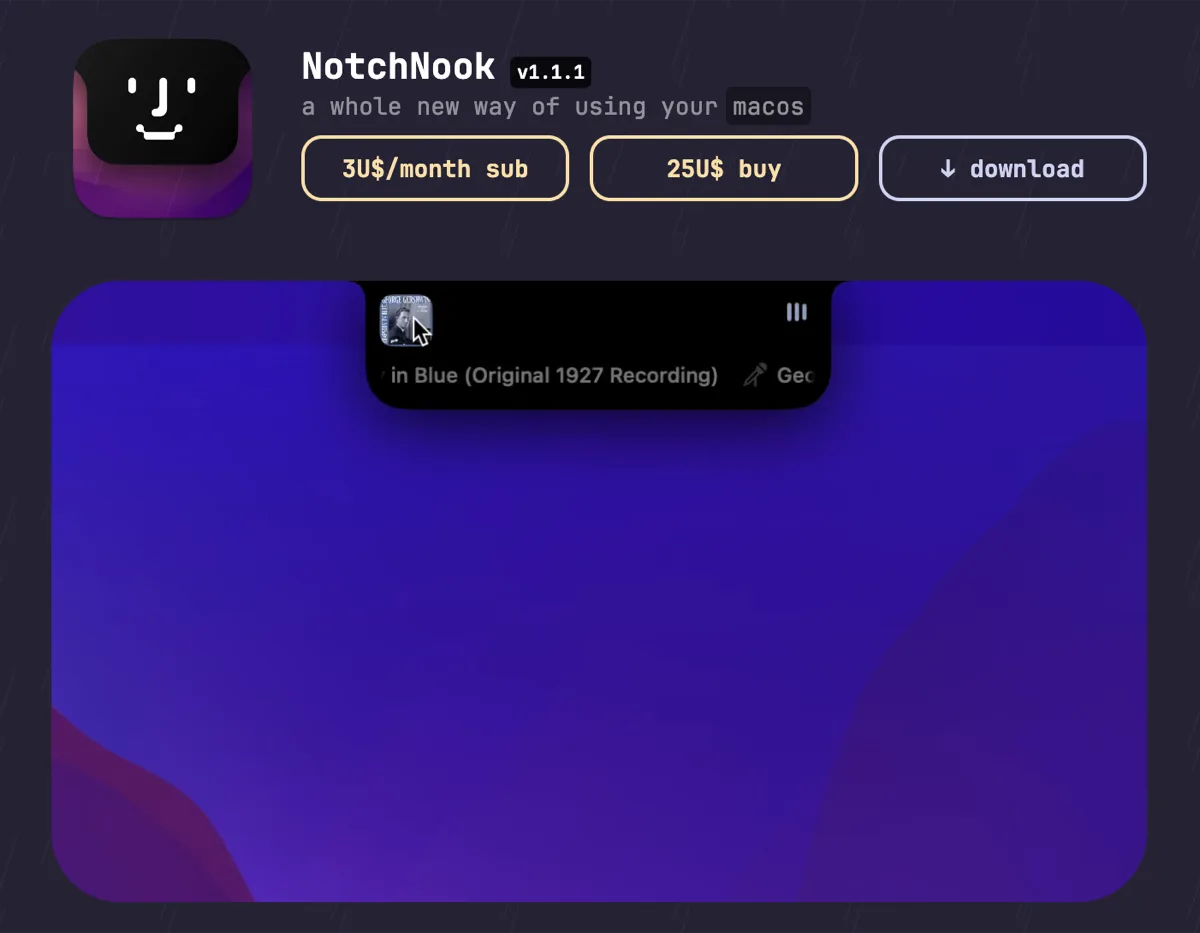

NotchNook
$25 one-time (or $3/mo)The feature-maximal island: file shelf, widgets, live activities, and deep customization.

boring.notch
FreeFree, open-source island with media controls and small utilities — the no-commitment entry point.

DynamicLake
$13.99 one-timeIsland platform covering music, notifications, calendar, and utilities — with an explicit Liquid Glass design option.
Keep NotchDrop — stack these next to it
These live in the menu bar or on screen, so they run happily alongside any notch app.