An intentional drag-in workspace at the notch — not a passive clipboard, but a shelf you actively curate.
Our take
Positions itself against clipboard managers on purpose: nothing lands on the shelf unless you drag it there. Also doubles as an app launcher and menu bar manager, which is more scope than the name suggests.
- Price
- Free
- License
- Proprietary
- Requires
- macOS 15 or later
- Get it via
- Mac App Store
Do you use NotchSpace?
What it does
Smart Notch Shelf
Drag files, images, text, links, or color cards into the notch for instant temporary storage — nothing is captured automatically.
Notch Launch Bar
Pin frequently used apps to the notch and launch them without Launchpad or the Dock.
Menu Bar Manager
Hold Command to rearrange menu bar icons, or collapse overflow items into the notch.
HEX detection and code snippets
Automatic color-card generation with one-click HEX/RGB copy, and terminal-style code snippet formatting.
Native Quick Look
Tap or press Space to preview files, images, and web content inside the notch.
The deal
- Free on the Mac App Store
Privacy: All content is processed and stored locally; imported files use APFS hard links rather than duplicating disk usage, per the developer.
NotchSpace — questions people ask
Is NotchSpace a clipboard manager?
No — the developer is explicit that it’s an actively managed workspace. You decide what gets stored by dragging it in, rather than everything being captured automatically.
Does NotchSpace duplicate my files on disk?
No — it uses APFS hard links, so imported files don’t take extra disk space, per the developer.
Is NotchSpace free?
Yes — NotchSpace is free.
Can I run NotchSpace together with another notch app?
No — NotchSpace draws at the notch, so it takes the place of any other notch app (hubs included). Apps that live in the menu bar or on screen stack alongside it fine.
Where can I download NotchSpace?
NotchSpace is available via Mac App Store.
Reviews
No public ratings yet. Reader reviews are coming to Kitsmith soon.
Listing hand-verified July 27, 2026 from the developer's site and public sources.
How NotchSpace compares
Not sold on NotchSpace? These swap in
Notch apps run one at a time — pick one of these instead, not as well.

Alcove
$14.99 one-timeLive activities and widgets around the notch, with the most polished animations in the category.
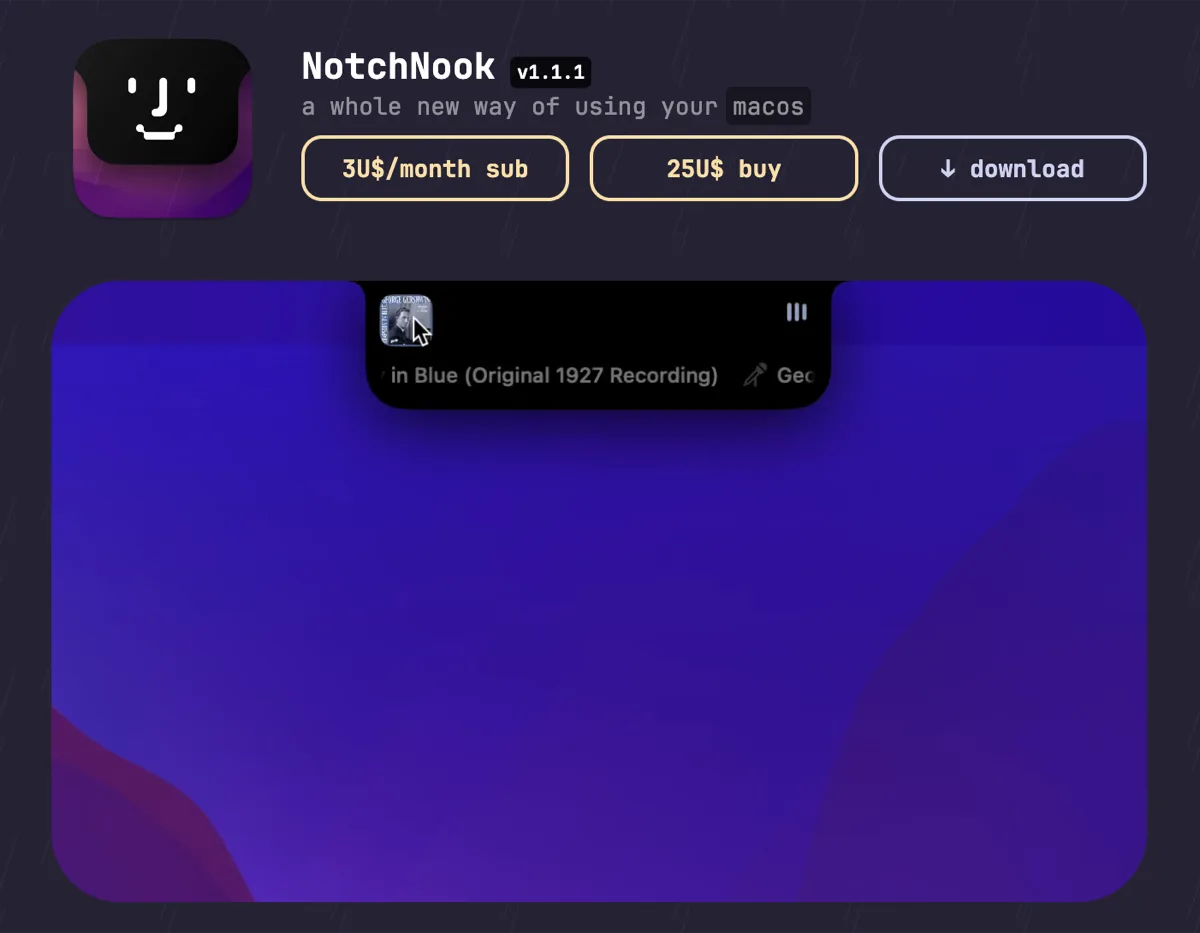

NotchNook
$25 one-time (or $3/mo)The feature-maximal island: file shelf, widgets, live activities, and deep customization.

boring.notch
FreeFree, open-source island with media controls and small utilities — the no-commitment entry point.
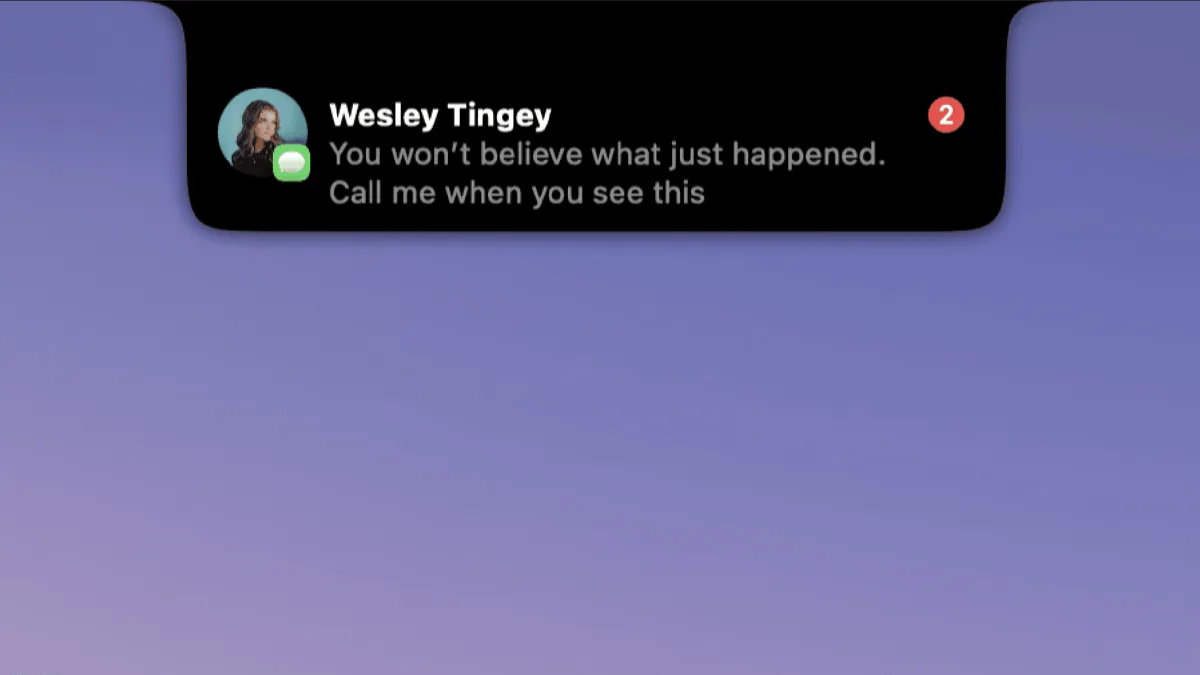

DynamicLake
$13.99 one-timeIsland platform covering music, notifications, calendar, and utilities — with an explicit Liquid Glass design option.
Keep NotchSpace — stack these next to it
These live in the menu bar or on screen, so they run happily alongside any notch app.