A free Dynamic Island for the Mac notch.
Our take
A straightforward free entry in the hub category — a low-risk way to try island interactions on a notched MacBook.
- Praised at launch as polished for a free tool. Product Hunt
- Price
- Free
- License
- Proprietary
- Version
- 1.0.76
- Requires
- macOS 13 Ventura or later
- Get it via
- Direct · Homebrew
- Developer
- Vishva Variya
Do you use Notchy?
Who made this
Solo developer of Notchy, credited in the app's own site footer as "Designed & developed by Vishva Variya," which links to his personal site.
What it does
AI usage tracker
Tracks rate limits and usage across 60+ AI providers — Claude Code, Codex, Cursor, Copilot — from the notch, with alerts before you hit a limit.
Clipboard history with OCR search
Every copy lands in a searchable shelf, and text inside screenshots is searchable too, processed on-device.
Pomodoro focus timer
Session chaining, a stopwatch, streaks, and a 7-day focus chart.
Command Palette
A ⌃⌥K shortcut jumps to any tab, toggles Caffeine, or starts a timer without touching the mouse.
Knock to Control
Tap the trackpad or knock the chassis to open the notch, shelf, clipboard, or play/pause — single, double, and triple taps each do something different.
Zoom teleprompter
Cuely scrolls your script beneath the webcam so your eyes stay aligned with the camera during calls.
AirPods and device battery
Per-bud battery, nearby case detection, and battery for Magic Mouse, Keyboard, and Trackpad.
Localized in 134 languages
Follows your macOS language automatically across every panel, HUD, and setting.
The deal
- Completely free — no subscription, trial, or credit card
- Optional donations via Ko-fi
Privacy: OCR and image conversion run fully on-device via Apple Vision, and AI provider API keys are stored in the system Keychain, per the developer.
What others say
Praised at launch as polished for a free tool.
Product Hunt
Notchy — questions people ask
Can you get the Dynamic Island on a MacBook?
Yes — macOS has no built-in Dynamic Island, but Notchy adds a free, iPhone-style one to the notch.
Can I install Notchy with Homebrew?
Yes: `brew install --cask vishvavariya/notchy/notchy`, and it self-updates through Sparkle.
Who makes Notchy?
Indie developer Vishva Variya. notchy.dev is the only official site — it’s not affiliated with similarly named domains.
Is Notchy free?
Yes — Notchy is free.
Can I run Notchy together with another notch app?
No — Notchy draws at the notch, so it takes the place of any other notch app (hubs included). Apps that live in the menu bar or on screen stack alongside it fine.
Where can I download Notchy?
Notchy is available via Direct, Homebrew.
Reviews
No public ratings yet. Reader reviews are coming to Kitsmith soon.
Listing hand-verified July 27, 2026 from the developer's site and public sources.
How Notchy compares
Not sold on Notchy? These swap in
Notch apps run one at a time — pick one of these instead, not as well.

Alcove
$14.99 one-timeLive activities and widgets around the notch, with the most polished animations in the category.
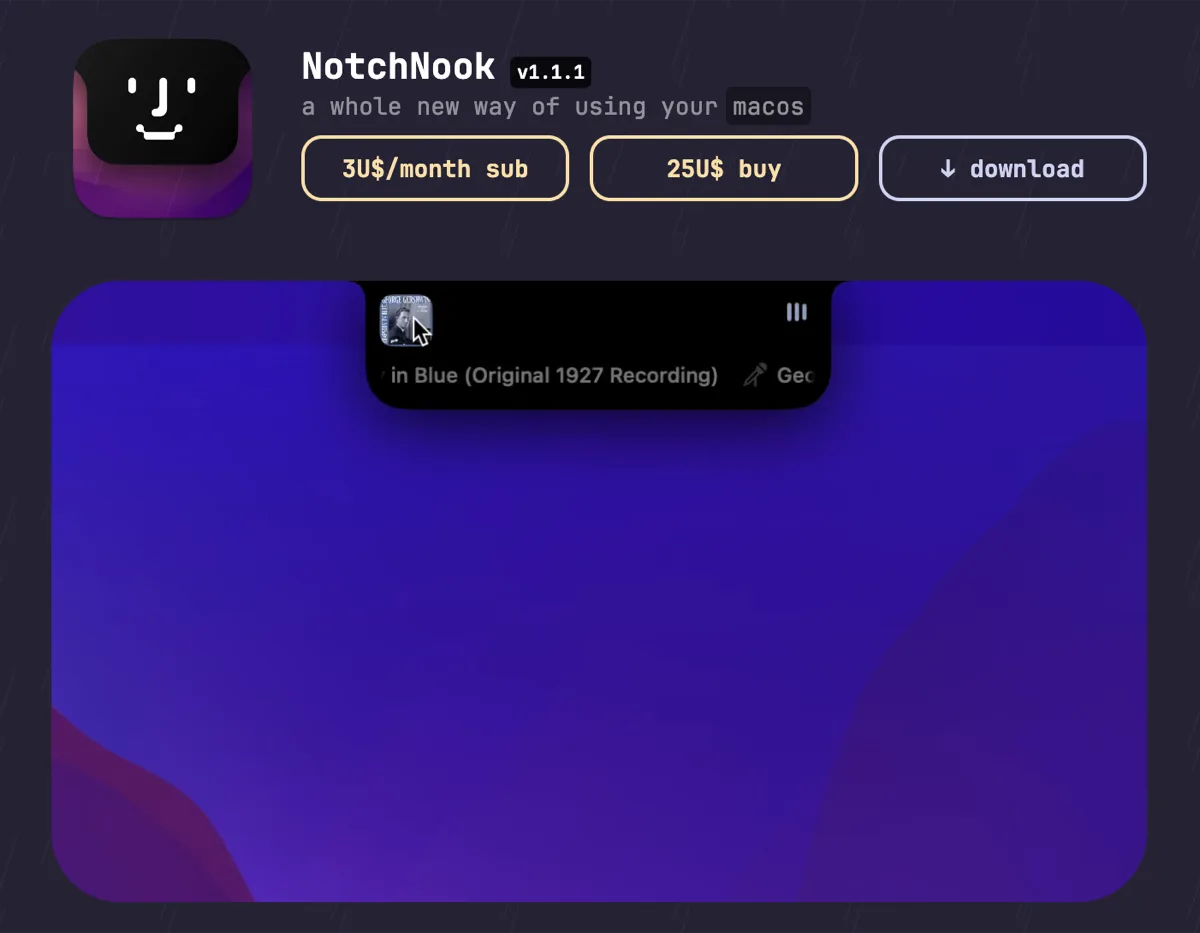

NotchNook
$25 one-time (or $3/mo)The feature-maximal island: file shelf, widgets, live activities, and deep customization.

boring.notch
FreeFree, open-source island with media controls and small utilities — the no-commitment entry point.
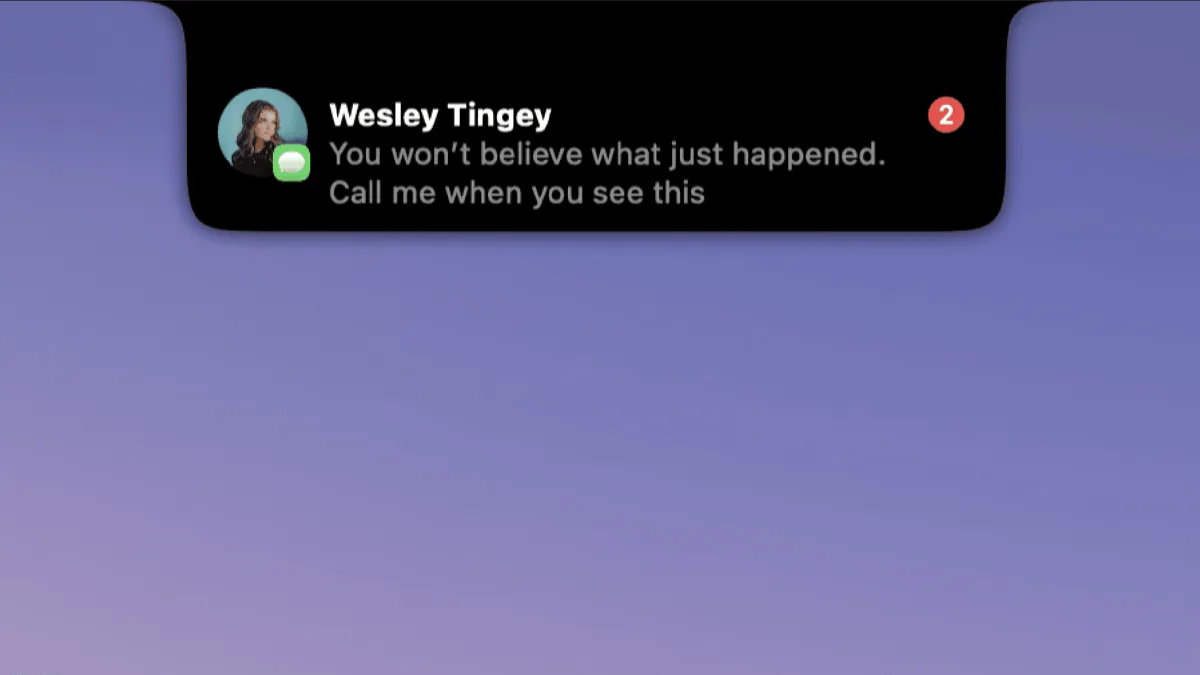

DynamicLake
$13.99 one-timeIsland platform covering music, notifications, calendar, and utilities — with an explicit Liquid Glass design option.
Keep Notchy — stack these next to it
These live in the menu bar or on screen, so they run happily alongside any notch app.