Kitsmith / Utilities / Quick Note: Sticky Notes Menu
Quick Note: Sticky Notes Menu
Free; Quick Note Pro $12.99 one-time unlock (unlimited notes, automation)
Price checked at source August 29, 2026.
Menu bar notes that float above every window — one click or a shortcut to jot something down, free with a $12.99 lifetime Pro unlock.
Our take
The pitch is speed: one click on the menu bar icon (or a global shortcut) opens a note instantly, no launch screen. Notes float above other windows so context isn’t lost, and iCloud sync now ships free for everyone, not just Pro. Under unusually active, sustained development for a solo-built utility — the changelog shows near-weekly releases through August 2026, including Spotlight search, widgets, and new language support, and the developer’s own recent release note states Quick Note Pro is “a one-time purchase, and always will be — no subscriptions, ever.” Real reviews back up the polish: multiple long-time users call it the best menu bar notes app they’ve tried, and the developer responds individually to feedback and bug reports.
- Price
- Free; Quick Note Pro $12.99 one-time unlock (unlimited notes, automation)
- License
- Proprietary
- Requires
- macOS 14 or later, per the Mac App Store listing.
- Get it via
- Mac App Store
- Developer
- Kauntey Suryawanshi
Do you use Quick Note: Sticky Notes Menu?
Who made this
Kauntey Suryawanshi’s own Mac App Store developer page credits him with a wider utility portfolio beyond Quick Note — including Quick Info, JSONite, Air Browser, and LineX for Xcode.
What it does
iCloud sync, free for everyone
Notes sync across your Macs via iCloud on both the free and Pro tiers.
Spotlight search and widgets
Find notes without opening the app, or add a new note straight from a desktop widget.
Shortcuts and AppleScript automation
Pro unlocks scripting your note-taking workflow via Apple Shortcuts or AppleScript.
The deal
- Free base app, limited number of notes
- Quick Note Pro: $12.99 one-time in-app purchase — unlimited notes and full automation support, no subscription
Quick Note: Sticky Notes Menu — questions people ask
Is Quick Note free?
The base app is free with a limited number of notes; Quick Note Pro is a $12.99 one-time purchase for unlimited notes and automation — the developer states it will never become a subscription.
Does Quick Note sync across my Macs?
Yes — iCloud sync is on by default for free and Pro users alike.
Who makes Quick Note?
Kauntey Suryawanshi, an independent iOS and macOS developer who also makes JSONite and Linko.
Is Quick Note: Sticky Notes Menu free?
Quick Note: Sticky Notes Menu is free to use with optional paid unlocks.
Does Quick Note: Sticky Notes Menu work alongside a notch app like Alcove?
Yes — Quick Note: Sticky Notes Menu lives in the menu bar, so it runs happily alongside any Dynamic Island hub or notch app.
Where can I download Quick Note: Sticky Notes Menu?
Quick Note: Sticky Notes Menu is available via Mac App Store.
Reviews
No public ratings yet. Reader reviews are coming to Kitsmith soon.
Listing hand-verified August 29, 2026 from the developer's site and public sources.
Also in note taking
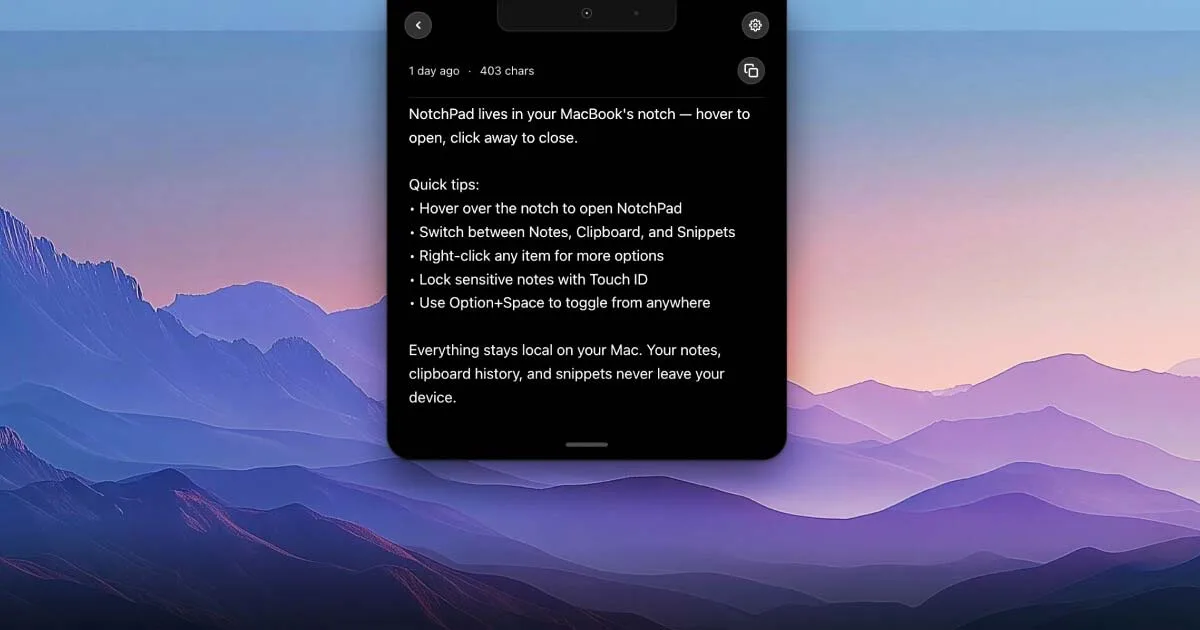

NotchPad
$14.99 one-timeAI notes, folders, clipboard history, and snippets, all opened by hovering the notch.

Stickies - Sticky notes app
Free; Stickies Pro $2.99 one-time unlockA markdown-formatted sticky notes app for macOS — free with a $2.99 Pro unlock, from the maker of the JSitor code playground.

Simplenote
FreeFree, cross-platform note-taking app from Automattic — real-time sync, tags, note history, and Markdown, with nothing paid.

Sticky Notepad: Notes & Memo
FreeFree, colorful sticky notes for the Mac desktop and menu bar, with rich text formatting and adjustable transparency.