Kitsmith / Utilities / Stickies - Sticky notes app

Stickies - Sticky notes app
Free; Stickies Pro $2.99 one-time unlock
Price checked at source August 29, 2026.
A markdown-formatted sticky notes app for macOS — free with a $2.99 Pro unlock, from the maker of the JSitor code playground.
Our take
A genuine step up from Apple’s bundled Stickies: inline markdown formatting, a color picker, image drops, a dark theme, and export/import, all in a well-reviewed, actively updated app (regular releases through early 2026). Real user feedback is candid on both sides — reviewers praise the design and formatting toolbar, while a developer-acknowledged limitation is that inline markdown is destructively applied (the raw markdown syntax doesn’t survive a copy-paste elsewhere), which matters if you plan to move notes between apps. The developer, Ashvin Suthar, responds to reviews directly and has shipped fixes based on user feedback (iCloud sync, multiple workspaces, spellcheck toggle).
- Price
- Free; Stickies Pro $2.99 one-time unlock
- License
- Proprietary
- Requires
- macOS 10.11 or later, per the Mac App Store listing.
- Get it via
- Mac App Store
- Developer
- Ashvin Suthar
Do you use Stickies - Sticky notes app?
Who made this
Ashvin Suthar’s own Mac App Store developer page groups Stickies with his other apps — JSitor (a JS/HTML/CSS code editor) and Quill Notes — and he announced Stickies himself on X: "My latest work, A notes app for your Mac."
What it does
Inline markdown formatting
Format with markdown symbols as you type, rather than a separate preview pane.
iCloud sync across Macs
Notes sync via iCloud, added in response to user requests.
Color, images, and dark theme
Custom note colors, dropped-in images, and a dark theme for late-night use.
The deal
- Free base app
- Stickies Pro: $2.99 one-time in-app purchase
Worth knowing: Markdown formatting is applied inline and destructively — copying a formatted note into another app loses the original markdown syntax, per a developer response to a review on this exact limitation.
Stickies - Sticky notes app — questions people ask
Is Stickies free?
The base app is free; Stickies Pro is a $2.99 one-time in-app purchase.
Does Stickies preserve markdown syntax when I copy a note elsewhere?
No — per the developer, markdown is applied inline and destructively, so copied text loses the original markdown symbols.
Who makes Stickies?
Ashvin Suthar, an independent developer who also makes the JSitor code playground.
Is Stickies - Sticky notes app free?
Stickies - Sticky notes app is free to use with optional paid unlocks.
Does Stickies - Sticky notes app work alongside a notch app like Alcove?
Yes — Stickies - Sticky notes app lives in the screen, so it runs happily alongside any Dynamic Island hub or notch app.
Where can I download Stickies - Sticky notes app?
Stickies - Sticky notes app is available via Mac App Store.
Reviews
No public ratings yet. Reader reviews are coming to Kitsmith soon.
Listing hand-verified August 29, 2026 from the developer's site and public sources.
Also in note taking
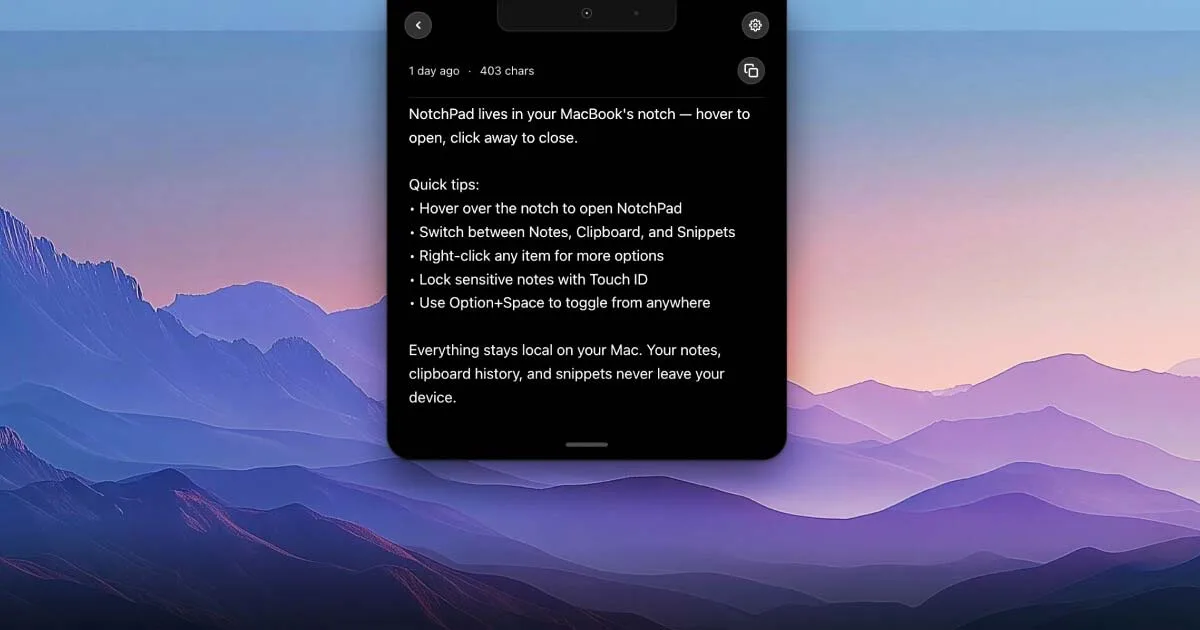

NotchPad
$14.99 one-timeAI notes, folders, clipboard history, and snippets, all opened by hovering the notch.
Quick Note: Sticky Notes Menu
Free; Quick Note Pro $12.99 one-time unlock (unlimited notes, automation)Menu bar notes that float above every window — one click or a shortcut to jot something down, free with a $12.99 lifetime Pro unlock.

Simplenote
FreeFree, cross-platform note-taking app from Automattic — real-time sync, tags, note history, and Markdown, with nothing paid.

Sticky Notepad: Notes & Memo
FreeFree, colorful sticky notes for the Mac desktop and menu bar, with rich text formatting and adjustable transparency.