Kitsmith / Compare / NotchFlow vs Pulse
MacNotchFlow vs Pulse
NotchFlow vs Pulse: verdict, pricing, and specs compared, so you can pick the right one for your Mac.
At a glance
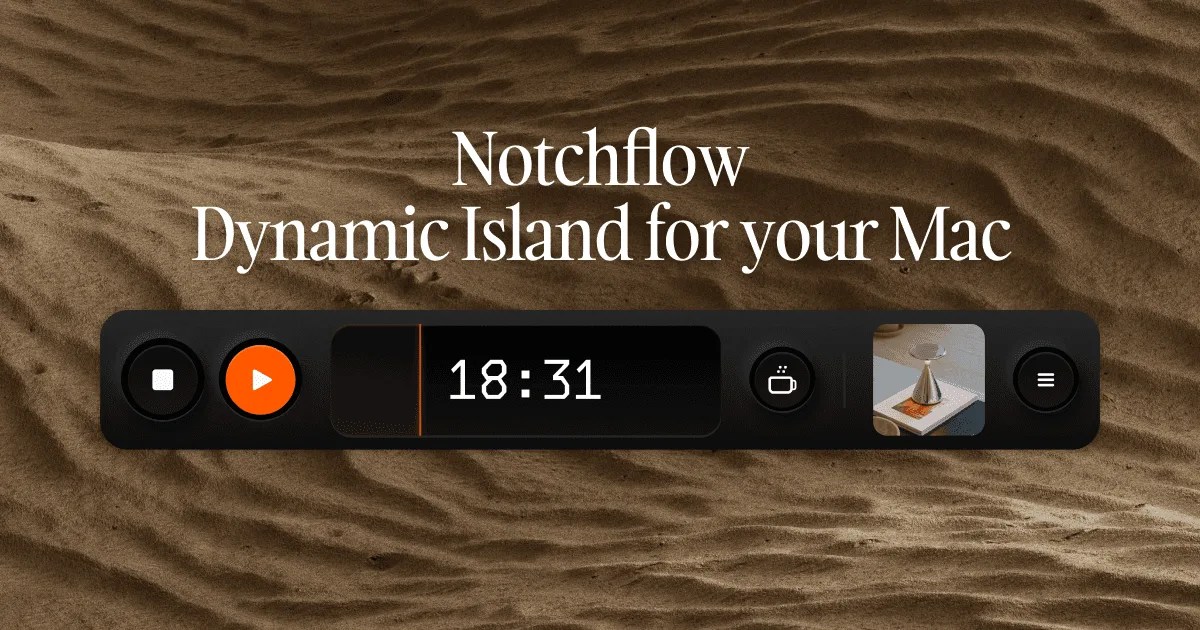
NotchFlow
$20 one-time (or $3/mo)A Pomodoro timer and curated focus music combined into one Dynamic Island for your Mac.
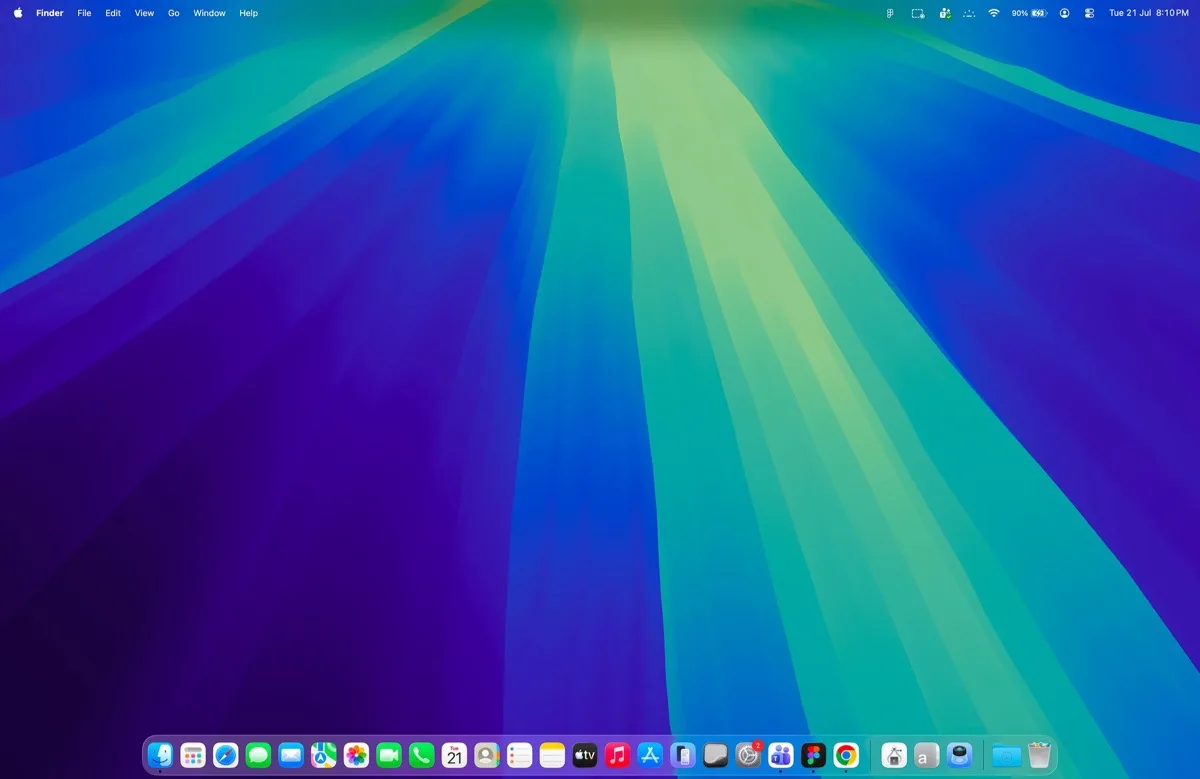
Pulse
Free during betaGesture-driven widgets around the notch — music, meetings, clipboard, weather, and batteries at a glance.
Spec comparison
NotchFlow
- Price
- $20 one-time (or $3/mo)
- Pricing model
- Paid
- License
- Proprietary
- Placement
- Notch
- Channels
- Direct
- Category
- Hubs
Pulse
- Price
- Free during beta
- Pricing model
- Free
- License
- Proprietary
- Placement
- Notch
- Channels
- Direct
- Category
- Hubs
The verdict
Both apps put focus and music in the notch, but NotchFlow narrows to exactly that while Pulse wraps it into a wider gesture-driven hub. NotchFlow pairs a Pomodoro timer with curated focus music and music-app integrations, for $20 one-time (or $3/month) after a 3-day trial. Pulse adds a focus timer alongside music, meetings, clipboard, weather, and battery widgets, controlled entirely by trackpad gestures, and is free while in beta. Pick NotchFlow if a dedicated focus-and-music tool is exactly what you want; pick Pulse if you’d rather get a broader free hub that happens to include a focus timer.
Which one should you pick?
Pick NotchFlow if…
- Pick NotchFlow if you want a tool built specifically around Pomodoro sessions paired with curated focus music
- Pick NotchFlow if you want scheduled Coffee Break prompts nudging you to actually stop
- Pick NotchFlow if you’d rather pay once ($20) or monthly ($3) for a narrow, purpose-built tool than use a free beta
- Pick NotchFlow if music-app integrations that don’t break your flow matter more than gesture controls
Pick Pulse if…
- Pick Pulse if you want a focus timer bundled with music, meetings, clipboard, weather, and battery widgets — not sold separately
- Pick Pulse if gesture control (scroll, flip, hover) fits how you want to interact with the notch
- Pick Pulse if free while in beta beats paying for a narrower, dedicated tool right now
- Pick Pulse if under 1% idle CPU and local-first behavior, per the developer, matter to you
NotchFlow vs Pulse — questions people ask
Is NotchFlow or Pulse free?
Pulse is free during its current beta. NotchFlow is paid after a 3-day trial: $20 one-time or $3/month.
Which one is built specifically for Pomodoro focus sessions?
NotchFlow — it pairs a Pomodoro timer with curated focus music and scheduled break prompts as its core purpose, rather than one feature among many.
Which one is gesture-controlled?
Pulse — scrolling expands the island, scrolling sideways flips between widgets, and hovering peeks at content. NotchFlow is not described as gesture-driven.