Kitsmith / Compare / NotchBay vs CrestNotch
MacNotchBay vs CrestNotch
NotchBay vs CrestNotch: verdict, pricing, and specs compared, so you can pick the right one for your Mac.
At a glance
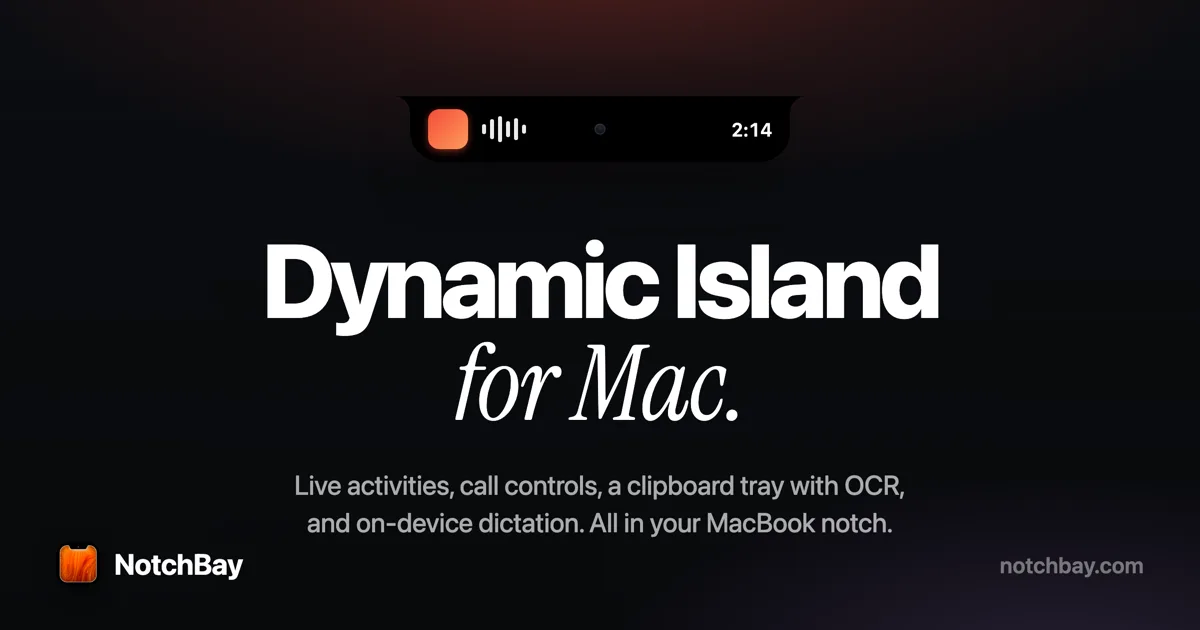

NotchBay
$19 one-time (limited drop, regular $39)A live notch hub with in-call controls — timer, mute, camera, and leave for Zoom and Google Meet.
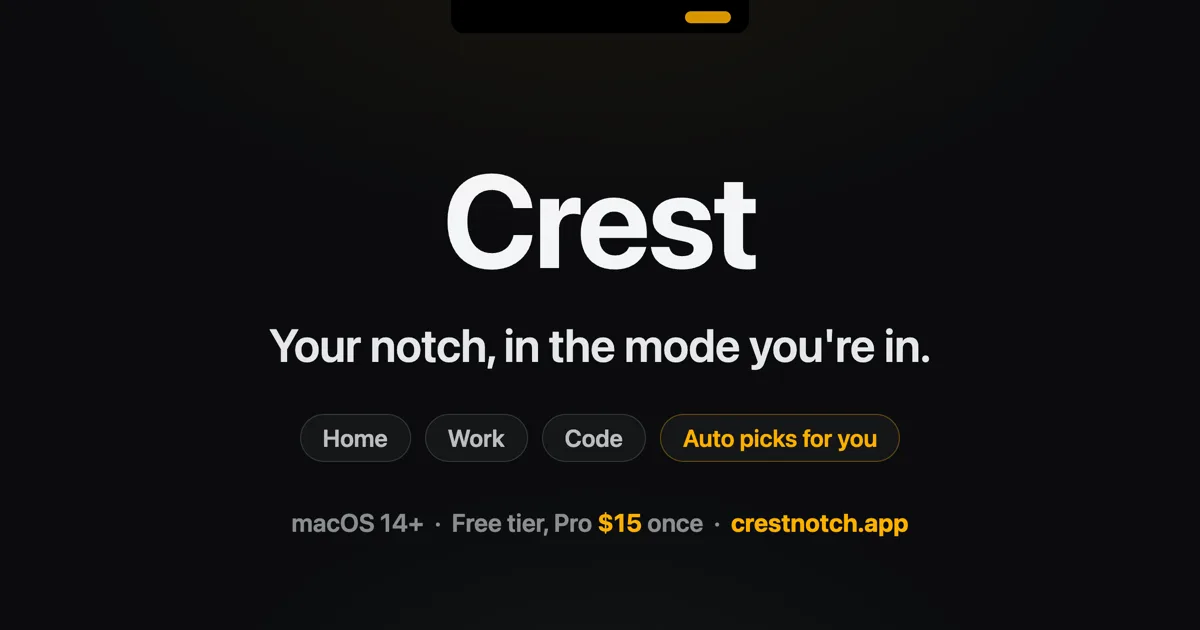

CrestNotch
$19.99 one-time (free tier available)A Dynamic-Island-style hub for the MacBook notch.
Spec comparison
NotchBay
- Price
- $19 one-time (limited drop, regular $39)
- Pricing model
- Paid
- License
- Proprietary
- Placement
- Notch
- Channels
- Direct
- Category
- Hubs
CrestNotch
- Price
- $19.99 one-time (free tier available)
- Pricing model
- Paid
- License
- Proprietary
- Placement
- Notch
- Channels
- Direct
- Category
- Hubs
The verdict
Both are paid hubs built around a specific job rather than a general feature grab. NotchBay is built for the moment you’re on a call: mute, camera, and leave controls for Zoom and Google Meet, plus 15 live activities, for a one-time price (currently a limited $19 drop, regular $39). CrestNotch is built for the moment an AI coding agent needs you: Claude Code approval prompts land in the notch alongside a broader control room of music, calendar, todos, and clipboard, with a free tier plus a $19.99 Pro unlock. Pick NotchBay if in-call controls are the job; pick CrestNotch if you run coding agents and want their prompts where you’ll actually see them.
Which one should you pick?
Pick NotchBay if…
- Pick NotchBay if you want to mute, switch camera, or leave a Zoom/Meet call from the notch mid-presentation
- Pick NotchBay if you want 15 live activities covering music, calendar, calls, AirPods, timers, and system status
- Pick NotchBay if the current $19 limited-drop price (versus its regular $39) makes now the time to buy
- Pick NotchBay if you’d rather earn a free license by posting about the app than pay outright
Pick CrestNotch if…
- Pick CrestNotch if you run Claude Code and want to allow or deny agent tool requests from the notch without switching windows
- Pick CrestNotch if you want a free tier forever, with Pro as an optional $19.99 one-time unlock
- Pick CrestNotch if a broader control room — music, calendar, todos, clipboard, system stats — matters more than in-call controls specifically
- Pick CrestNotch if you want a 7-day free trial of the paid tier with no card required
NotchBay vs CrestNotch — questions people ask
Is NotchBay or CrestNotch cheaper to start?
CrestNotch has a free tier forever, so it costs nothing to start; NotchBay is paid up front, currently $19 one-time in a limited drop (regular $39).
Which one helps during video calls specifically?
NotchBay — it adds in-call controls (timer, mute, camera, leave) for Zoom and Google Meet, which CrestNotch does not offer.
Which one integrates with Claude Code?
CrestNotch — it surfaces Claude Code approval prompts in the notch so you can allow or deny agent tool requests without switching windows. NotchBay has no coding-agent feature.