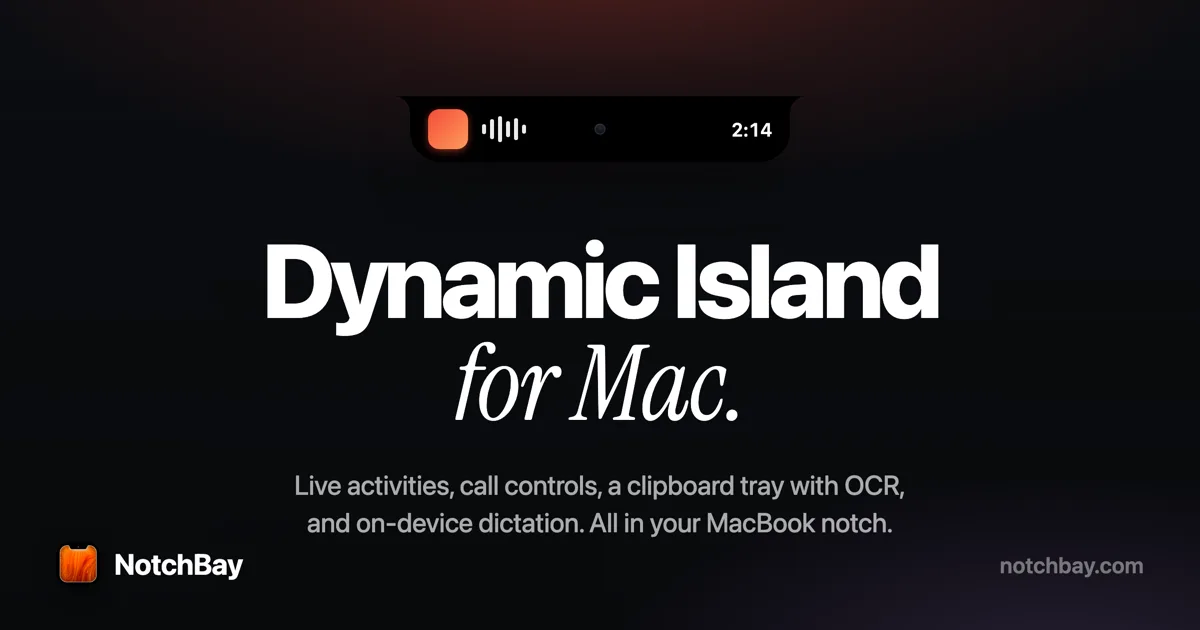
A live notch hub with in-call controls — timer, mute, camera, and leave for Zoom and Google Meet.
Our take
Differentiates on the during-the-call moment, not just the before: mute and leave from the notch while you’re presenting.
- #4 Product of the Day at launch. Product Hunt
- Price
- $19 one-time (limited drop, regular $39)
- License
- Proprietary
- Get it via
- Direct
- Developer
- Ossian design lab
Do you use NotchBay?
Who made this
Design studio behind NotchBay, self-published under two names on their own site — Ossian Design Lab and thedeepflux.
What it does
Live activities
15 activities covering music, calendar, calls, AirPods, timers, and system status.
The Tray
A clipboard manager holding your last 60 copies — text, links, colors, files, screenshots — OCR’d and searchable, with pinning to keep clips forever.
On-device dictation
⌥⌘M starts dictation that types into whatever field has focus, offline and with no per-minute cost.
Meeting controls
A live call timer with mute, camera, and leave for Zoom and Google Meet, right from the notch.
App skins
The frontmost app takes over the island — tab controls for Safari, Chrome, Arc, Brave, and Comet; session state for Claude Code and Codex.
Works without a notch
On notchless Macs and external displays it runs as a floating island rather than drawing a fake notch.
The deal
- One-time purchase — $19 limited-drop price (regular $39)
- Unlocks one Mac for good, updates included
- A free license is available by posting about NotchBay on X or Instagram, verified by the developer
Privacy: On-device processing for dictation, OCR, and the clipboard tray — no accounts, and clips, transcripts, and events are never uploaded, per the developer. One anonymous install check-in (random ID, app version, license state) is sent.
What others say
#4 Product of the Day at launch.
Product Hunt
NotchBay — questions people ask
Is NotchBay a subscription?
No — it’s a one-time purchase. Your license key arrives by email and unlocks one Mac for good.
Does it work on Macs without a notch, or on external displays?
Yes — it runs as a floating island at the top of the screen and never draws a fake notch.
Can it really control Zoom and Google Meet?
Yes — mute, stop video, or leave the call from the notch, with a live timer.
Is it private and safe to install?
It’s signed with an Apple Developer ID and notarized. Content stays on your Mac, and permissions are requested only when a feature needs them.
Is NotchBay free?
NotchBay costs $19 one-time (limited drop, regular $39).
Can I run NotchBay together with another notch app?
No — NotchBay draws at the notch, so it takes the place of any other notch app (hubs included). Apps that live in the menu bar or on screen stack alongside it fine.
Where can I download NotchBay?
NotchBay is available via Direct.
Reviews
No public ratings yet. Reader reviews are coming to Kitsmith soon.
Listing hand-verified July 27, 2026 from the developer's site and public sources.
How NotchBay compares
Not sold on NotchBay? These swap in
Notch apps run one at a time — pick one of these instead, not as well.

Alcove
$14.99 one-timeLive activities and widgets around the notch, with the most polished animations in the category.
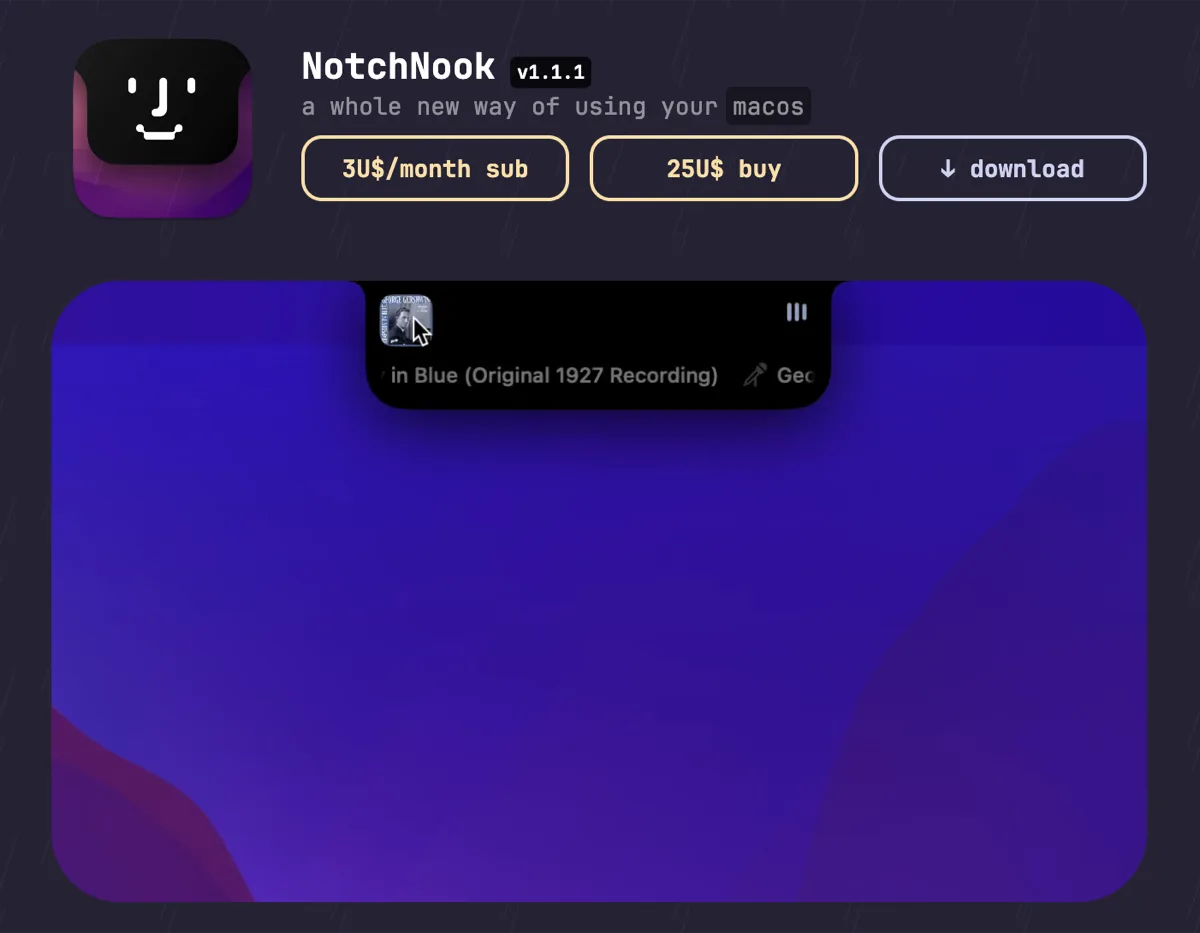

NotchNook
$25 one-time (or $3/mo)The feature-maximal island: file shelf, widgets, live activities, and deep customization.

boring.notch
FreeFree, open-source island with media controls and small utilities — the no-commitment entry point.
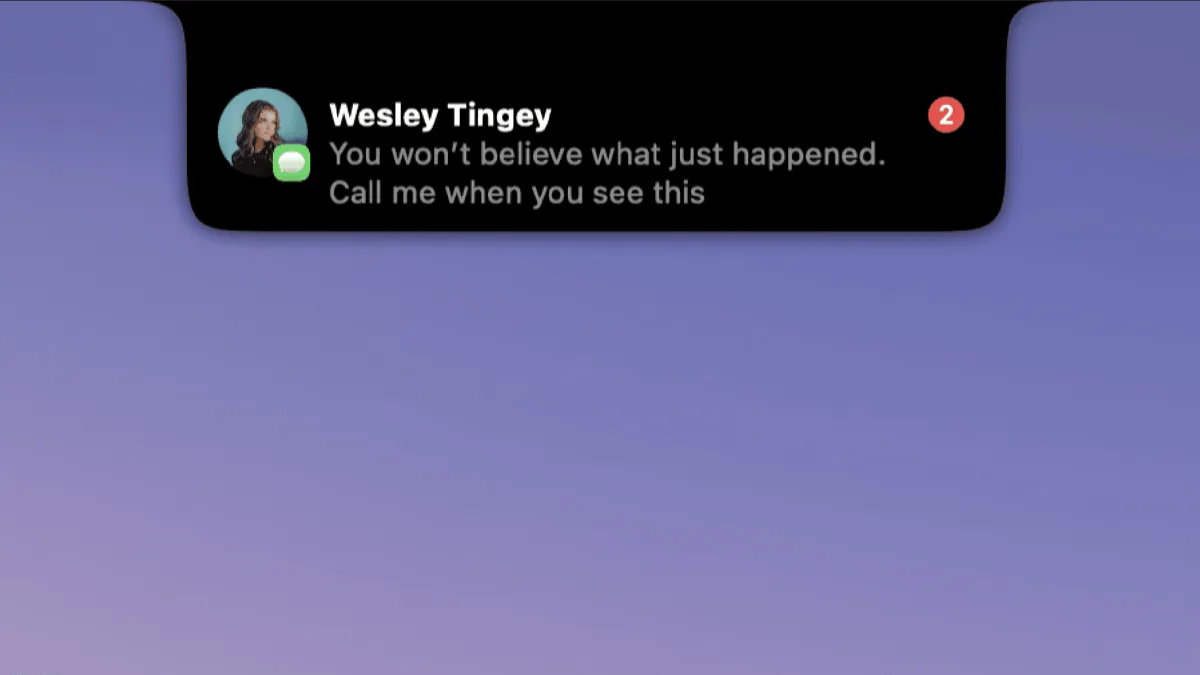

DynamicLake
$13.99 one-timeIsland platform covering music, notifications, calendar, and utilities — with an explicit Liquid Glass design option.
Keep NotchBay — stack these next to it
These live in the menu bar or on screen, so they run happily alongside any notch app.